LocalSend is transferring files much slower than I expected on my local network, even between devices on the same Wi-Fi. Small files take too long, and larger transfers crawl or stall. I need help figuring out what could be causing the slow LocalSend speeds and how to fix it.
I liked the idea behind LocalSend more than I liked using it. Free, open source, no sign-in, cross-platform. Sounds perfect. Then I tried pushing a few GB of phone photos to a Mac, and it started falling apart pretty fast.
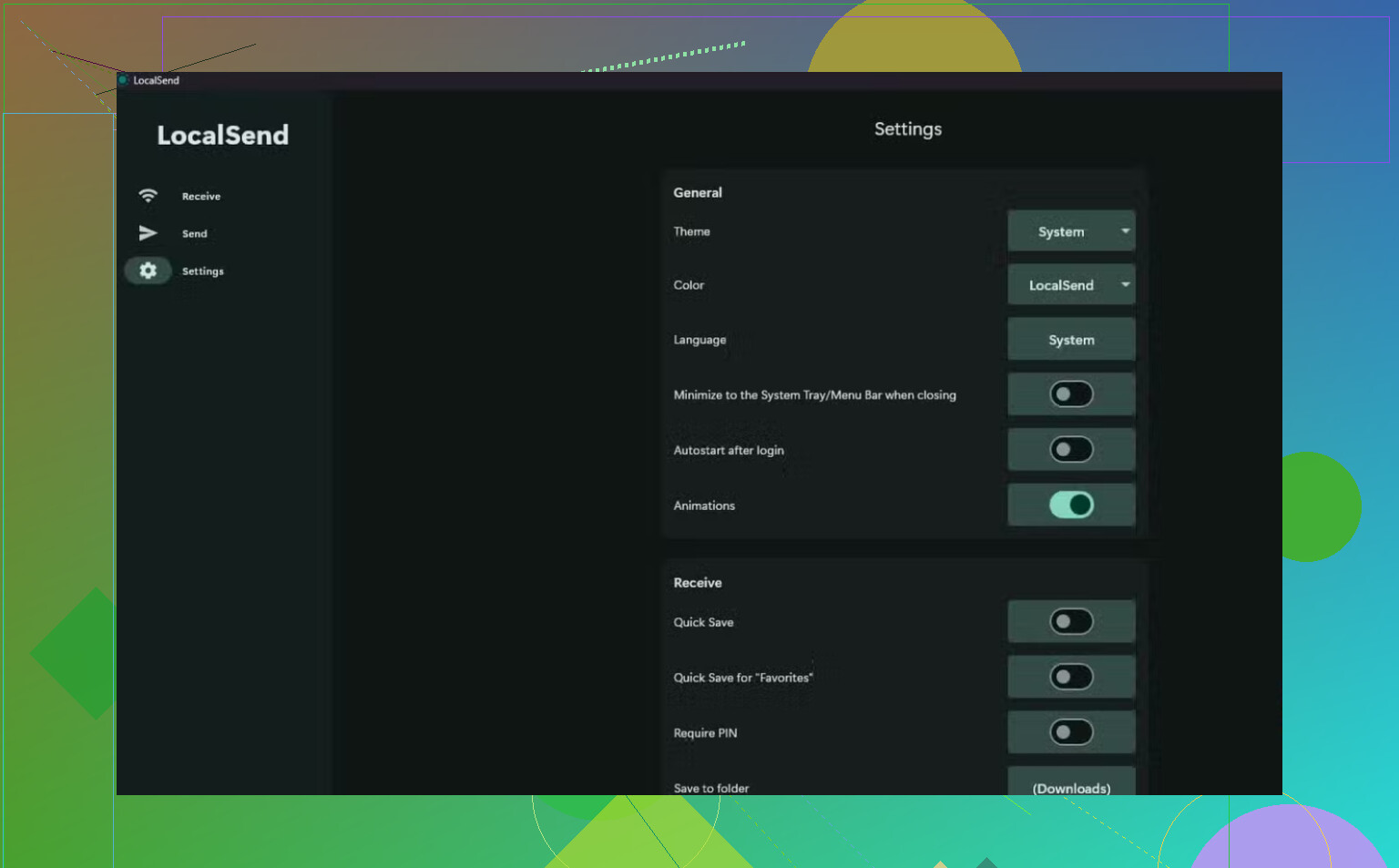
On a normal 5 GHz network, I kept seeing speeds around 20 MB/s. Same router, same room, other transfer tools reached somewhere between 50 and 100 MB/s. The raw speed was annoying, sure. The worse part showed up with big batches. A few hundred files in, the transfer rate started sagging. Keep going long enough and it dropped under 100 KB/s. At that point it felt busted.
From what I saw, a few things seem to stack up:
Encryption is enabled by default, and older devices seem to pay for it with CPU time.
If one device slips onto 2.4 GHz instead of 5 GHz, speeds take a hit fast.
Some phones seem to slow down after the first large send. I had one session where only a reboot fixed it.
There’s also talk the app pulls full files into memory while transferring. If that’s true, low RAM would explain why the OS starts choking the process or kills it outright.
https://miragecraft.com/notepad/optimizing-transfer-speed-for-localsend
Android has its own mess here too. The Storage Access Framework is known to stream files slowly, and from what I’ve read, that part sits below the app. So there isn’t much LocalSend itself gets to fix there.
What I’d use instead
These were the options worth trying for me:
KDE Connect / GSConnect. Good fit if you use Linux or want tighter Android integration. In my tests, it moved files faster.
Snapdrop / pairdrop. Browser based. Good for quick transfers when you don’t want to install anything.
MacDroid on macOS. This is the one I stuck with. You plug the Android phone in with USB, it mounts in Finder, and you move files like you would with a drive.
Going over USB fixed the stuff Wi-Fi kept tripping over:
Speed. Even USB 2.0 felt better than LocalSend on an average wireless setup. No signal weirdness, no network congestion.
No cloud middleman. Nothing goes through Google Drive, Dropbox, or iCloud. It stays direct.
Fewer missing files. Large wireless batches gave me random drops once or twice. With a cable, if I copied it, it showed up. boring, but it worked.
If you’re on macOS and most of your file moving is Android to Mac, I’d take the USB route first. MacDroid showed up in Finder with less messing around than I expected, and ths alone saved me time.
________________
For quick one-off sends between nearby devices, LocalSend is still fine. For large photo dumps or huge folder transfers, I stopped trusting it.
14 Likes
LocalSend tends to slow down for a few boring reasons.
First, file count matters more than total size. Sending 5 GB as 1 file is usually much faster than sending 5 GB as 4,000 photos. Each file needs setup, checks, write ops, and filesystem calls. Small files get hit hardest.
Second, check your target drive. If the receiving device writes to slow storage, LocalSend waits. Cheap Android storage and older SD cards are common bottlenecks. I disagree a bit with @mikeappsreviewer on encryption being the main issue for most people. On newer phones and laptops, storage I/O and file handling usually hurt more than AES.
Third, test the network, not the app. Run a local speed test or copy one big file over SMB. If SMB also crawls, your Wi-Fi is the problem. Mesh roaming, band steering, and weak channel width wreck transfer speed. I’ve seen 300 Mbps link rates turn into 8 MB/s real throughput. Same room, same router, still bad.
A few things to try.
- Send one large zip instead of a folder full of tiny files.
- Keep both devices awake, screen on, battery saver off.
- Save to internal storage first, not SD.
- Turn off VPN, private DNS, and firewall apps.
- Test on 5 GHz or 6 GHz only.
- Try another receiver folder. Some photo libraries are slooow.
If you move Android to Mac often, MacDroid is worth a look. USB skips Wi-Fi weirdness and usually gives steadier speeds. For bulk photo dumps, that matters more than app features.
One thing I’d add to what @mikeappsreviewer and @jeff said: LocalSend can look “slow” even when the network is fine because discovery, handshake, and per-file overhead are a big chunk of the total time. So if you test with 2,000 tiny files, you’re basically benchmarking metadata churn, not raw transfer speed. That’s why the app can feel weirdly fast with one movie and weirdly awful with a camera folder.
I also would not automatically blame encryption. On modern hardware, that’s often not the real killer. In my expereince, the bigger issue is the receive side doing lots of file creates, thumbnail triggers, media indexing, and permission-layer nonsense. Android and macOS both have spots where this gets ugly.
A few diff things to check:
- Watch CPU usage on both devices during transfer
- Temporarily disable photo library sync/indexing on the destination
- Try sending to a plain desktop folder, not Downloads or Photos import paths
- Compare one 10 GB file vs 10,000 small files
- Check if your router has client isolation/AP isolation enabled
- Make sure both devices are on the same actual subnet, not guest Wi-Fi
If it slows down over time, thermal throttling is also possible, esp on phones.
If your main use case is Android to Mac, I kinda agree with the “stop fighting Wi-Fi” crowd. MacDroid over USB is often just more stable for bulk transfers. LocalSend is nice, but sometimes “local” still means a lot of overhead lol.
I mostly agree with @jeff and @mike34 that file handling and destination storage are usually the real drag. I’d push back a little on “LocalSend is just slow” though. Sometimes it is not throughput, it is verification and finalization time making the transfer look stalled.
A couple things I’d check that haven’t been stressed enough:
- Receiver free space. When storage gets low, write speed can tank hard, especially on phones.
- Filesystem mismatch issues. ExFAT, scoped storage layers, and media scanners can add ugly delays after each chunk.
- Wi-Fi power saving. Some phones quietly downshift radio performance when idle-looking background transfers run.
- Duplex weirdness on laptops with flaky Wi-Fi drivers. Updating the adapter driver can make a bigger difference than changing apps.
My quick test method:
- Transfer a single 2 to 5 GB dummy file.
- Repeat with LocalSend while both apps stay foregrounded.
- Then repeat while receiver is charging.
If charging improves speed, thermal or power management is probably involved.
For Android to Mac specifically, MacDroid is worth considering if you do this a lot. Pros: steadier bulk transfers, Finder integration, no Wi-Fi variability. Cons: USB dependency, Mac-only use case, not as frictionless for quick one-off sends across mixed devices.
So yeah, @mikeappsreviewer is right that LocalSend can bog down in real life, but I would diagnose storage behavior and power management before blaming encryption alone.