I lost my Onn TV remote and need a free iPhone app that actually works to control the TV. I tried a couple of remote apps, but they either wouldn’t connect or wanted a subscription after setup. I need help finding the best free Onn TV remote app for iPhone that’s easy to use and reliable.
If you’re hunting for an ONN TV remote app for iPhone, I ran through the same mess a while back. A lot of App Store remote apps look identical, then you install them, connect once, and hit a paywall or some weird device mismatch.
Most ONN sets fall into two buckets. Roku TV models, or Android and Google TV models. So if an app says ‘universal remote,’ I would not trust it right away. I tried a few. Some paired fast. Some never saw the TV. A couple felt fine until I tapped volume and got shoved into a subscription screen. Annoying.
These are the ones I’d keep on the list.
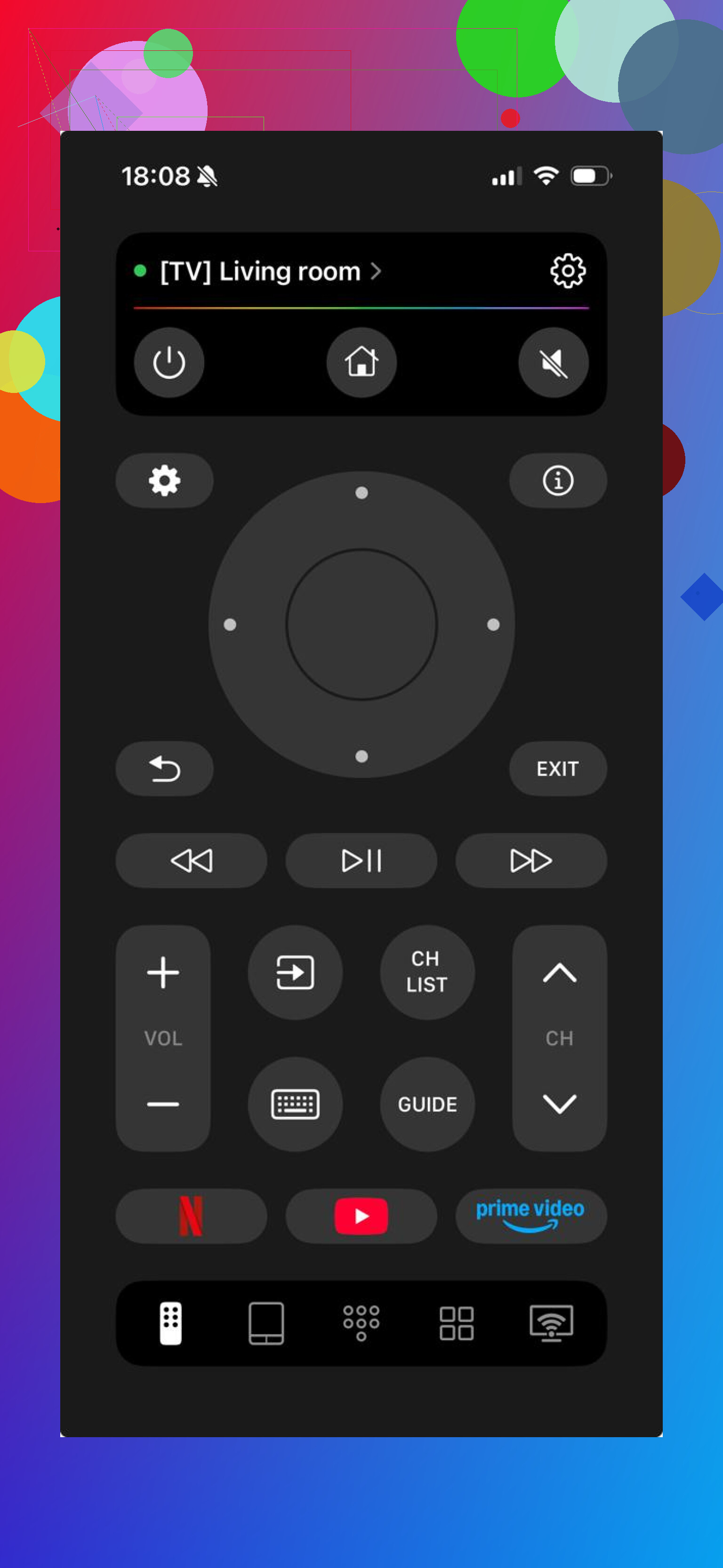
This was the least fussy option in my testing. I installed it, let it find the TV on WiFi, and it did the normal stuff without making me fight the app.
You get the controls most people care about:
volume,
direction pad,
typing keyboard,
app launch shortcuts.
What stood out for me was how little setup it asked for. No maze of menus. No locked buttons after pairing. I hate when remote apps pull that trick.
Use this if your goal is simple. You want your phone to replace the lost remote and move on.
- Universal Remote TV Smart
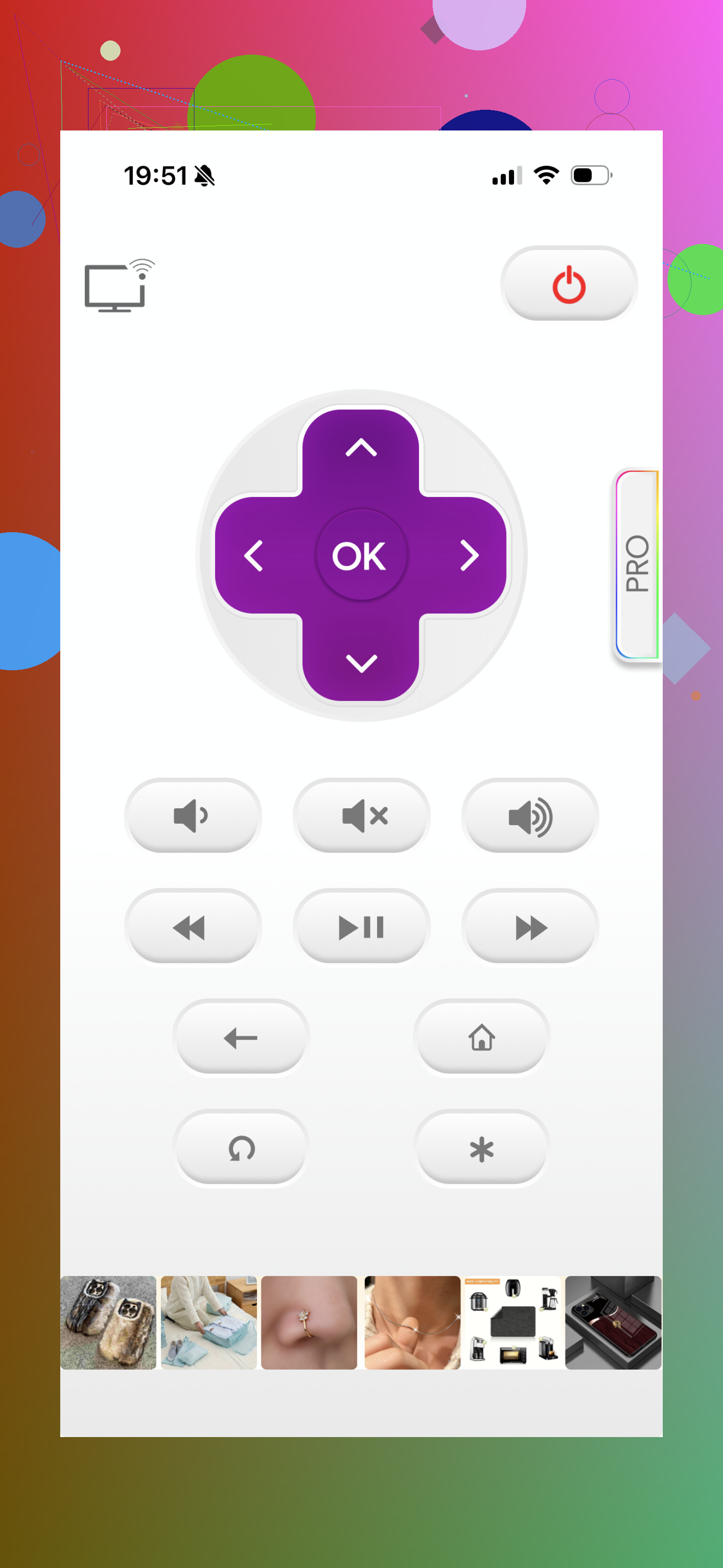
This one felt older, for lack of a better word. It works. The basic controls are there. On an ONN TV, I got through navigation and regular playback stuff fine.
Still, it did not feel as smooth as the better option above. Fewer rough edges with newer apps, from what I saw.
Pick this one if all you need is plain remote control and you do not care much about extras.
- The Roku App, Official
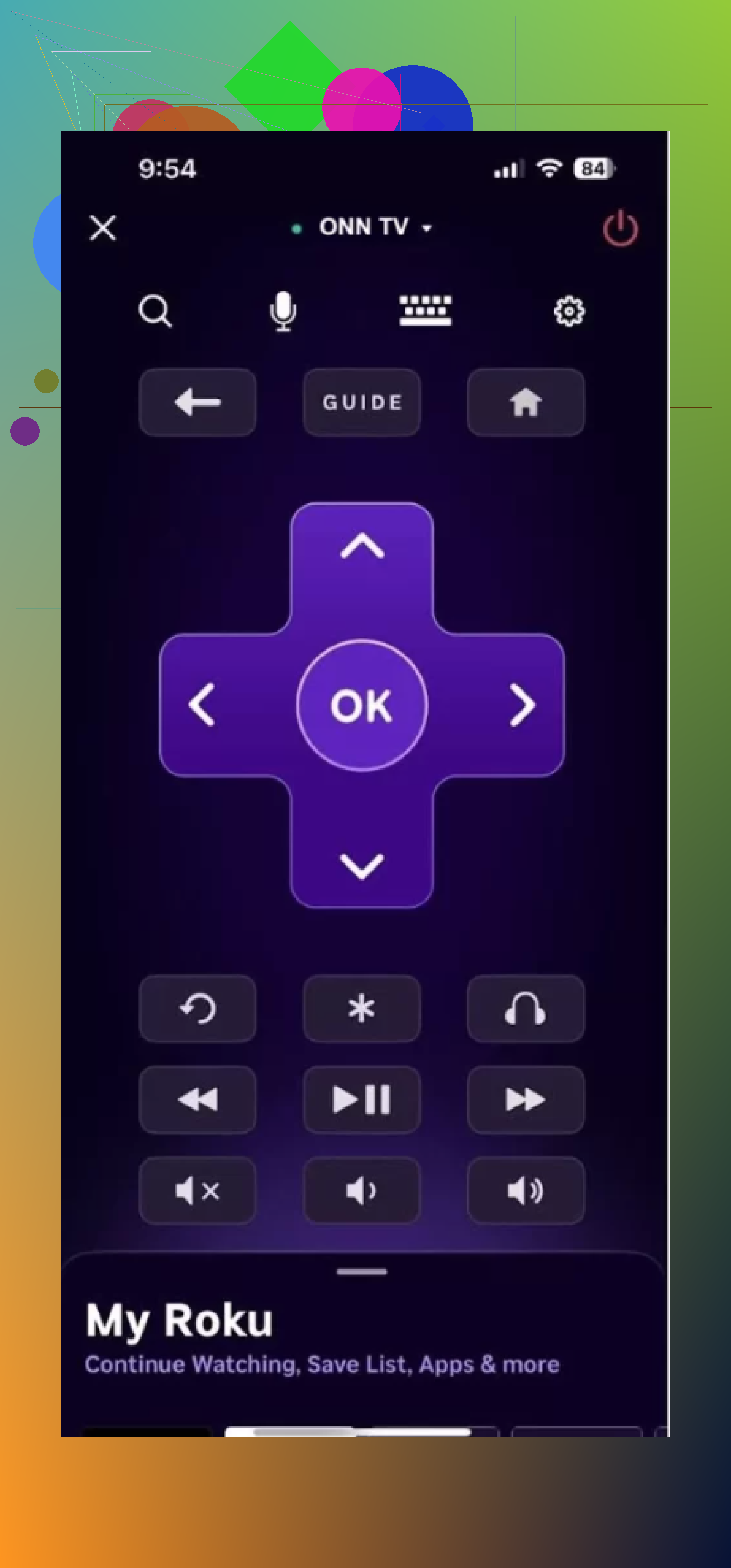
If your ONN TV runs Roku, I’d start here first. It was the steadiest one in use. Pairing was quick, reconnects were quick too, and it did not flake out on me.
It also includes a few things the generic apps often handle poorly:
voice search,
private listening,
solid response time.
For Roku-based ONN models, this is the safest bet from what I found.
A few notes before you install anything
This part matters more than the app names. Two remote apps can look almost the same on the App Store page and behave nothing alike once they’re on your phone.
What I kept running into:
free version with missing core buttons,
subscription prompts too early,
good support for Roku ONN models, weak support for Android-based ones,
clunky keyboard input,
spotty reconnect behavior after the first setup.
So your experience depends a lot on which ONN TV you own.
My take after using these
If you want the easiest route with the least friction, TVRem – Universal TV Remote made the most sense to me.
Main reason, it stayed usable without blocking basic features. I did not run into locked navigation, locked volume, or locked text input right when I needed them. For a remote app, that matters more than fancy design.
I also liked one boring thing people skip over. It is not stuck on ONN only. If you also have a Samsung, LG, Roku, Fire TV, or Android TV device at home, you are not forced into downloading a separate app for each screen. I’ve done the multiple-remote-app thing before. It gets old fast.
So, short version.
If your ONN TV is Roku-based, the official Roku app is the safest choice.
If you want one app for ONN and other TVs too, TVRem – Universal TV Remote is the one I’d try first.
27 Likes
Check your ONN model first. This matters more than the app name.
If your ONN TV is Roku-based, use the official Roku app on iPhone. It is free, stable, and it does not pull the fake-free nonsense as fast as most third-party apps. Pairing works best when your iPhone and TV are on the same WiFi.
If your ONN TV is Google TV or Android TV based, try Google TV. It has a built-in remote for supported sets. It is free. Search is better than most generic remote apps too.
I differ a bit from @mikeappsreviewer on one point. I would not start with a universal remote app first. I’d start with the official platform app, Roku or Google TV. Fewer connection issues. Less subcription junk.
Fast way to tell which ONN TV you have:
Roku logo on home screen, use Roku app.
Google TV or Android TV home screen, use Google TV app.
If neither finds your TV, your phone and TV are likely on differrent WiFi bands or the TV’s remote control setting is off. That trips people up a lot.
I’d actually flip the order a bit from @mikeappsreviewer and even a little from @reveurdenuit.
If you want truly free on iPhone, the best answer is usually not a generic “TV remote” app at all. It’s whatever matches the TV OS:
- Roku-based Onn TV: use the official Roku app
- Google TV / Android TV-based Onn TV: use the Google TV app
That’s the boring answer, but boring is what works.
Where I slightly disagree is on universal remotes. They’re fine as a backup, but a lot of them are “free” in the same way free samples are free. You tap volume twice and boom, paywall. Super annyoing. If you already got burned by that, I wouldn’t keep testing random ones unless the official app fails.
One thing people miss: if the app won’t find the TV, it’s often not the app’s fault. Check these:
- iPhone and TV on the exact same Wi-Fi
- VPN off on the phone
- TV was never disconnected from Wi-Fi
- Remote control over network is enabled in TV settings
- Router isn’t splitting devices weirdly between bands/guest mode
Also, if your Onn TV is totally off and not just sleeping, the app may not wake it. That’s the one catch nobody mentions enough. Phone remotes are great after setup, but they’re not always a perfect replacement for first power-on.
So my real answer:
- Best free app for Onn Roku TV: official Roku app
- Best free app for Onn Google/Android TV: Google TV app
- Only use third-party universal apps if the official one won’t connect
If you’re not sure which Onn TV you have, the home screen tells you in like 2 seconds. That’s the part I’d check first bc otherwise you can waste an hour testing the wrong app.
I’d split this a little differently than @reveurdenuit, @sternenwanderer, and @mikeappsreviewer.
If you want actually free, the safest play is still the official app that matches the TV system. But if you want one fallback app after that, TVRem – Universal TV Remote is one of the few worth keeping on the phone.
My take:
- Onn Roku TV: official Roku app first
- Onn Google TV / Android TV: Google TV app first
- If you want one backup app for mixed devices: TVRem – Universal TV Remote
Why I slightly disagree with the universal-app skepticism: sometimes the official apps are great for discovery and typing, but not always better if you’ve got multiple TVs around the house. That’s where a single app can be less annoying.
Pros of TVRem – Universal TV Remote
- simple setup
- works across more than just Onn
- good for basic control like volume, navigation, keyboard
- useful if your home has different TV brands
Cons
- may not beat the official app on platform-specific extras
So the “best free Onn TV remote app for iPhone” is usually:
- Roku app for Roku-based Onn
- Google TV app for Google-based Onn
And the best backup pick is TVRem – Universal TV Remote if you want something broader without juggling separate apps. If your TV is fully powered off, though, none of these are magic. That’s the annoying part people usually discover last.
Skip the apps. Buy a replacement remote matched to your Onn TV’s exact modle number. Check the sticker on the back, then search the model number plus “replacement remote.”
Basic infrared remotes often work after adding batteries, with no WiFi, account, or subscription. Google TV models might need Bluetooth pairng. This route costs around $10 to $20 and keeps working when your phone or network is unavailable.
Grab your phone and open the free Onn universal remote that Walmart put out for their own TVs before you download anything third party, since it’s built for these exact sets and skips the paywall games. If that doesn’t see the TV, then fall back to the Roku or Google TV app depending on your home screen. And yeah, @jackson has a point, a $12 replacement is the one fix that still works when your Wi-Fi drops.