I need professional-looking headshots for LinkedIn and my portfolio, but I don’t have access to a good camera or a photographer right now. I’ve tried a couple of AI photo apps on my iPhone and the results looked either too fake or low quality. Can anyone recommend a reliable AI headshot generator app for iOS that produces realistic, high-resolution portraits suitable for professional use, and share what you like or don’t like about it?
Best AI headshot tools I tried so you dont have to
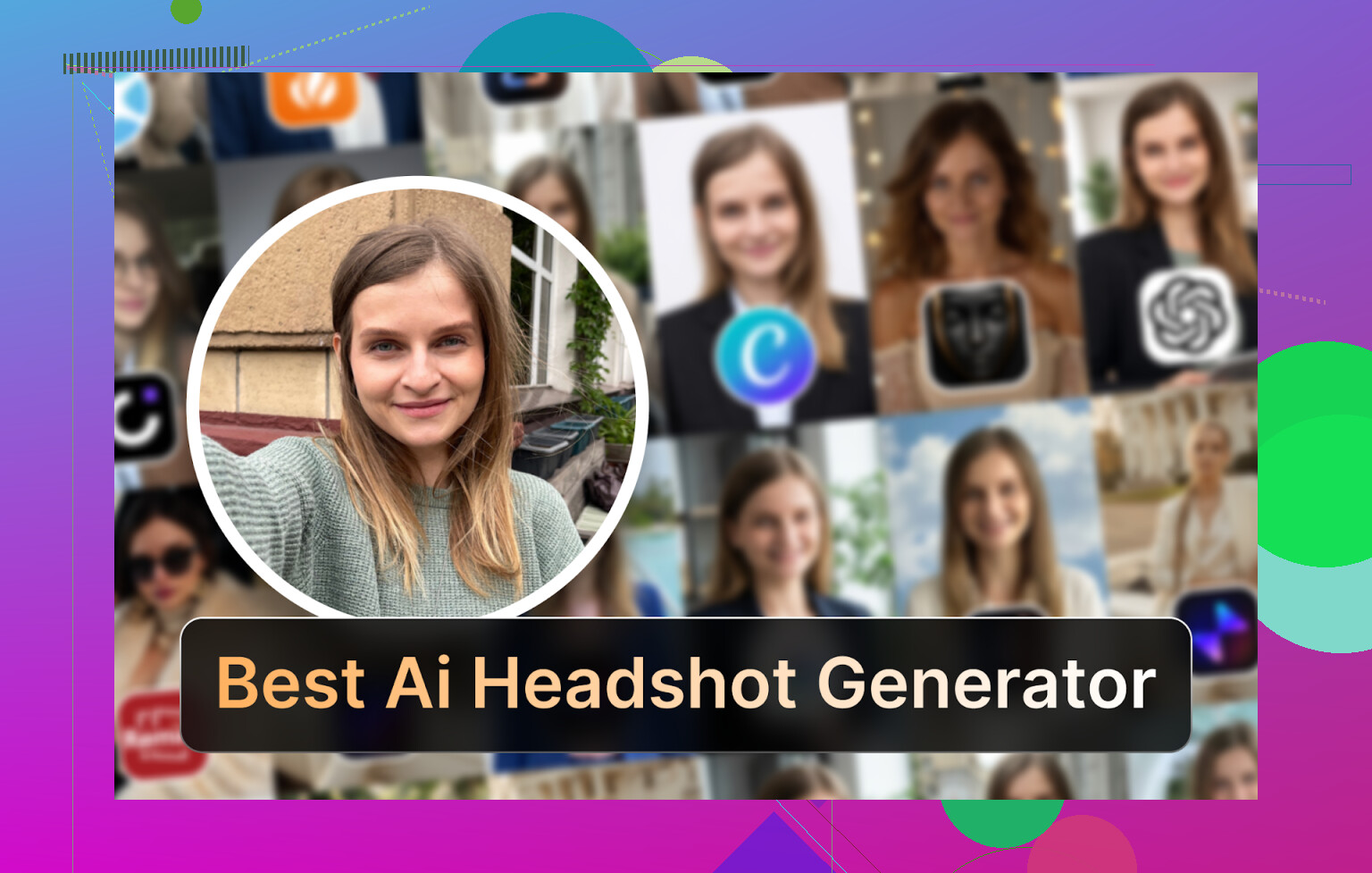
I hit that point where my LinkedIn photo was lying about my age by like 5 years and I did not feel like paying a photographer $300 again. My feed was already full of those “AI headshot” ads so I spent a few evenings testing a bunch of them on iOS, Android, and web. Also messed around with ChatGPT and Gemini to see how far you can push it for free.
Below is what I used, what broke, what looked good, and what I would not touch again.
I’m on iPhone, but I also tested Android stuff on an old Pixel and some browser tools on desktop.
Eltima AI Headshot Generator on iPhone
Eltima ended up the one I go back to on my phone.
App link
Product page
Video demo

Reddit thread people keep linking
https://www.reddit.com/r/DataRecoveryHelp/comments/1qi12pn/best_ai_headshot_generator/
What stood out for me:
-
Daily free photo
You get one generation per day without paying. Not a “free trial that suddenly locks everything”, an actual daily free shot. I used this to test different clothes and backgrounds over a week before paying. -
One photo to start
It lets you start from a single picture. I still got better results when I fed it more later, but I got something usable out of a single decent selfie. -
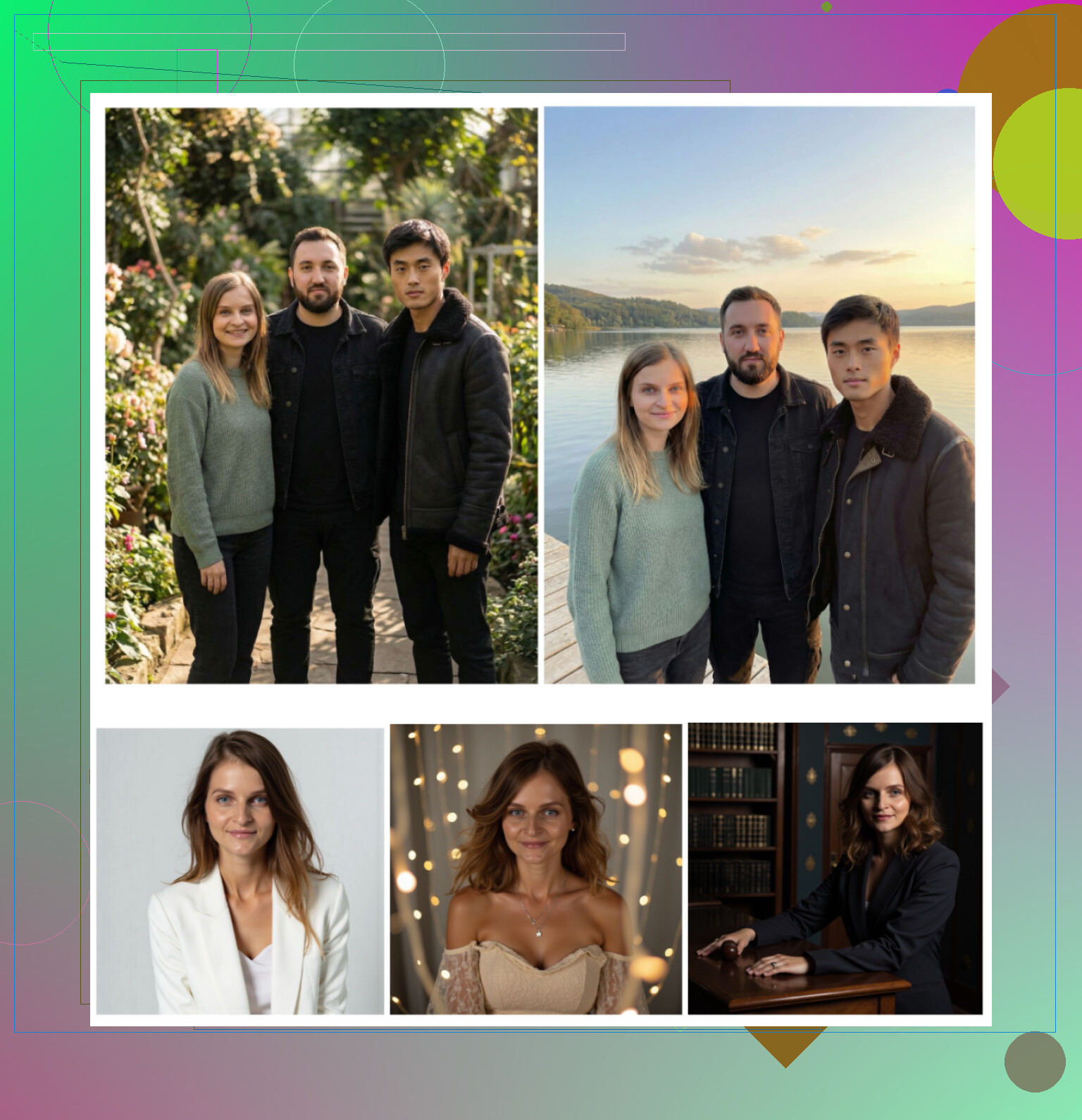
Groups up to three people
I tried this for a small team banner. It did not mess up faces as much as I expected. Still not print quality, but fine for websites or Slack avatars. -
Video generation
Tried it once. Looked okay, slightly too smooth, but not body-horror weird. -
Realism
This one matters. Most apps tried to turn me into some plastic influencer. Eltima kept my nose shape, skin texture, and did not overbrighten my face. There is a “beauty” level, but it did not erase pores or lines completely. -
Templates
This is where it kind of wins. It says “800+ templates”. I did not scroll them all, but there were clearly hundreds, from standard LinkedIn stuff to more casual and some weird themed ones. I stopped wasting time writing prompts and just picked templates close to what I needed.
How it performed for me:
-
Photo quality
Looked like photos, not AI fanart. The best shots I got could pass as “real studio with good lighting” if you do not zoom in too far. Teeth and hands were okay. Ears did not randomly disappear. -
Style range
There was enough variety that I did not feel stuck in one corporate mold. I pulled one for LinkedIn, one more relaxed for Twitter, and a slightly over the top one for a conference profile. -
Price
7.99 per week or 49.99 per year. If you are disciplined with the daily free photo, you stretch a lot out of it before deciding if the sub is worth it. I ended up using the weekly during a “profile refresh” weekend and canceled. -
Speed
Fast enough that I was not tempted to switch apps while waiting. Few seconds to maybe a minute for more complex things.
My verdict on Eltima
Out of everything I tried on iOS this felt the most like “real me, better light” instead of “AI version of me”. Templates saved a lot of mental effort. It is not cheap long term, but the daily free pic makes it easy to see if it fits your face before you pay.
Big Web Services: Canva, Aragon, HeadshotPro
I went through the usual suspects people mention when you Google “AI headshot generator”.
Canva
I already use Canva for random work slides and thumbnails, so testing their AI portraits was easy.
You upload a photo, pick a preset on the side, and let it process.
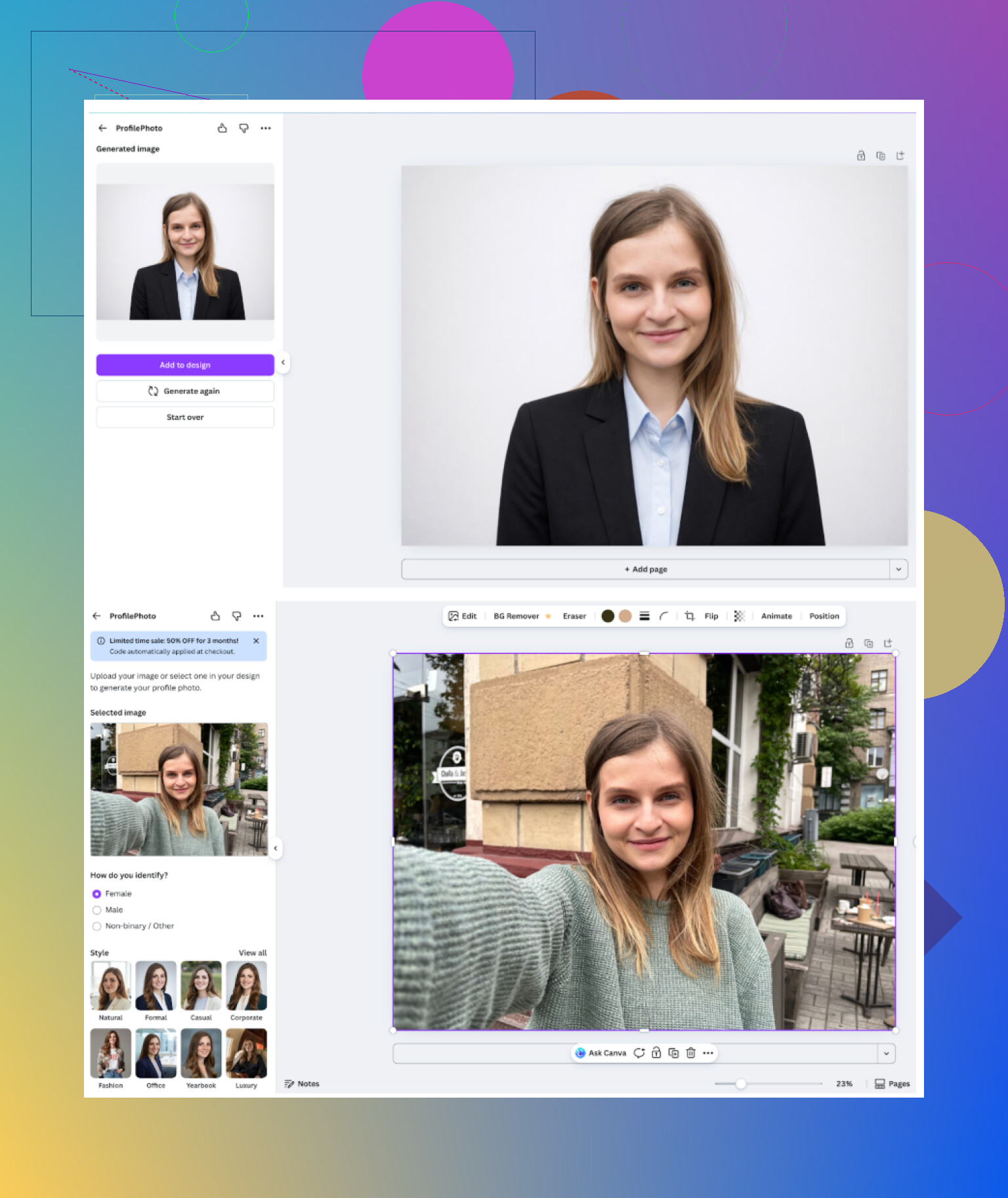
What I got:
-
Overall feel
Looks like standard Canva output, clean and bright. Good enough for profile photos on almost any platform. -
Pros
You already get a full design tool around it. After generation you can tweak colors, add backgrounds, text, whatever. The free presets are decent. -
Cons
Skin often looked too smooth, almost plastic, especially on close-up shots. If your original has any texture, it tends to overcorrect. Also, cost balloons once you get into their paid stuff and extended usage. -
Price
Around 120 per year for Pro, usually with discount offers running.
My use case
If you already pay for Canva and want “good enough” business style portraits without fiddling with niche apps, it works. I would not subscribe only for headshots, it feels too expensive for that single purpose.
Aragon AI
Site
Aragon is one of those names that pops up a lot in threads. It greets you with a profile questionnaire before you even upload photos. It felt like filling out a dating profile, but more boring.
They wanted multiple photos of me from different angles. Not a grab-and-go service, more like “set it up once and wait”.
<img alt=‘Part 4: The ‘Free’ Way (ChatGPT, Gemini, & Hustle)’ src=‘https://beginrescueend.com/uploads/default/original/image-1768927498.png’ height=‘537’ width=‘381’>
My notes:
-
Feel of the results
Faces looked close to how I look on a good day, not like a random attractive stranger. It kept my face shape much better than most other web tools. -
Pros
Likeness was solid. If you need consistent portraits across several outfits and backgrounds, this is one of the better ones I tried. -
Cons
It asked for a pile of photos. For a single headshot I had to feed at least 6 images, and they suggest more. Also, nothing is free, this is paid right away. -
Price
Starts around 12 to 25 for newcomers, depending on promos and package.
When I would use it
If you want to do one proper setup and get a whole pack of decent, consistent corporate photos out of it, Aragon makes sense. It is not for quick, casual “one image and done” use.
HeadshotPro
Site
This one screams “for companies” from the first page. They lean into data security and standardized results for teams.
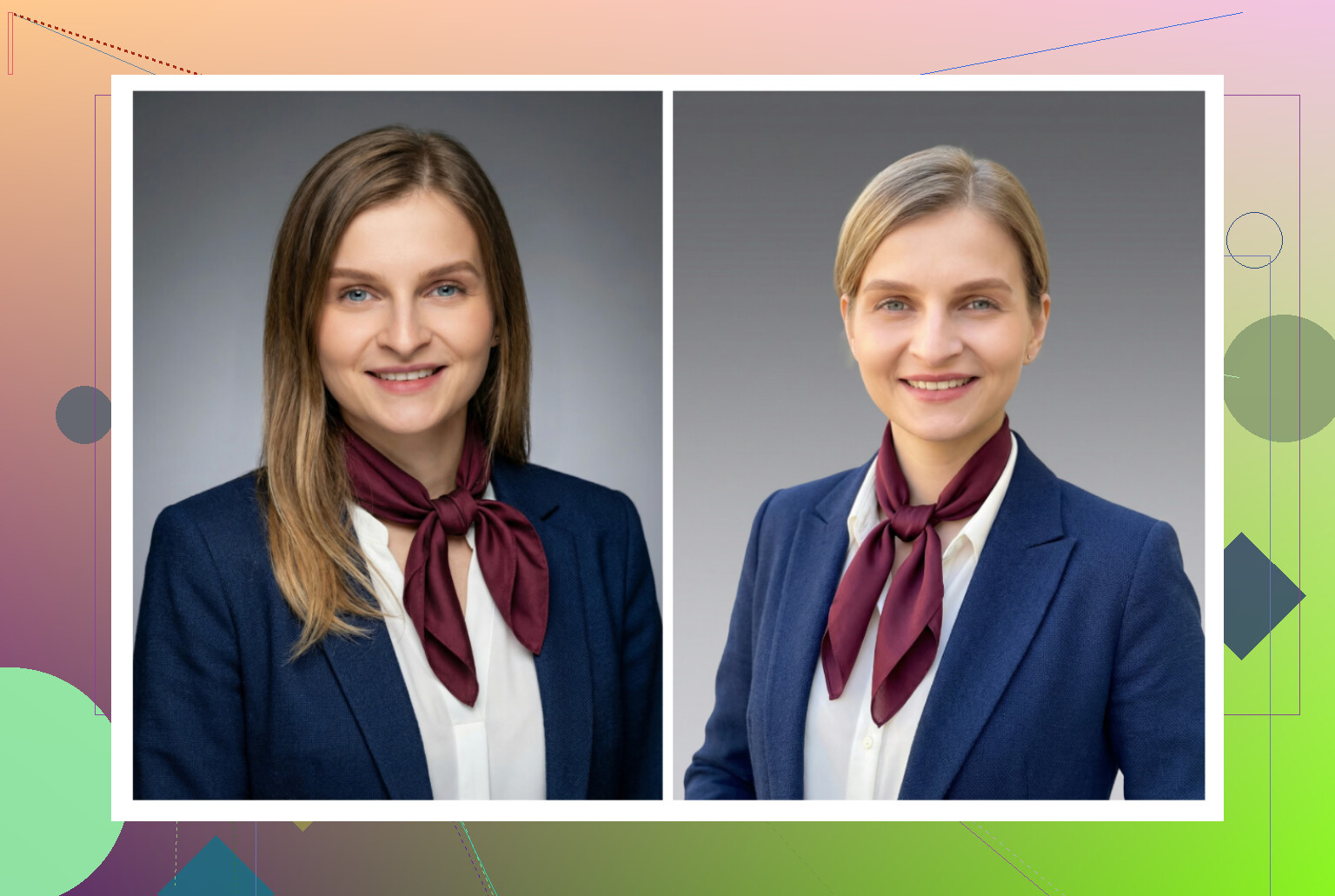
From my run:
-
Output feel
Very predictable. Lighting and background felt like classic “employee directory” photos. No weird surprises. -
Pros
Great if your company wants 50 people to have roughly the same type of headshot. It hits that “safe for corporate intranet and ID badge” style on autopilot. -
Cons
Boring if you want something with personality. Fewer playful or creative setups than others. -
Price
Plans starting around 29.
Use case
I would not use it for social media. For HR systems, internal tools, or a firm-wide update, this fits what managers usually ask for.
iOS headshot apps I tried
I downloaded this bunch on my iPhone:
- Remini
- Fotorama
- Collart
- IRMO
- Eltima
I mainly looked at:
• Ease of use
• How much it still looked like me
• Style options
• Price and free options
• Speed
Remini
App Store
This one is everywhere in TikTok ads.
What I saw:
-
Ease of use
The interface is simple. You pick a feature, throw in photos, and it guides you. -
Video from photo
It created a “moving portrait” but in my test it misread context badly. At one point it animated a kid I was lifting from under the stairs in the background. Looked off and not in a good way. -
Photo quality
Faces in videos felt fake, overprocessed, and the clothes were often warped. AI tried too hard. -
Style range
Tons of presets. You can push it toward LinkedIn type stuff, but results jump between great and weird. -
Price
9.99 per week or 79.99 per year, with a free week. -
Speed
My video generation took around 13 minutes. Long enough to get annoyed.
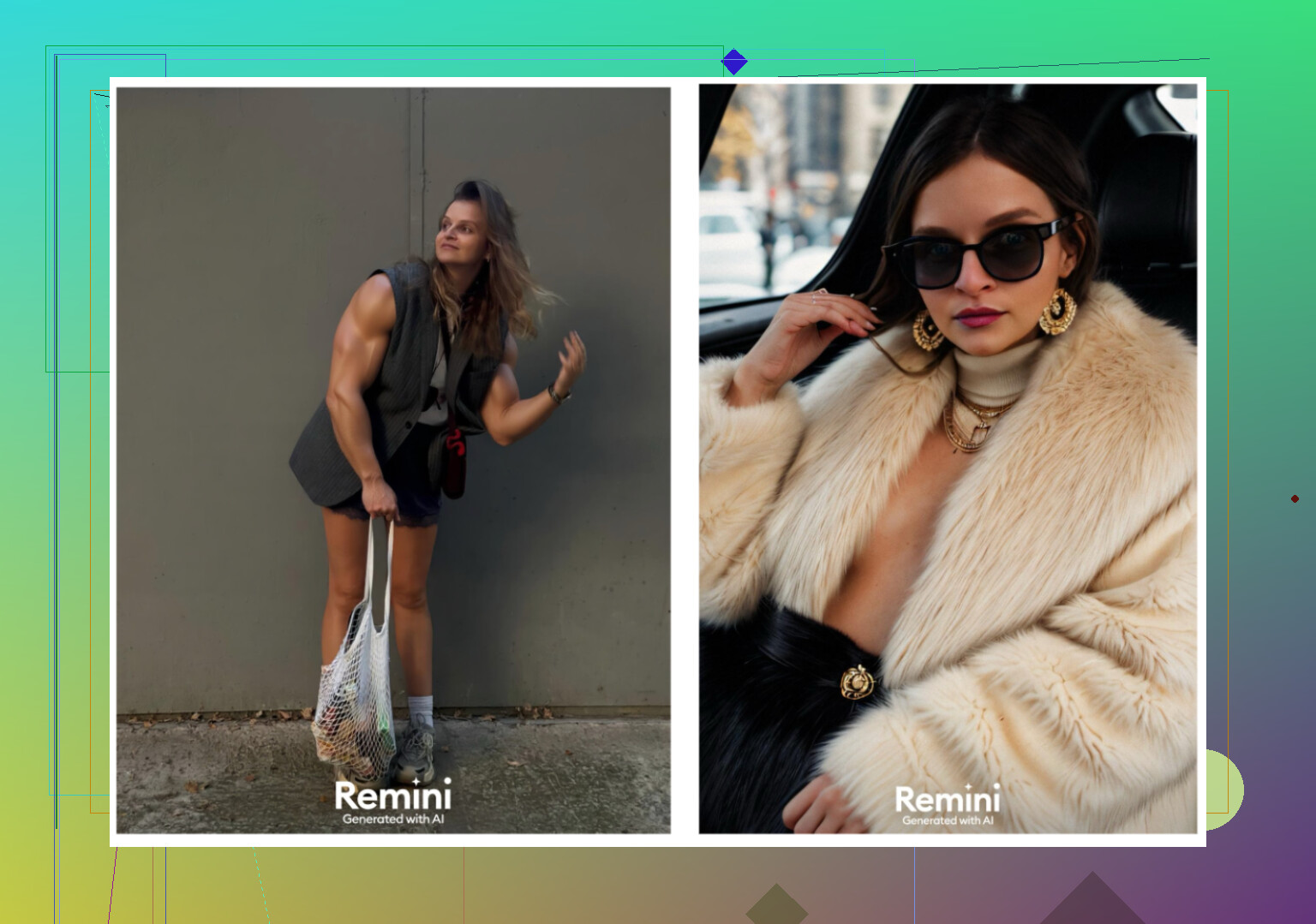
My impression
Cool idea, but for professional use it felt unreliable. It is fun to play with, not something I would put as my main business photo. Clothes and body shapes went strange too often.
Fotorama AI Photo Generator
App Store
My experience:
-
Interface
Straightforward layout. Options are easy to find. -
Video from photo
It tried, but the first generation sat at “analyzing” for 30 minutes. I gave up, closed the app, and still lost coins, with no result. -
Style variety
Many “fashion shoot” and character style options. Looked promising. -
Price
11.99 per week or 79.99 per year. -
Speed
Painfully slow for me. Again, 30 minutes and nothing usable.
My impression
The styles seem cool on paper but the combination of coin spending, slow processing, and failed generations killed it for me. Too much waiting, not enough output.
Collart AI Photo Generator
App Store
What happened:
-
Ease of use
UI is pretty clear. I had no trouble finding tools or options. -
Animation
It can animate still photos, so you get those little moving portraits. -
Realism
This tanked it. Most results did not look like me. Face shape changed, details changed, it felt like generating random people that shared one or two traits. -
Styles
Lots of them, but it runs off a single photo input, which limits how well it understands your actual face. -
Price
3.99 per week or 59.99 per year. -
Speed
Output came fast enough. No complaints there.
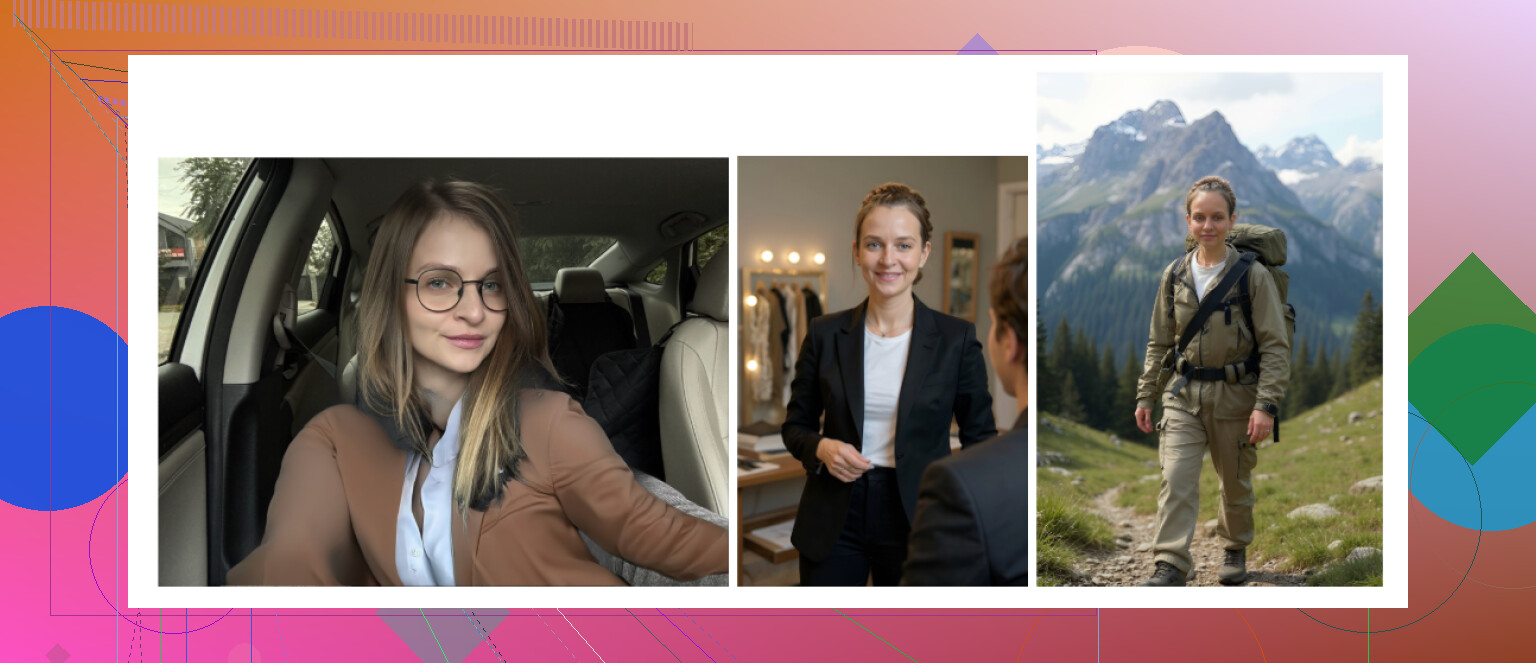
My impression
Entertaining, not dependable. I would not use it for anything serious. The results leaned more toward meme material than “real me in a clean outfit”.
IRMO AI Photo Generator
App Store
What I noticed:
-
Ease of use
Interface is simple. You pick what you want, hit go, and wait a few minutes. -
Video from photo
It generated video outputs fine, no obvious bugs. -
Realism
Quality was not bad, but again it only took one reference photo. Likeness dropped off. It felt like seeing a cousin version of myself. -
Styles
A lot of different themes, moods, and backgrounds. You get variety, just not tight resemblance. -
Price
5.99 per week or 99.99 per year. -
Speed
Around 2 to 6 minutes per photo for me.
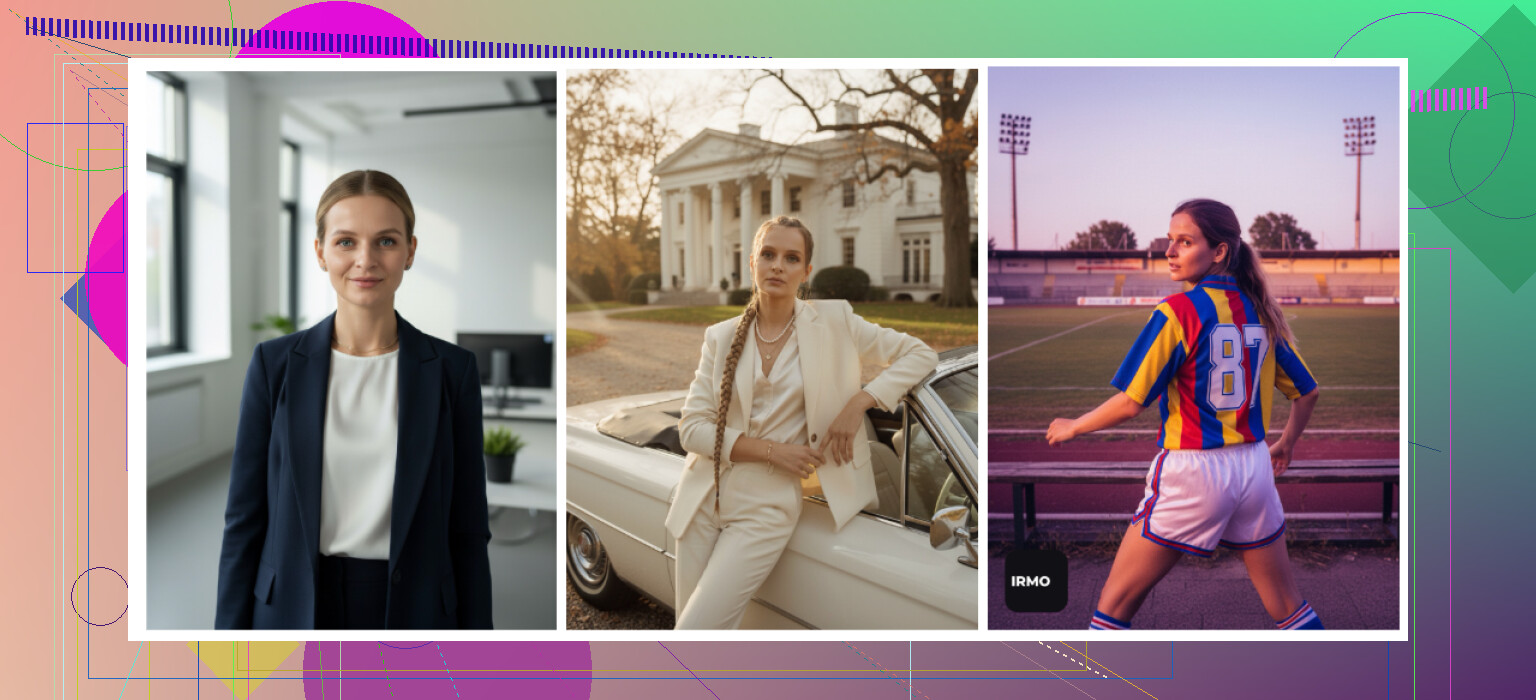
My impression
Good for messing around with concepts. For a dependable professional headshot I’d still go back to something that trains on multiple photos instead of one.
Android apps: quick tests
I pulled my old Android phone and tried three options. Play Store tends to be full of aggressive ads, so I was picky here.
Remini on Android
Google Play
Same idea as iOS.
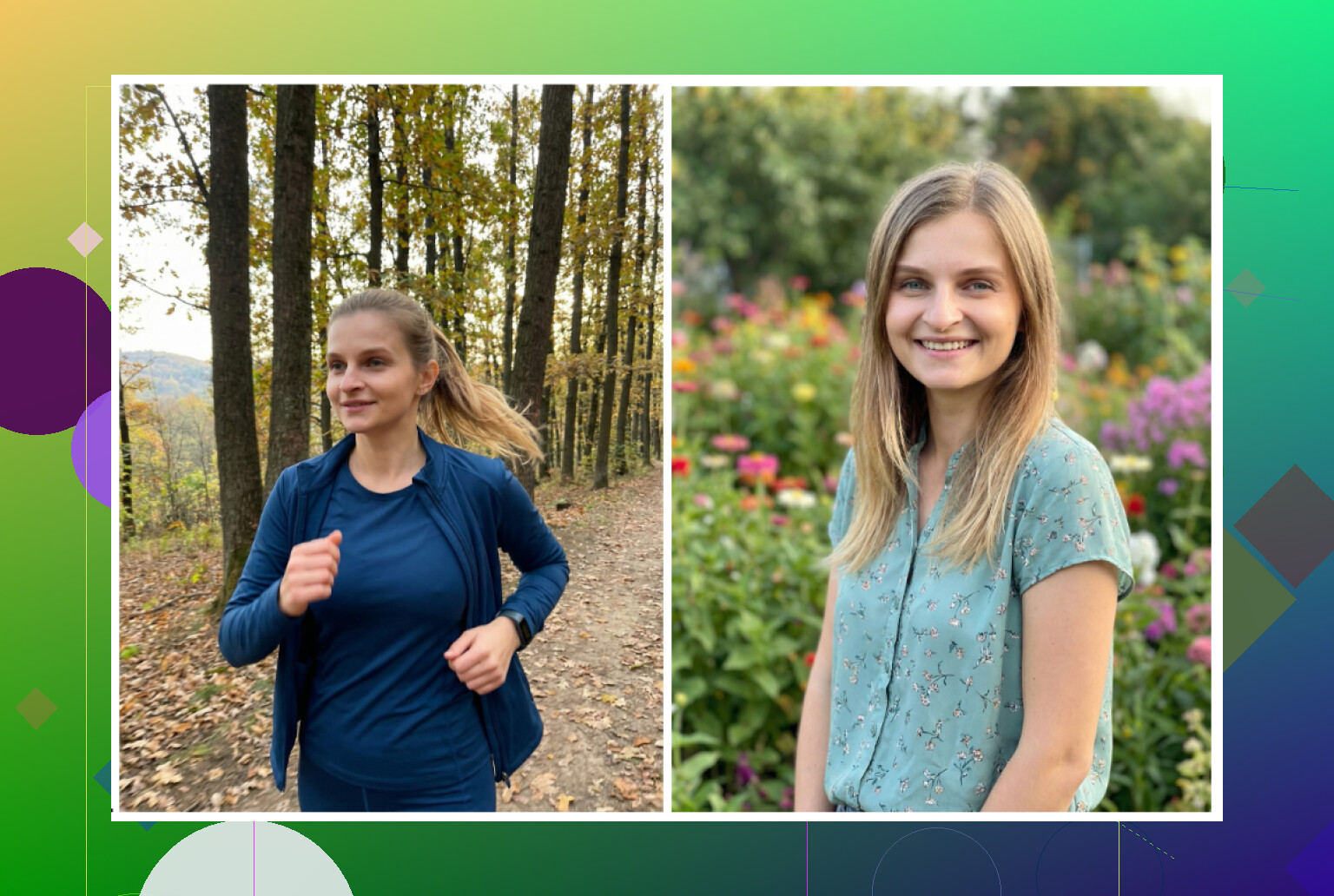
Impression:
• Easy onboarding, straightforward flow.
• Decent avatars, but it kept making me look like an instagram influencer. Even the “professional” variants over-smoothed my face and sharpened my jaw.
• Works for dating apps or casual socials. For a strict hiring manager I would think twice.
GIO: AI Headshot Generator
Google Play
Also exists on iOS, but I focused on the Android flavor.
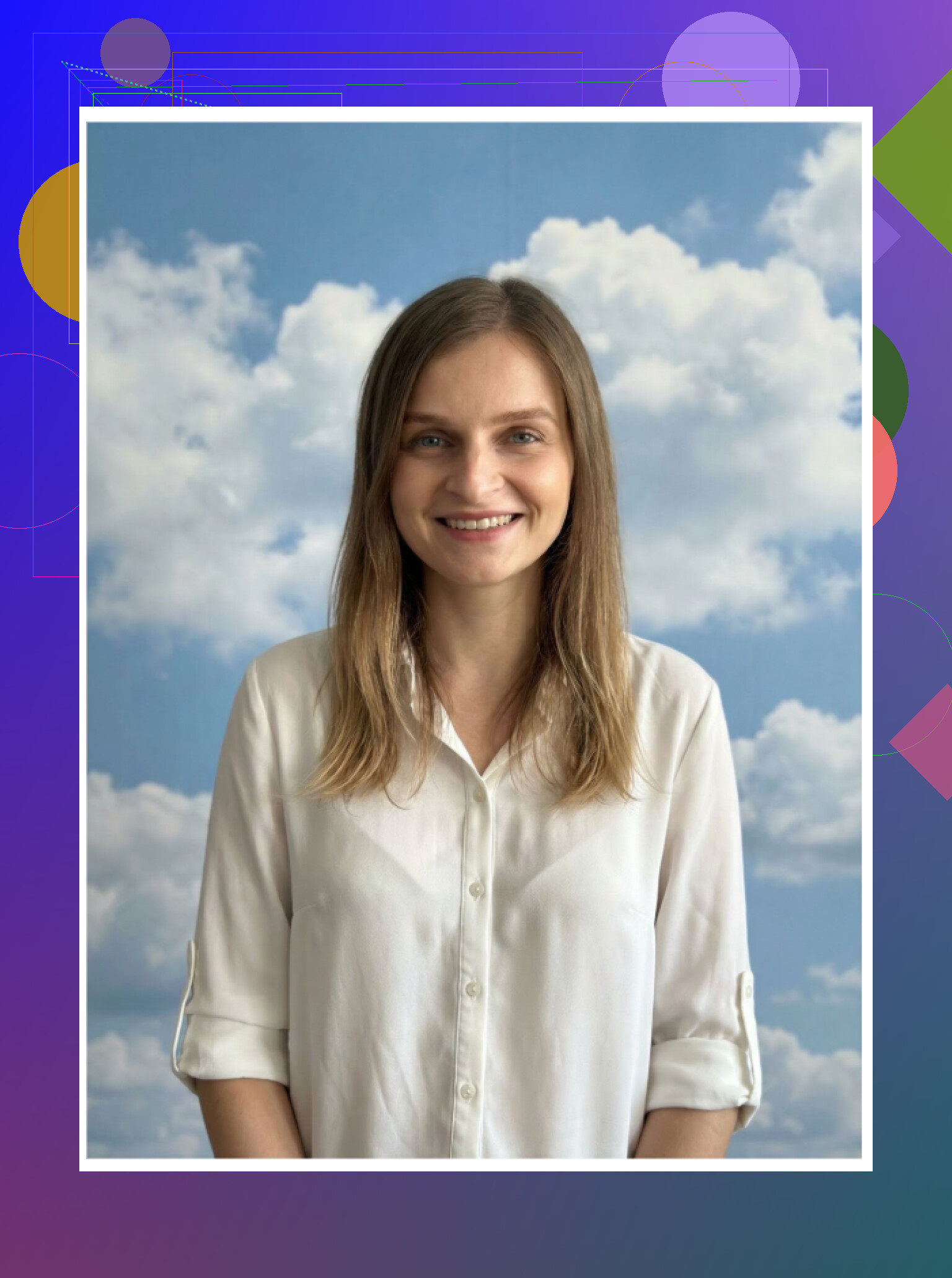
From my runs:
Pros
• Looked a bit less plastic than Remini.
• Clothing swap tools were not bad. Some outfits blended in naturally.
Cons
• Output quality swung wildly. Some attempts were fine, some looked like a failed face merge.
• Enough bad generations that I did not trust it for a final serious photo.
Verdict
Good if Remini’s “beauty filter” style annoys you. I still felt like I was spending too much time hunting for that one good shot.
Momo
Google Play
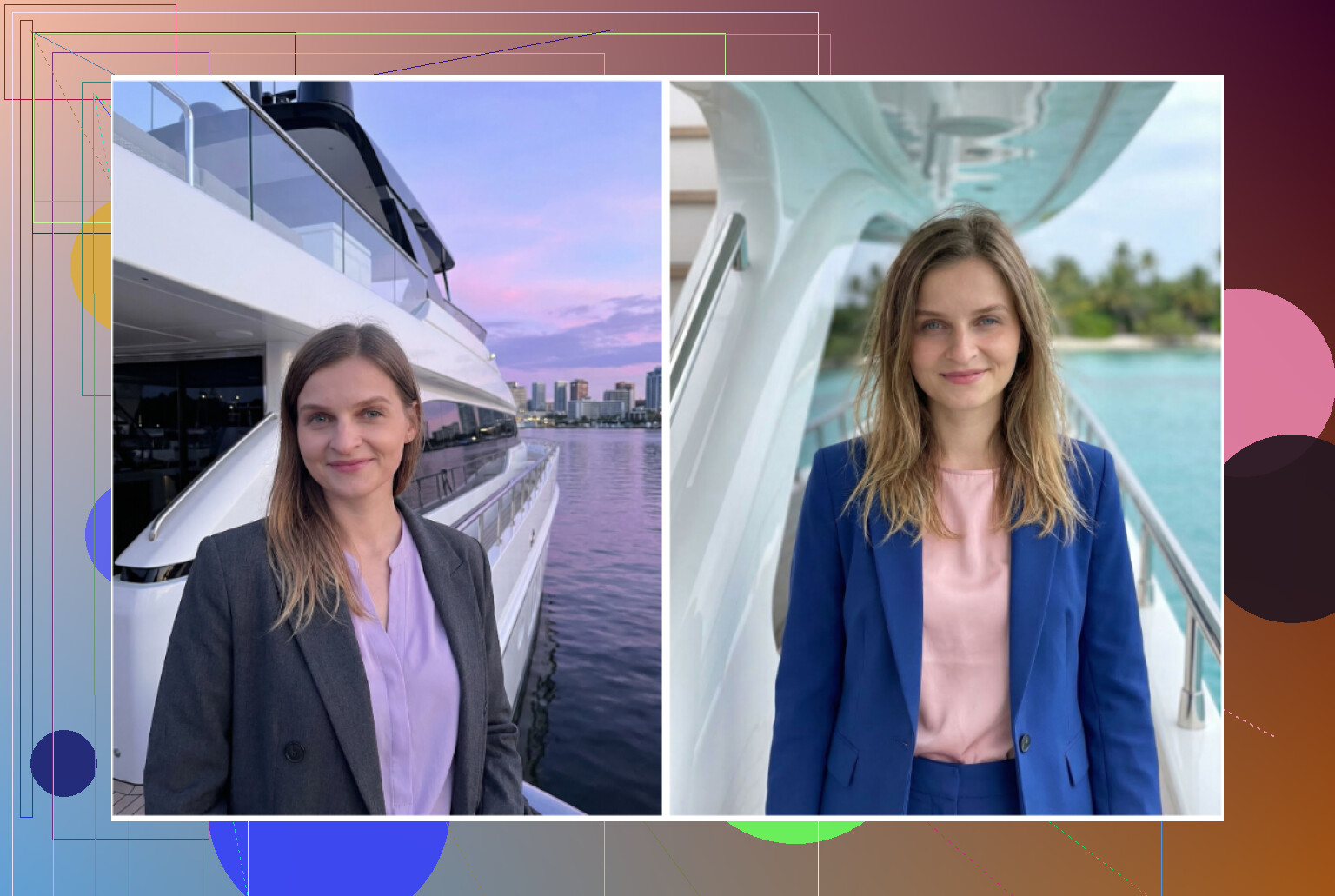
My take:
Pros
• Better than GIO in overall consistency. More of the photos fell into the “usable” bucket.
• If you are not comparing side by side with iOS tools or strong web services, results are okay.
Cons
• Pricing heavier than some competitors. Lots of coins and subscription prompts.
• Once I compared outputs against Remini or Eltima, the lack of realism showed. It is not terrible, but the cost did not line up with results.
Verdict
If I rank the three on Android from my testing: Remini for quality, Momo behind it, GIO last. Momo is acceptable, but too pricey for what you get.
The free route with ChatGPT and Gemini
You can squeeze usable headshots out of ChatGPT and Gemini for 0 dollars if you have time and are willing to iterate.
ChatGPT site
https://chatgpt.com/
Gemini image generation overview
Both need a bit of work. Here is the rough method that gave me the best results.
The “description loop” steps I used:
-
Find a reference photo
Grab a photo of another person with the style you want, for example “mid-shot, neutral background, blazer, soft lighting”. -
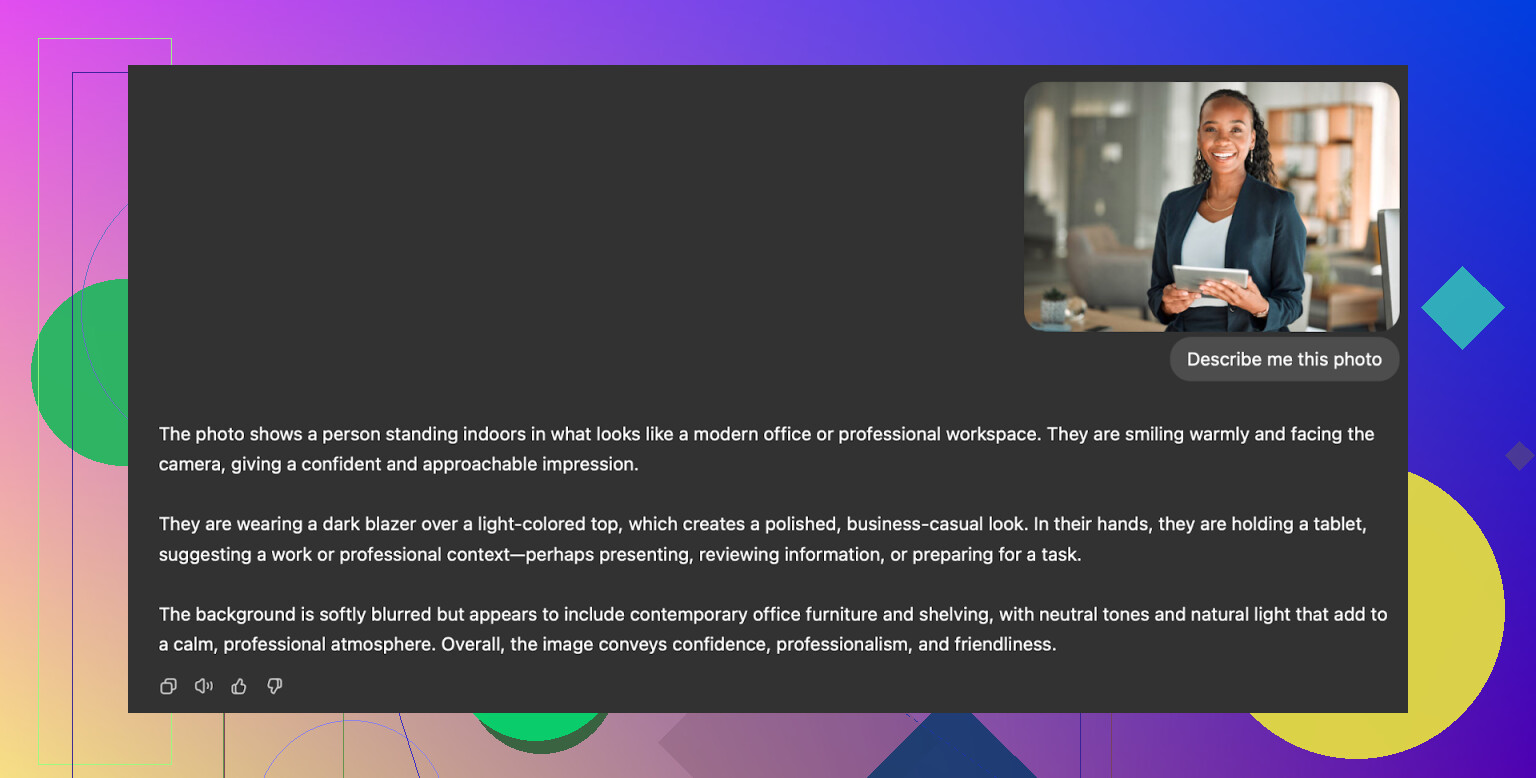
Ask the model to describe it
In ChatGPT or Gemini, upload that photo and ask for a neutral description: pose, clothing, lighting, angle, expression. -
Start a new chat
Copy the description into a fresh chat and turn it into instructions: something like “Generate a professional headshot with this setup”. -
Upload your selfie
Add your own clear selfie to that same chat so the model has your face as reference. -
Use an image model
With ChatGPT, pick DALL-E. With Gemini, use whatever version offers higher quality (for me it was labeled like “Nano Banana Pro” or similar).
What I got from each:
ChatGPT with DALL-E
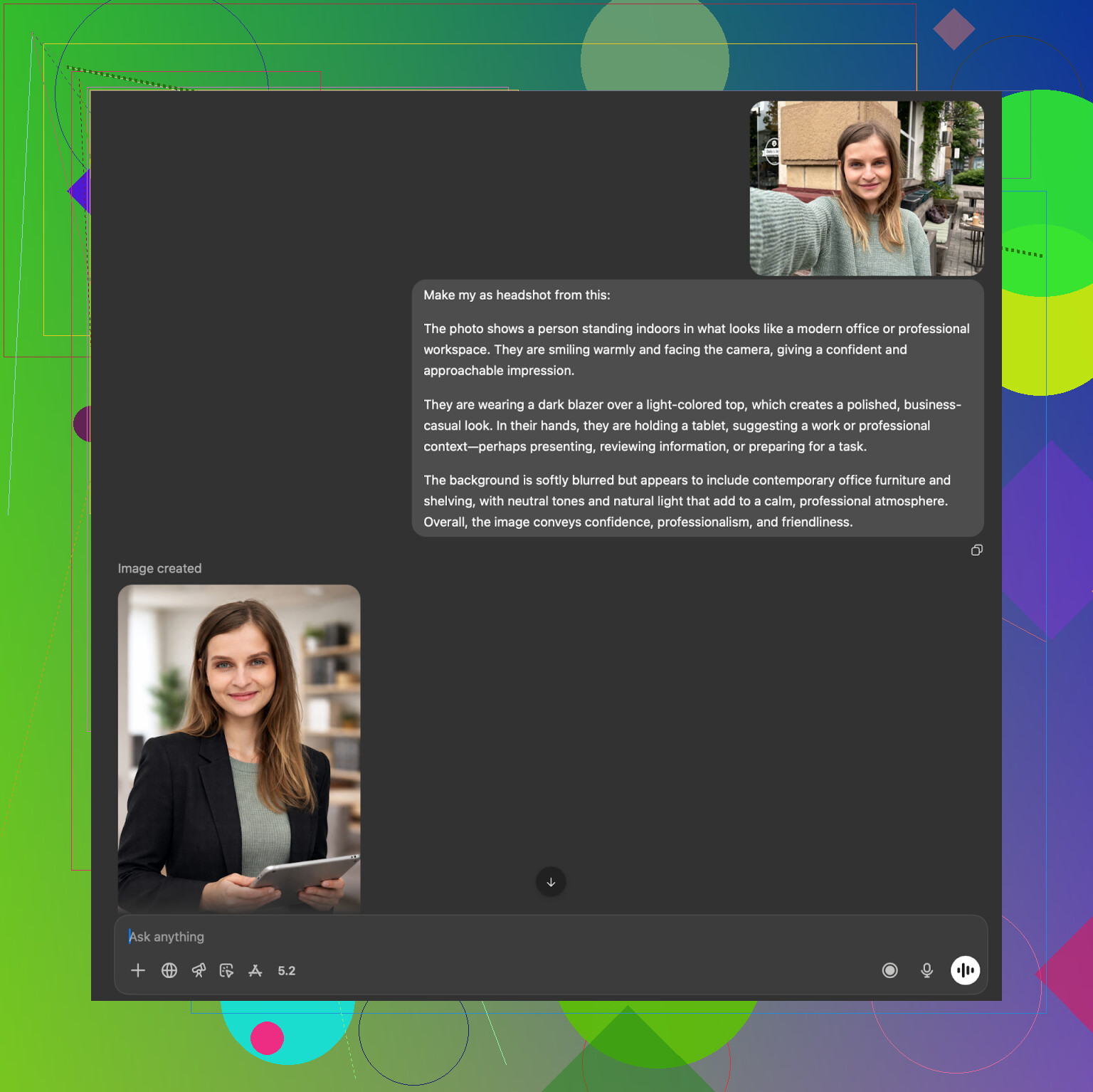
Results:
• It often generated someone that looked related to me, not exactly me.
• It followed outfit and lighting instructions pretty well.
• There is a bit of DALL-E “style” on top, so it feels slightly art-like if you look closely.
Good enough for side accounts or casual use. For strict realism it fell short but not by much.
Gemini with its image model
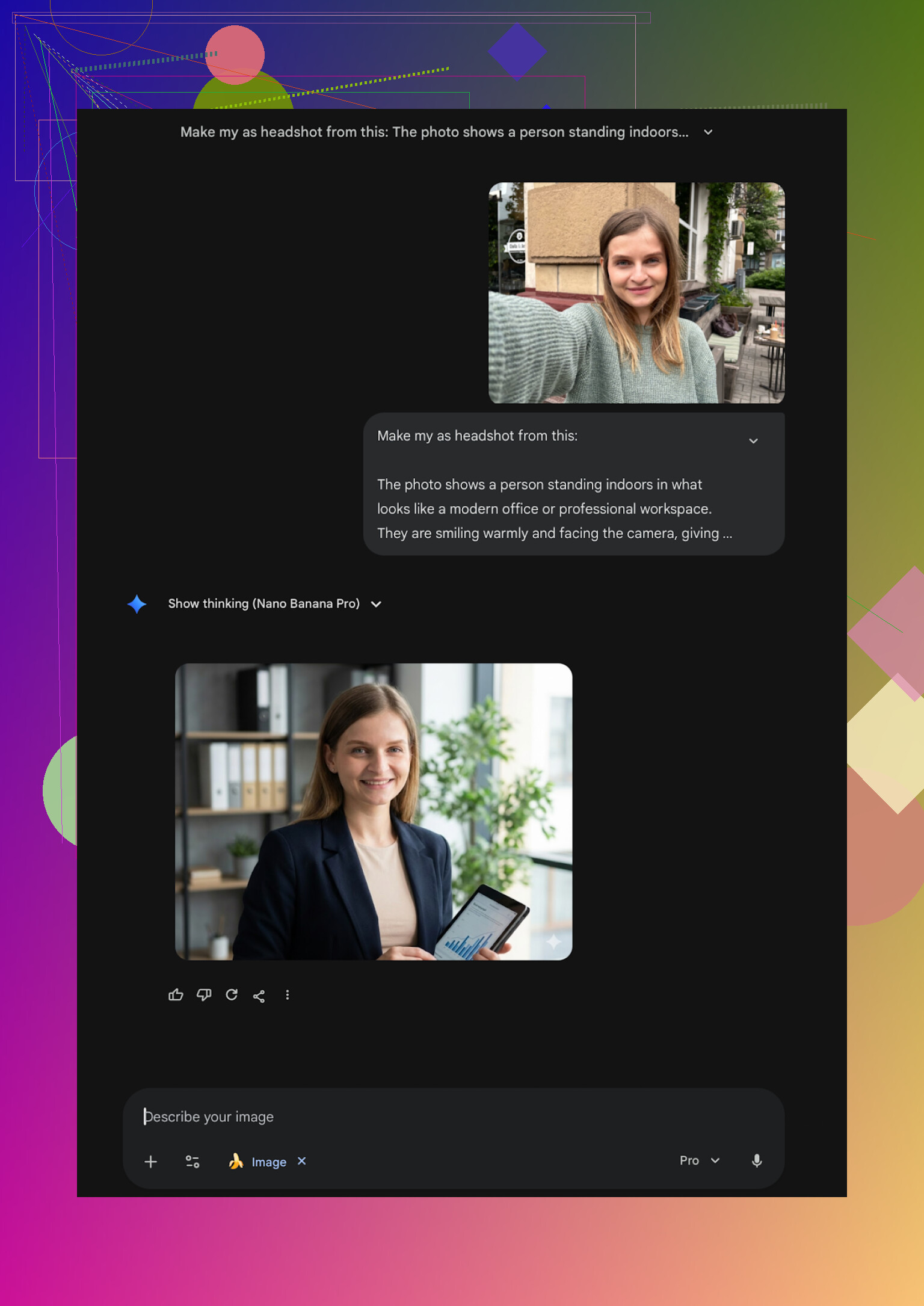
Results:
• Very solid photorealism in some runs. Facial details looked closer to my real photos.
• The safety layer sometimes refused requests if it thought I was trying to recreate a “real person”. That meant repeating or slightly rewriting prompts.
I ended up with 3 or 4 images I would not be embarrassed to use for public profiles, which surprised me for a free method. The bottleneck was my own ability to describe scenes clearly, not the tool.
Where I landed after all this
I generated a ridiculous number of versions of my own face across all these services. After a while you stop being impressed and start noticing where things consistently fail.
My rough conclusions for myself:
• If you want quick, phone-based, good looking headshots
Eltima on iPhone gave me the best balance: strong likeness, many templates, and that one free daily shot. That is the one I kept installed.
• If you want a one-time serious session on desktop
Aragon is worth it if you do not mind uploading a bunch of photos and paying once for a pack.
• If you refuse to pay
Gemini with the description loop got closer to “real person in a reasonable scenario” than I expected. ChatGPT was decent too, but with a bit more stylization.
• If you care about company-wide consistency
HeadshotPro fits that narrow use case. Boring, but that is the point.
I ended up using Eltima for most stuff and keep the Gemini approach in my back pocket when I need something specific and do not want to unlock another subscription.
Hope this helps you avoid some of the dead ends I ran into.
29 Likes
Short version from my iPhone testing:
If your main goal is “professional but still looks like me” for LinkedIn, the Eltima AI Headshot Generator App is the one I’d start with on iOS, even though I do not agree with every point from @mikeappsreviewer.
Quick breakdown from my side:
-
Likeness and “not plastic” look
Most iPhone headshot apps either smooth your face into wax or change bone structure.
Eltima keeps face shape closer to real life if you upload 5 to 10 decent photos.
With just 1 selfie I saw more artifacts than @mikeappsreviewer reported, so I would not rely on the “single photo” thing for final output. -
Templates and use for LinkedIn
The 800+ templates are useful, but I’d narrow it down to:
• Simple studio background, neutral color, soft light
• Shoulders up or chest up, no weird poses
• Business casual or suit, nothing with props
I found 3 LinkedIn ready looks in under 10 minutes. No prompt typing.
The app tries to push more “fun” styles, so you need to scroll past those. -
Workflow that gave me solid results
• Take 8 to 12 selfies in daylight, clean background, no filters
• Mix glasses / no glasses only if you wear them daily, or it goes confused
• Upload all at once, pick 2 or 3 business templates
• Turn beauty/smoothing down a notch, default is a bit strong for strict hiring managers
• Generate, then discard anything where eyes look off or skin looks like plastic
I ended up with 2 images I would use on LinkedIn plus 2 more for portfolio and conference bios. -
Price and usage strategy
Subscription is not cheap.
My approach:
• Use daily free photo for a few days to test styles and see if it fits your face
• When you know which templates you like, take one week sub, batch a lot of generations, then cancel
That one week gave me enough headshots to last a few years. -
How it compared to others on my phone
• Remini looked sharper in some tests, but it pushed me into “influencer filter” territory, which looked off for LinkedIn.
• Collart and IRMO felt more like avatar toys, closer to what @mikeappsreviewer wrote. Fun, not something I would want on a CV.
• Web tools like Canva or Aragon looked good on desktop, but if you want to stay fully on iPhone, Eltima was more practical.
If you want one iPhone app that gives you professional LinkedIn headshots without a camera or photographer, go with the Eltima AI Headshot Generator App, upload multiple clear photos, pick a conservative template, and keep the beauty slider low.
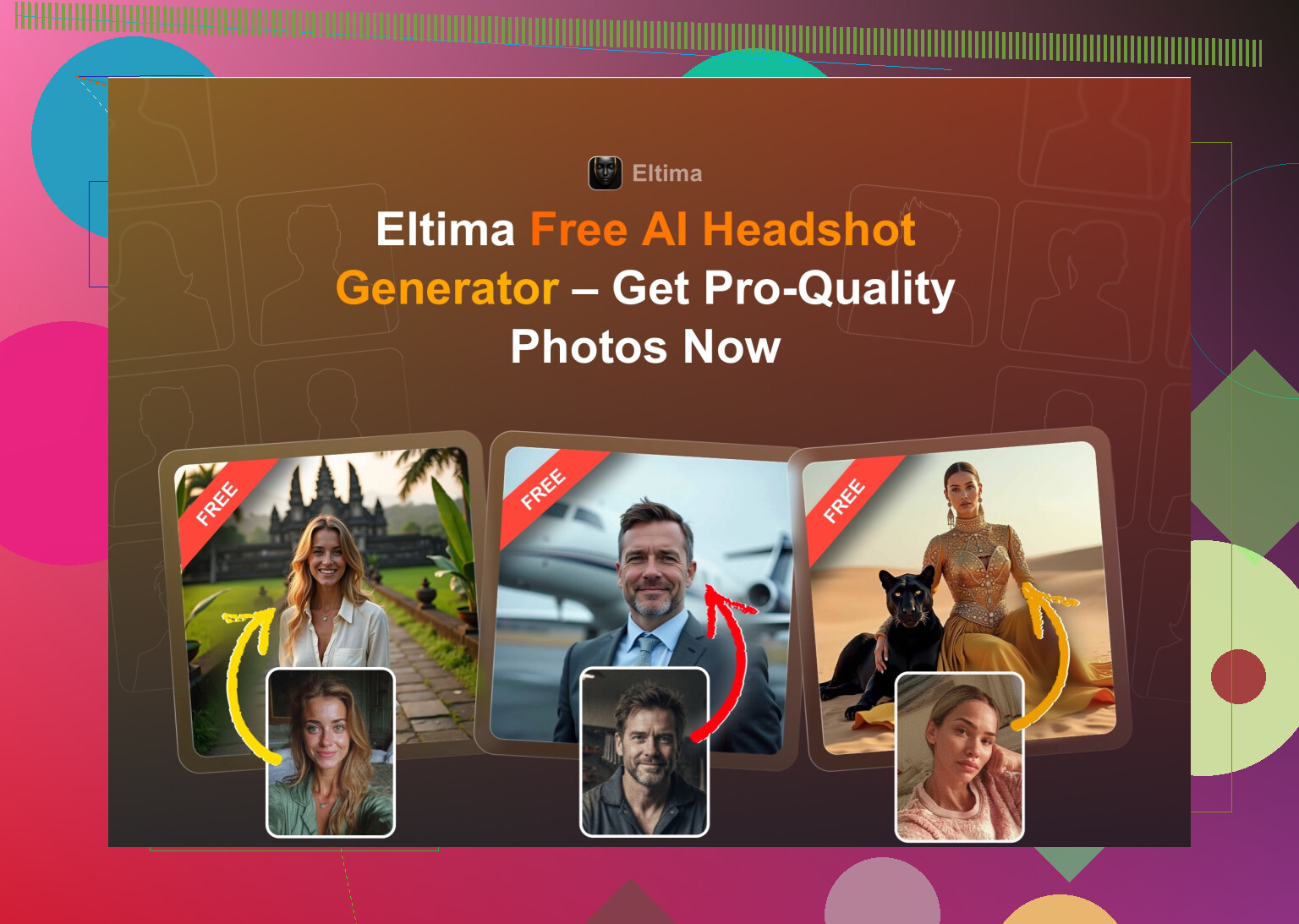
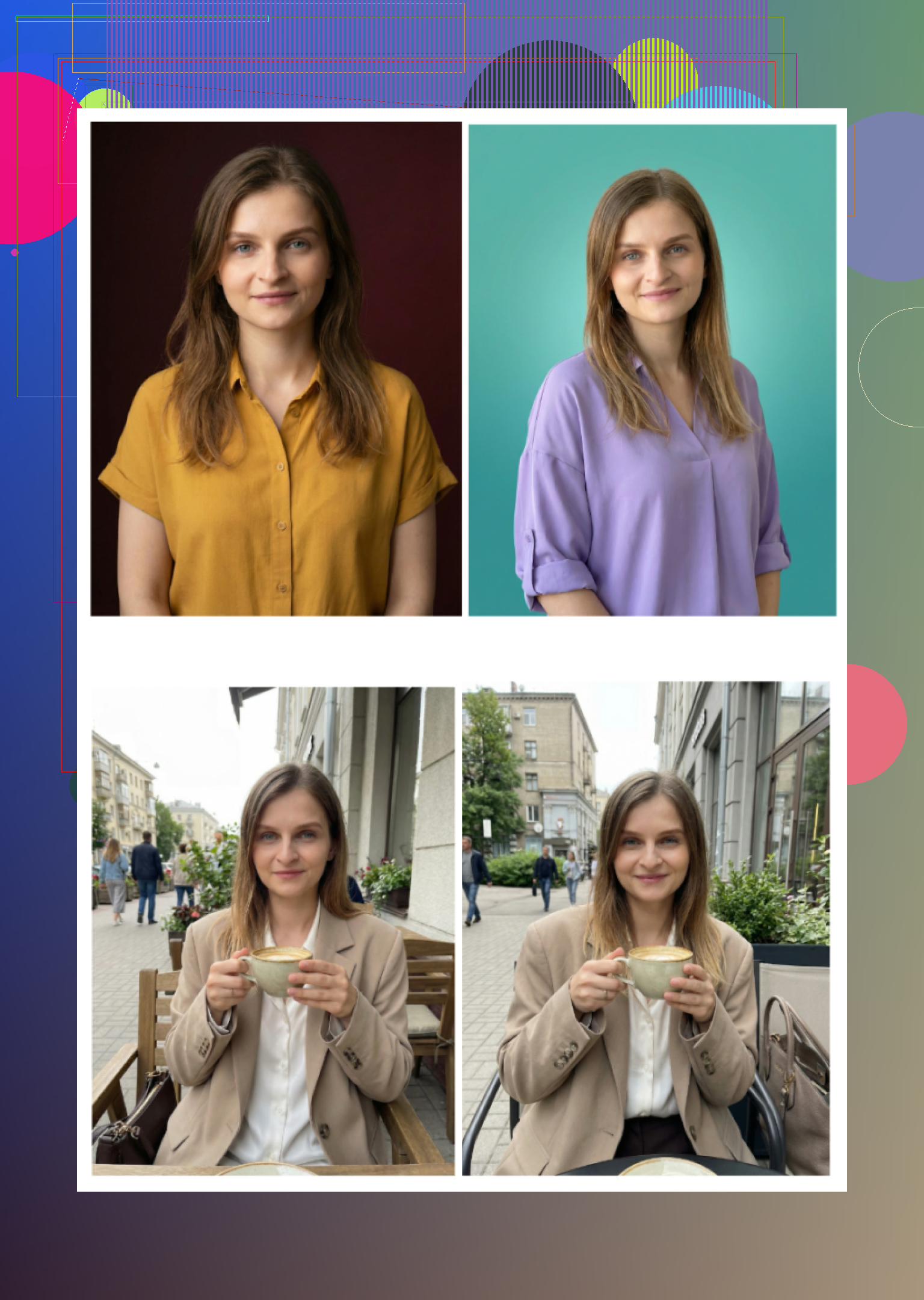
Short version: if you want something that actually looks like you and you’re on iPhone, the Eltima Ai Headshot Generator App is the one I’d put at the top of the list right now, with a couple of caveats.
I’m mostly on the same page as @mikeappsreviewer and @suenodelbosque, but I don’t 100% agree on two things:
-
“One photo is enough”
Technically, yeah, Eltima will run with a single selfie. In practice, that’s where you start getting the weird jawlines, mismatched ears, and that slightly “AI cousin” vibe.
For LinkedIn / portfolio, I’d treat “one photo” as a demo only feature. If you want something you’d actually ship: give it 6–10 clear selfies in natural light. -
Beauty / smoothing defaults
Both of them were a bit more tolerant of the default smoothing. On my face it crossed into “Zoom filter” territory. If you’re aiming at hiring managers and not TikTok, I’d dial that beauty slider down a notch or two almost every time.
Where Eltima really is the best fit for your use case:
-
iPhone only, no real camera, no photographer
It’s honestly one of the few apps that can start from the kind of selfie you’d take in your room and turn it into something that passes for “I booked a studio and a decent lens.”
Not perfect on 100% of outputs, but I usually get 2–3 “totally usable” shots in a batch instead of 1 in 20 like with some of the others. -
LinkedIn + portfolio, not just cute avatars
Most of the headshot apps lean way too hard into “glam”, cosplay, or influencer aesthetics.
Eltima has plenty of those too, but if you scroll past the noisy stuff and stick to:- Plain or gradient backgrounds
- Simple studio lighting
- Business / business-casual outfits
…you end up with photos that won’t look out of place in a serious portfolio or resume.
-
Daily free headshot actually matters
I kind of disagree with the idea that this is just for “testing styles”. If you’re patient, that 1 free generation per day can legitimately cover you:- Day 1–3: Try different background / outfits
- Day 4–7: Lock in 1–2 “safe” corporate looks + 1 slightly more relaxed version for your personal site
If you’re not in a rush, you can skip paying completely and still come out with something usable.
Where other apps fell short for this specific need:
-
Remini on iOS
Looks crispy, but it kept turning me into the LinkedIn version of an IG model. Jaw sharpened, eyes bigger, skin smoothed. It can look “good” in a vacuum, but side by side with a real photo it screams filter.
I’d maybe use it for dating apps, not my portfolio. -
Collart / IRMO
Totally agree with both other reviewers here: fun to mess with, bad at serious likeness. Also had that “random pretty stranger” effect. -
Canva / Aragon / HeadshotPro (web)
They’re fine, even solid in some cases, but if you specifically said “iPhone only, no good camera / no photographer,” then having to go full desktop or upload a ton of files is just extra friction. Aragon in particular can look great but it’s overkill if you just want a couple of headshots and move on.
Where I’d slightly push back on the Eltima hype:
-
It’s not magic. If your input selfies are:
- Grainy bathroom-mirror shots
- Heavy filters
- Harsh overhead light
…you’ll still get weird outputs. AI can’t fully fix bad source material. Take 5 minutes to shoot decent selfies by a window and the app suddenly looks 2x better.
-
The subscription is annoying. I’d do exactly what @mikeappsreviewer sort of suggested but more aggressively:
- Abuse the free daily headshot to find 2–3 templates that actually flatter your face.
- Take one week of the subscription, run a bunch of generations in those exact templates, export everything in high res, then cancel.
That gives you a “photo library” you can reuse for years.
So, answering your original question directly:
- Best AI headshot generator app for iPhone for professional LinkedIn / portfolio pics, no camera, no photographer:
Eltima Ai Headshot Generator App is the strongest option right now if your priority is “looks like me, but in good light” instead of “AI-supermodel version of me.”
If you try it and the first batch still feels a bit too plastic or off, don’t write it off immediately. Nine times out of ten the fix is:
- Add more/better input photos
- Turn beauty/smoothing down
- Swap to a cleaner, simpler template
After that, you should be able to land at least one headshot you’re not embarrassed to pin to your LinkedIn and portfolio.
A simpler option is to skip AI and shoot a clean headshot with your iPhone.
Stand facing a window during daylight. Use a plain wall, wear a solid-color shirt, and place the phone at eye level on stacked books. Choose Portrait mode, set a 3-second timer, and take 20 shots. Keep the camera about 4 feet away.
Pick the most natural photo. In Apple Photos, crop it from chest up, lower highlights, and add slight sharpness. Avoid heavy filters.
This takes 10 minutes, costs nothing, and preserves your real face. Results often look more credible on LinkedIn, especally around hair and eyes.
Don’t shoot all your selfies in one sitting with the same expression and angle. Even a good app locks onto whatever it sees most, so you end up with ten versions of one stiff face. Vary the day, the light, tilt your head a little, and Eltima has an easier time giving you something that reads as a real person instead of a mask.