I accidentally deleted an important video from my GoPro HERO camera before backing it up, and I really need to recover it from the SD card if possible. Has anyone had success with GoPro video recovery or data recovery software for deleted files from a HERO camera?
Yeah, that one hurts. I’ve had an SD card scare like this, and the first few minutes are the worst.
What I’d do first is simple. Stop using the card now. Don’t shoot more clips. Don’t format it. Don’t run any fix or repair app yet. When GoPro files get deleted, the data often stays on the card until new data lands on top of it. If you keep recording, your odds drop fast.
Before trying recovery software
I’d check a few easy things first, because sometimes the file isn’t gone in the way you think it is.
- If you pay for a GoPro subscription, sign in and check the cloud Media Library and the Trash folder.
- Put the SD card back in the camera and see whether the GoPro wants to repair the file on its own.
- Browse the card for LRV files. Those are the low-res preview copies. They won’t be ideal, but I’ve seen them save a clip people thought was gone for good.
If the footage is missing from the card
If none of that turns up anything, I’d move to Disk Drill. I used it once on camera media, not for a GoPro crash exactly, but close enough, and it pulled back more than I expected.
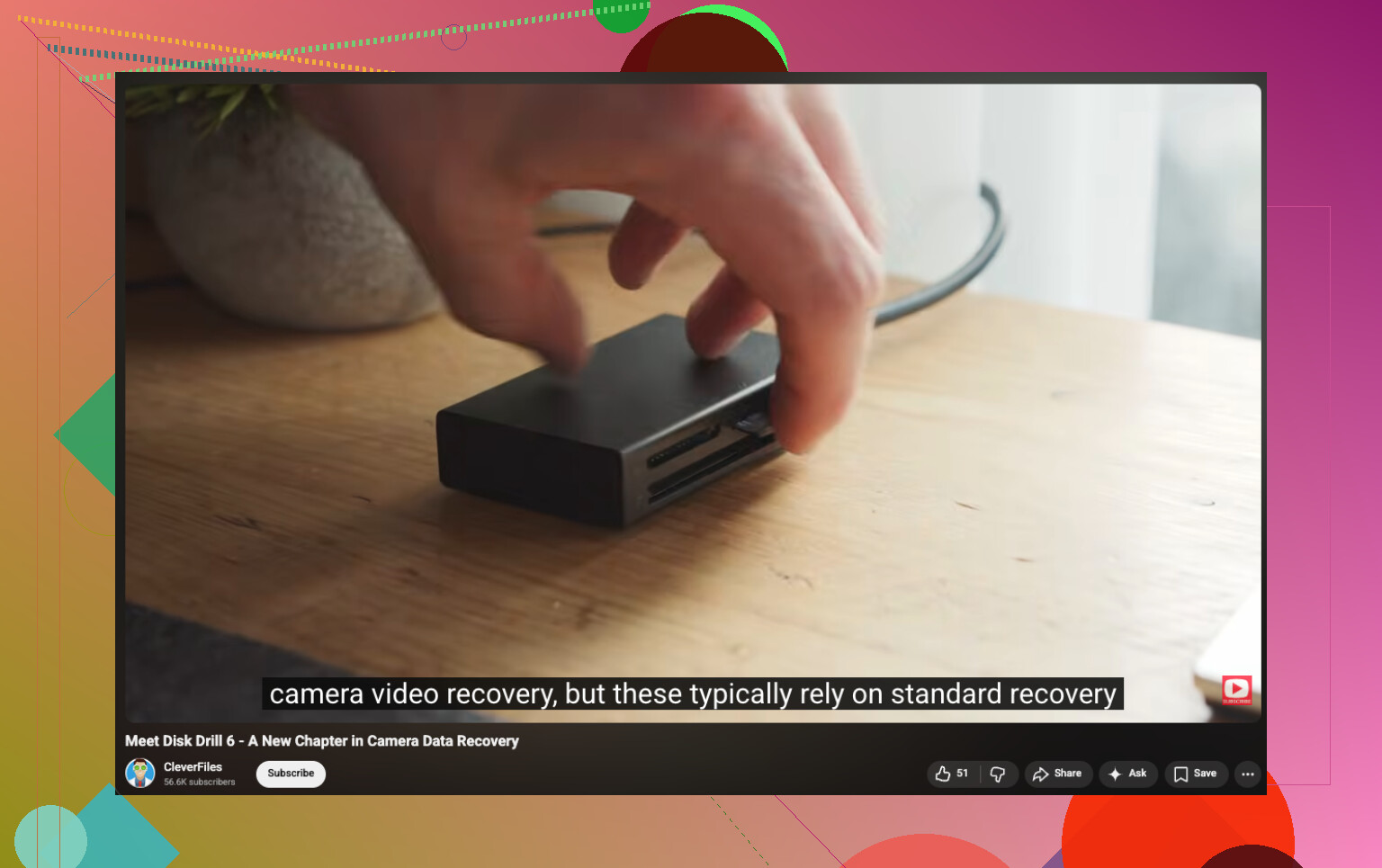
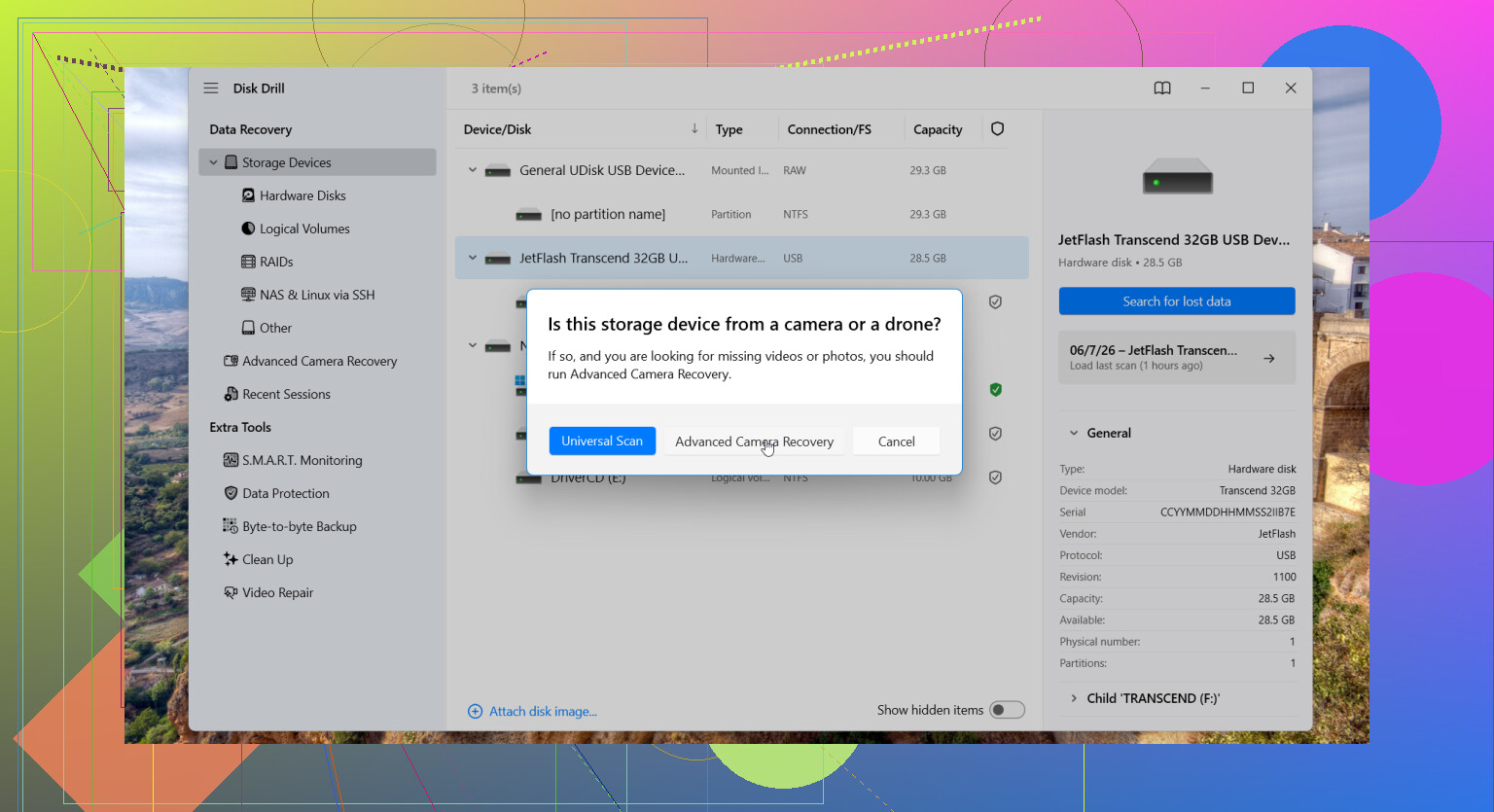
The part worth paying attention to for action cams is its Advanced Camera Recovery mode. GoPro footage often ends up split into a pile of fragments across the card. Regular recovery tools often spot pieces of the file, then fail when it’s time to rebuild the whole thing. End result, you get a broken MP4, a clip with missing sections, or a file your player refuses to open.
This mode was made for cameras and devices where fragmented video is common, stuff like action cams, drones, and dash cams. It supports GoPro footage, including MP4 and LRV files, which matters more than people think.
A few things I’d do during recovery
- Use a card reader. I wouldn’t connect the GoPro straight to the computer if I had a choice.
- Save recovered files to another drive. Don’t write anything back to the same SD card.
- If the card throws errors, disconnects, or acts flaky, make a byte-for-byte image first. Scan the image, not the original card.
From what I’ve seen, recovery still works pretty often if you didn’t record much after the files vanished. Once new footage piles up, it gets uglier fast.
22 Likes
I’d treat this like SD card recovery first, GoPro second.
@mikeappsreviewer is right about stopping all writes. I’d add one thing, pull a full image of the microSD before you do anything else if the clip matters a lot. Use something like USB Image Tool, R-Studio, or dd if you know it. Work from the image, not the card. If recovery software crashes or the card starts throwing read errors, you still have one clean shot left.
Also, check the card structure by hand. GoPro often leaves stuff in DCIM/100GOPRO or 101GOPRO, and sometimes you’ll find paired files with the same clip number. Look for .MP4, .THM, and .LRV. If the main MP4 is gone but the LRV exists, at least you have a watchable copy. Low res, but better than nothing.
One small disagreement with trying repair in-camera first. If the file was deleted, I would not put the card back in the HERO unless you have no other option. Some cameras write logs or metadata on boot. Small risk, but if the footage matters, I wouln’t risk extra writes.
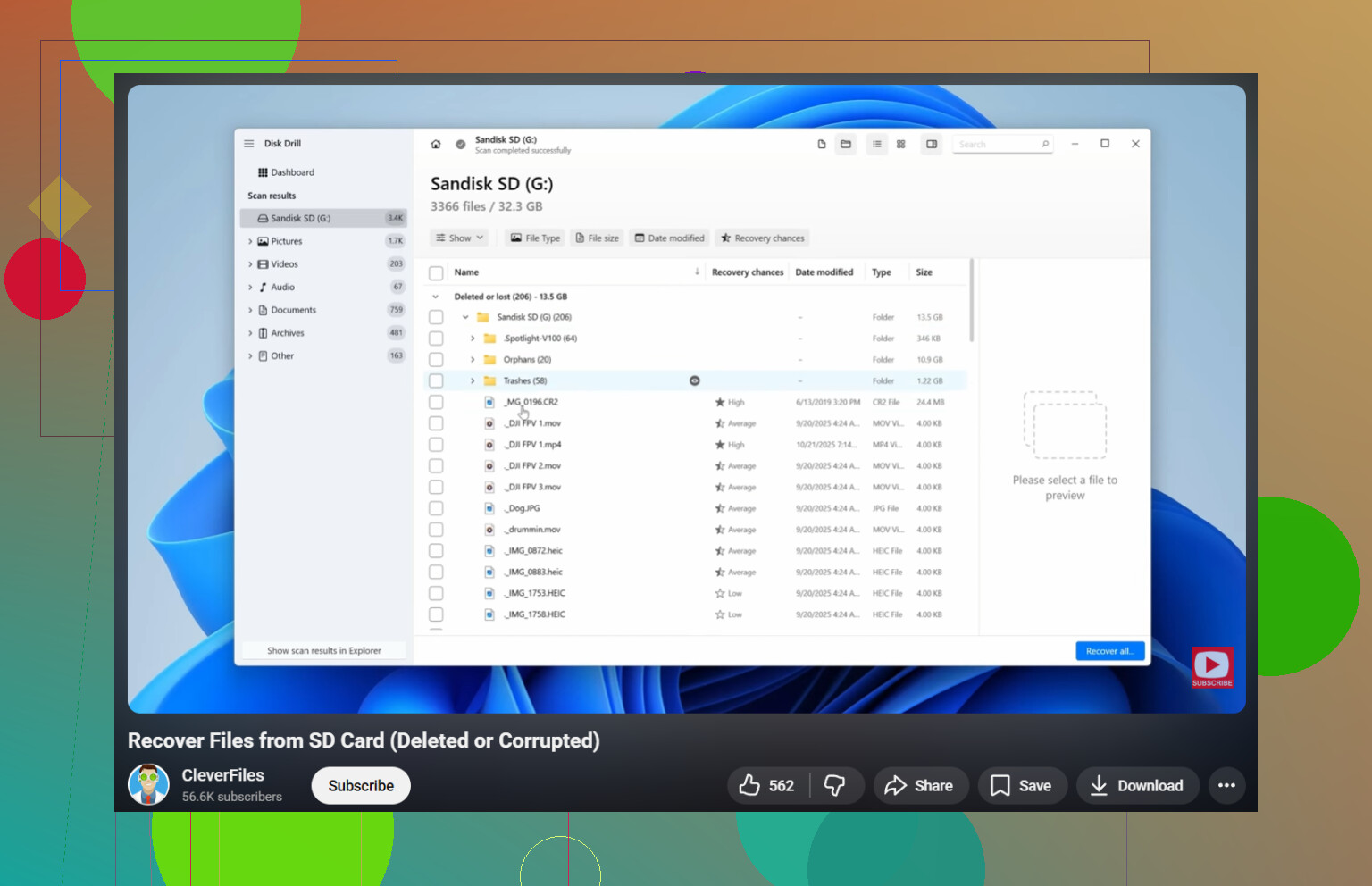
For software, Disk Drill is a solid pick for GoPro video recovery, especially on fragmented cards. I’d also sort results by file signature and size, because recovered GoPro clips often lose the original name. Big MP4s with the right timestamp range are usually your best bets.
If the recovered file won’t play, try fixing the container with ffmpeg or untrunc. Corrupt recovery is common with action cam files.
Also worth a look, this GoPro and camera SD card recovery walkthrough covers the process in a clean way.
If you recorded even a few new clips after deletion, recovery odds drop fast. If you didn’t, you still have a decent shot.
I mostly agree with @mikeappsreviewer and @suenodelbosque, but I’d actually skip the “see if the camera can repair it” idea entirely unless the file is still visible but won’t open. For a deleted clip, the safest play is keeping that card out of the GoPro full stop.
One thing not mentioned enough: check whether the deletion happened in-camera or on a computer. If it was deleted on a PC or Mac, sometimes the filesystem entry is easier for recovery tools to reconstruct. If the HERO did the delete, you’re often relying more on raw signature recovery, which means filenames, dates, and folder structure can come back messy.
Also, if the video was long, don’t panic if recovery finds several MP4s that look “wrong.” GoPro cards can produce partial recoveries from the same original clip. I’d recover every candidate file over a few hundred MB and test them all. VLC will sometimes play stuff that QuickTime or the default Windows player just refuses to touch.
If you want a practical route, use a quality reader, mount the card read-only if your setup allows it, then scan with Disk Drill. It does pretty well with camera media, and for GoPro video recovery that matters more than generic document/photo recovery. Recovered files should go to your computer or another drive, not back to the microSD. Kinda obvious, but people still do it and nuke thier chances.
If nothing usable turns up, pro recovery is only worth it if the footage is truly irreplaceable. Logical deletion is sometimes recoverable at home. Physical card damage is a whole diff rent money pit.
Also, this thread may help if you want another angle on recovering lost videos from a GoPro HERO 8 SD card.
One angle I’d add: check for chaptered GoPro clips. HERO cameras often split one recording into multiple segments, so the “deleted video” may actually be one missing chapter while the others are still there. If you find neighboring clips with matching timestamps, recover those too and stitch them later.
I slightly disagree with trying every recovery app under the sun. Too many scans on a weak card can turn a logical mistake into a hardware problem. Pick one solid tool, preferably after imaging. Disk Drill is a reasonable choice here.
Disk Drill pros
- Good with camera/video formats
- Can find files by signature when names are gone
- Preview support helps narrow candidates
Disk Drill cons
- Deep scans can take a while
- Results may come back with generic filenames
- If the MP4 header is damaged, recovery alone may not make it playable
Also, after recovery, run ffprobe or MediaInfo on the files before assuming they’re dead. Sometimes the video stream is intact and only the container is messed up.
So yeah, I’d combine what @suenodelbosque, @viaggiatoresolare, and @mikeappsreviewer said with one extra filter: recover every clip around the same time window, not just the exact missing filename. That catches a surprising number of “lost” GoPro videos.