I’m trying to choose between NetSpot and Ekahau for creating accurate WiFi heatmaps in a medium-sized office and I’m stuck. I’ve tested free trials, but I’m not sure which tool gives better reliability, ease of use, and long-term value for ongoing wireless troubleshooting and planning. Can anyone share real-world experiences, pros and cons, and which one you’d pick for a small IT team on a budget?
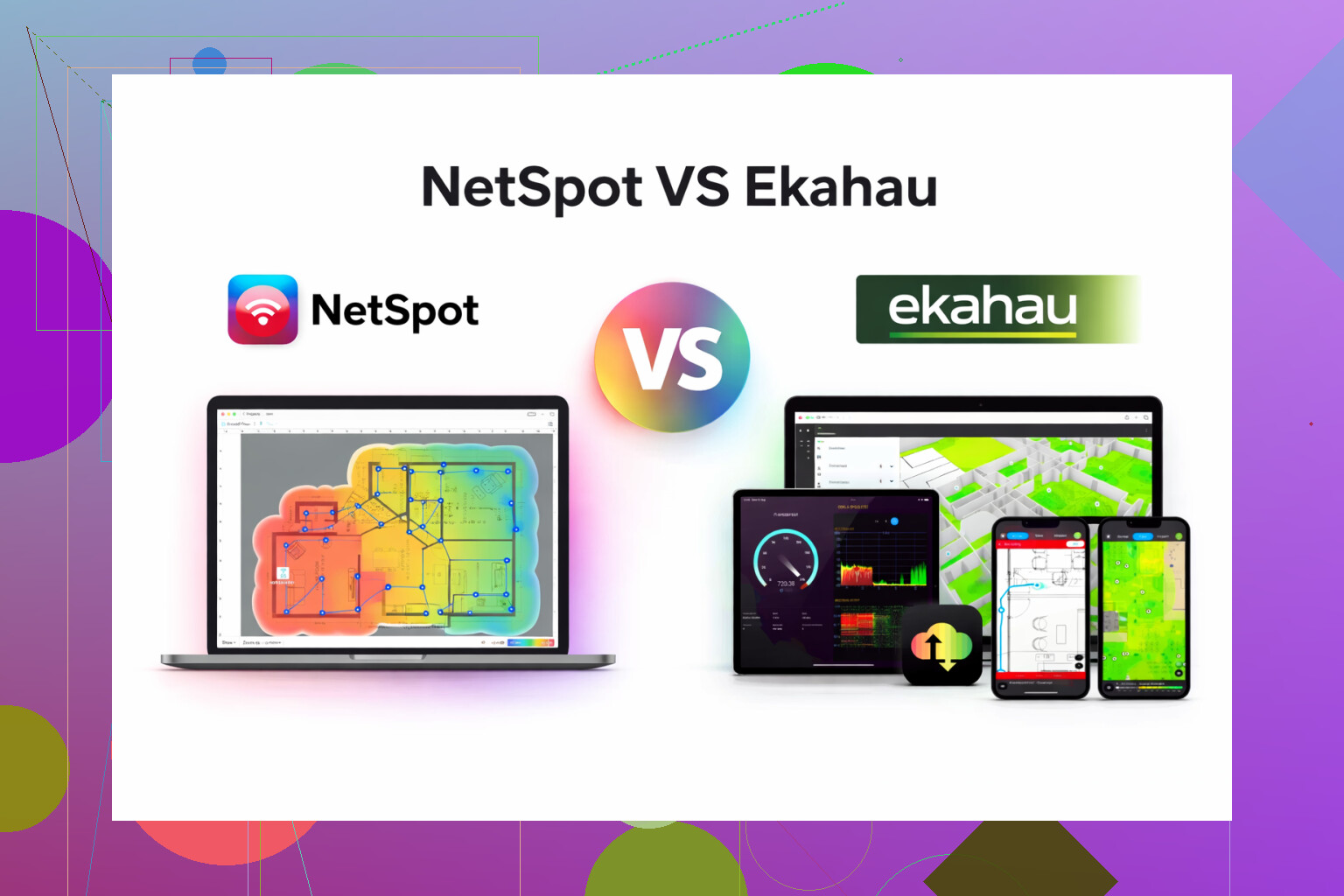
I bounced between Ekahau and NetSpot for a while, mostly out of stubbornness. I wanted to see if the expensive “pro” option really did something magical that the cheaper one missed.
Short version of what I ran into:
Ekahau felt like it was built for people doing stadiums, hospitals, airports, full-time. NetSpot felt like it was built for people who still have 20 other things to do that day.
Here is what stood out for me after a few weeks of use on real networks, not lab stuff.
NetSpot: what I ended up keeping installed
Site: https://www.netspotapp.com/
Use cases where it worked well for me:
- Small office floor with 15 access points and lots of glass walls
- Retail space with terrible interference from neighboring stores
- A couple of large homes with too many mesh nodes and complaints about “slow Wi-Fi upstairs”
What I used NetSpot for:
- Walkthrough surveys with a simple floor plan
- Heatmaps for signal strength, noise, and SNR
- Spot checking dead zones when users complained
- Before/after compares when moving or adding APs
What helped:
- Setup was quick. Install, load a floor plan, set scale, walk.
- The UI did not feel like I needed certification to interpret the graphs.
- Exporting reports for non-technical people was straightforward. I could hand a PDF to a manager and they understood red = bad, green = good.
- Performance on a mid-range laptop was fine, even with multiple floors.
Stuff that felt weak:
- Ekahau is stronger for more complex predictive planning. NetSpot “planning” felt lighter. For simple networks it worked; for multi-building campuses I would not trust it alone.
- Some advanced RF metrics were there but not exposed in a way I liked. If you do RF for a living, you might feel boxed in.
Ekahau: where it made sense, but not for my day to day
I tried:
- Predictive design for a warehouse with tall racks
- Validation surveys on a multi-floor office using their sidekick hardware (borrowed)
What I noticed:
- Planning tools were detailed. Antenna patterns, channel plans, attenuation objects, the whole thing.
- Great if you design networks as your main job.
- The price hit hard. License plus hardware pushed it into “only buy if Wi-Fi work pays your bills” territory.
- Learning curve was steep. I spent more time watching guides and less time walking with a laptop.
For the kind of work I do, it felt like bringing a full-blown NMS where I only needed a scanner and some good graphs.
Where NetSpot made more sense for me
If your typical jobs look like:
- Single-building offices
- SMB networks
- Co-working spaces
- Larger homes or small multi-tenant buildings
You get:
- Heatmaps
- Channel and interference analysis
- Quick checks when someone says “Wi-Fi sucks in the conference room”
- Enough data to decide where to move or add APs without doing a full-blown RF thesis
I ended up using NetSpot for:
- Before: scan the current setup, screenshot the worst rooms.
- Change: move APs, change channels, reduce transmit power where needed.
- After: run the survey again, compare the maps, hand over a short report.
Ekahau only stayed installed on a test machine for the rare warehouse or large project where someone else was paying for the tool.
If you are not handling stadiums, airports, or multi-site enterprise deployments, NetSpot felt like a better fit for cost, time, and brain space.
Video that helped me early on
YouTube overview here: https://www.youtube.com/watch?v=DjSq6u2KdeM
If you want to see the basics in motion before installing anything, that clip gives a decent preview of how the workflow looks.
42 Likes
For a medium sized office, I’d look at it like this:
- Reliability of heatmaps
Ekahau with Sidekick gives more consistent measurements across devices. The radio front end is calibrated and you avoid laptop WiFi card quirks. If you do frequent surveys or care about tight margins on RSSI, SNR, roaming, Ekahau wins here.
NetSpot relies on your adapter. If you stick to one survey laptop and one adapter, your results stay consistent enough for office work. For a single office, that is usually fine, as long as you do not mix devices.
- Ease of use
Here I disagree a bit with @mikeappsreviewer. Ekahau is not only “for stadiums”. Once you get past day one, the workflow smooths out. The problem is the first week hurts.
For someone who has other tasks and wants something they can open and go, NetSpot App is simpler. Floor plan, scale, walk, heatmap. Less to tweak, less to break.
- Planning vs validation
If your office is already built and APs are mostly in place, you are doing validation, not complex predictive design.
For validation in a medium office you need:
• Signal strength heatmaps
• SNR maps
• Channel use and co-channel issues
• Some basic roaming insight
Both tools give you that. Ekahau adds more RF knobs, but you pay for features you might not touch in a normal office.
If you plan a redesign from scratch, care about wall materials, AP antenna patterns, and future growth, Ekahau starts to make more sense.
- Reporting and “manager friendly” output
Non technical managers only care about:
• Where coverage is weak
• Where you have interference or congestion
• What it costs to fix
NetSpot’s PDF output is simpler. Less layers, fewer toggles. For a medium office, those heatmaps plus a short text summary usually do the job. Ekahau reports are richer, but you can end up spending time pruning them so people read them.
- Cost vs use frequency
If WiFi work is your core business, Ekahau is a tool cost.
If WiFi work is part of your job in one office, Ekahau is often overkill.
Rough rule of thumb from what I see in the field:
• Under ~50 APs total, single site, not a hospital or high density venue → NetSpot App is enough.
• Multiple buildings, many floors, strict SLA, frequent redesigns → Ekahau starts to pay off.
- What I would do in your case
Medium sized office, you tested both, you are stuck. I’d decide based on this checklist:
Pick NetSpot App if:
• You are mostly validating and tuning an existing layout.
• You prefer faster setup over deep RF modeling.
• Budget matters and you will run surveys a few times per year.
• You want to hand simple heatmaps to non technical staff.
Pick Ekahau if:
• You expect ongoing moves, adds, changes, and re-stacks.
• You want a standard tool that outside consultants also use.
• You handle multiple offices or plan to grow your WiFi work.
• You already have or plan to get the Sidekick hardware.
For a single medium office, I’d lean to NetSpot App for day to day work. If at some point you start owning more sites or more complex environments, then step up to Ekahau.
I’m mostly in the same camp as @mikeappsreviewer and @suenodelbosque, but I’ll push a bit in the other direction on a couple points.
For a single medium office, both tools will absolutely generate “good enough” heatmaps. The question isn’t “which is more accurate in a lab,” it’s “which actually changes the decisions you make about AP placement, channels, and power.”
A few angles they didn’t hit as hard:
1. Accuracy vs practical value
Everyone loves to say Ekahau is more “accurate.” Sure, with a Sidekick and proper workflow, you get very consistent RSSI/SNR readings and more granular roaming data. But in a typical medium office with, say, 10–30 APs:
- You usually need to know: are we at roughly -65 dBm or better in work areas, is SNR decent, and where are the obvious interference pockets
- You rarely need: hyper-precise prediction of cell boundaries to the meter
In practice, if you use the same survey laptop and adapter every time, the Netspot App gives you enough consistency that your actions (move AP, change channel, add AP) would be the same as if you’d used Ekahau. So I’d not over-weight the “Ekahau is more accurate” thing unless you’re doing this weekly across many sites.
2. Time cost people forget about
Both others mentioned learning curve, but I’d stress this more: your time is a real cost.
- Ekahau: first few projects, you will spend a non-trivial chunk of time just remembering where everything lives, tuning predictive models, clipping walls, etc.
- Netspot App: you can go deeper, but the default workflow basically pushes you to “survey quickly, interpret fast, move on.”
If WiFi design is only part of your job, that mental overhead of re-learning Ekahau every few months is real. I disagree slightly with @suenodelbosque here: the first week hurts, and if you’re not using it constantly, the third week after a long gap also hurts.
3. Medium office specifics
You said “medium-sized office.” Translating that usually means:
- 1–3 floors
- AP count low double-digits
- Mix of conference rooms, open areas, maybe a few “problem” rooms with glass or dense walls
- User complaint pattern: “WiFi is slow in X room” or “calls drop when walking from A to B”
For that environment, the Netspot App does really well at:
- Before/after validation when you tweak channels and power
- Quick heatmaps for management that don’t require a 30‑page PDF
- Finding “coverage but bad SNR” spots caused by overlap or noisy neighbors
Ekahau shines more when you are not yet deployed and are doing heavy predictive planning with tricky wall materials or weird coverage requirements. If your APs are mostly already in ceiling tiles and you are validating, the extra modeling power isn’t huge value.
4. Device diversity gotcha
One thing not mentioned: if you are chasing issues for specific device classes (older phones, handheld scanners, VoIP handsets), Ekahau plus Sidekick does a nicer job of normalizing the RF view because you are not relying on that one flakey laptop NIC.
That said, even there, Netspot App is often “good enough” if you:
- Stick to the same survey device
- Interpret everything relatively: “this part of the map is clearly worse than that part,” instead of obsessing over exact dBm values
So for an office where users complain “here vs there,” Netspot App is fine. If your SLAs are strict and device behavior is critical, then Ekahau makes more sense.
5. Future you vs present you
Where I do sometimes push people to Ekahau despite the price:
- You know more offices are coming under your responsibility soon
- You anticipate frequent re-stacks or remodels
- Your org likes to hire outside WiFi consultants, and you want to speak the same tool language
But if you’re honestly just fixing and maintaining one medium office for the foreseeable future, that’s where dropping serious money on Ekahau starts looking like buying a full DJ rig when you really just needed a Bluetooth speaker in a conference room.
Bottom line for your case
Given what you wrote and the size you described:
- The Netspot App will handle your WiFi heatmaps and day-to-day validation just fine.
- It’s easier to live with, cheaper to justify, and quicker for ad‑hoc checks when someone yells “why is the WiFi trash in this room?”
- Ekahau is great, but for your scenario it is probably “nice to have” rather than “actually changes the outcome.”
If you later end up managing multiple offices or doing WiFi design as a core part of your role, that’s the moment to revisit Ekahau, not now.
If you strip it down to “medium office, real users, limited time,” I’d pick Netspot App for most cases, but with a few caveats that haven’t been hit hard yet.
Where I slightly disagree with others
@stellacadente and @mikeappsreviewer are right that both tools will get you to “good enough” maps. I’d push back on one point: predictive design is not just for stadiums and warehouses. Even a medium office with a planned refit or new floor layout benefits from better modeling of walls, glass, and AP patterns. That is where Ekahau still has a real edge.
If your office is already fully deployed and you are mostly validating and troubleshooting, then I agree with them: the extra Ekahau depth often does not change your decisions.
Netspot App in a medium office: what actually matters
Forget marketing; here is how it tends to play out in a 1–3 floor office with 10–30 APs.
Pros
- Very fast to get from “install” to “heatmap”
- Interface is easy to revisit after a few months without re-learning everything
- Good enough accuracy for:
- Finding weak coverage pockets
- Seeing where co-channel interference is worst
- Doing before / after comparisons when you move or add APs
- Reporting is simple enough that managers actually read the PDFs and act on them
- Runs fine on a normal laptop, no dedicated survey hardware required
Cons
- “Planning” is basic; when you start doing more than a single building, you feel boxed in
- Less granular control of RF parameters compared with Ekahau
- No dedicated survey hardware means your readings depend on the laptop NIC and drivers
- Weak if you need to standardize methodology across many sites or multiple engineers
In other words, Netspot App is excellent for “I run IT here and do WiFi on the side” and weaker for “I design WiFi full time across many locations.”
Situations where Ekahau might actually be worth the pain
Where I would disagree slightly with @suenodelbosque and say “consider Ekahau anyway”:
- You have multiple medium offices and will be doing this several times a year
- There is a lot of glass, drywall vs concrete mix, or odd floor shapes and you are not yet deployed
- You have voice roaming SLAs, scanner devices, or critical apps that punish bad cell boundaries
- Your org cares about standardized process and repeatable survey methodology
In those scenarios, Ekahau’s stronger modeling and Sidekick-based surveys can genuinely change your design choices, not just make prettier maps.
Practical rule of thumb
For your described “medium-sized office” and assuming APs mostly exist already:
-
If your goal is validate and improve what you have, prioritize:
- Easy workflow
- Clear visuals
- Quick repeat surveys after changes
Netspot App wins here by a comfortable margin.
-
If your goal is greenfield design or constant reconfiguration across multiple offices, prioritize:
- Strong predictive modeling
- Hardware-agnostic surveys
- Deep RF tuning options
That is where Ekahau starts to justify itself.
One thing to decide before you buy anything
Ask yourself bluntly: “Am I going to live in this tool every month, or pull it out twice a year when users scream?”
- Twice a year: Go with Netspot App, use it consistently on the same laptop, and spend the saved money on better APs or structured cabling.
- Every month: Ekahau becomes less of a luxury and more of a core workflow tool.
Given you called it a “medium-sized office,” not “a portfolio of sites,” I would side with @mikeappsreviewer and lean Netspot App, accept its planning limits, and use it heavily for iterative surveys and quick, understandable heatmaps.
A simpler option is to skip buying either tool.
Hire a WiFi consultant for a one-day survey. Ask for RSSI, SNR, channel overlap, roaming tests, and a short fix list. For a 10 to 30 AP office, one professional survey often costs less than Ekahau hardware and licensing.
Then use your AP controller for ongoing checks. Track client signal levels, retries, channel use, and disconnects monthly. Keep a basic floor plan with AP locations and problem areas.
You get accurate results now, with no steep traning or software upkeep.
The one-day consultant survey @sonic_router199 mentioned gives you a clean snapshot and then goes stale the moment someone rearranges furniture or adds an AP. For a medium office that’s already deployed, keep NetSpot on one laptop and rerun it yourself after every change, that repeatability is the real value, not the initial accuracy.