I’m trying to find a TCL TV remote app for iOS that actually works with my TV. The physical remote stopped working, and the apps I tried either won’t connect or don’t support my model. I need help figuring out which TCL TV remote app for iPhone is compatible and how to get it connected.
I went through this on my iPhone a while back, and the first thing I had to check was which OS my TCL TV was using. TCL puts out sets with Roku TV, Google TV, Android TV, and some Fire TV models too, so one app won’t always fit every screen unless it supports all of them.
If you want the short version, the app I had the least trouble with was TVRem – Universal TV Remote.
What sold me was coverage. It works with Roku TV, Google TV, Android TV, and Fire TV devices, which is most newer TCL stuff people have in their living room. Setup was easy on my end. I put the iPhone and the TV on the same Wi-Fi, opened the app, and it found the TV without me poking through menus for ten minutes.
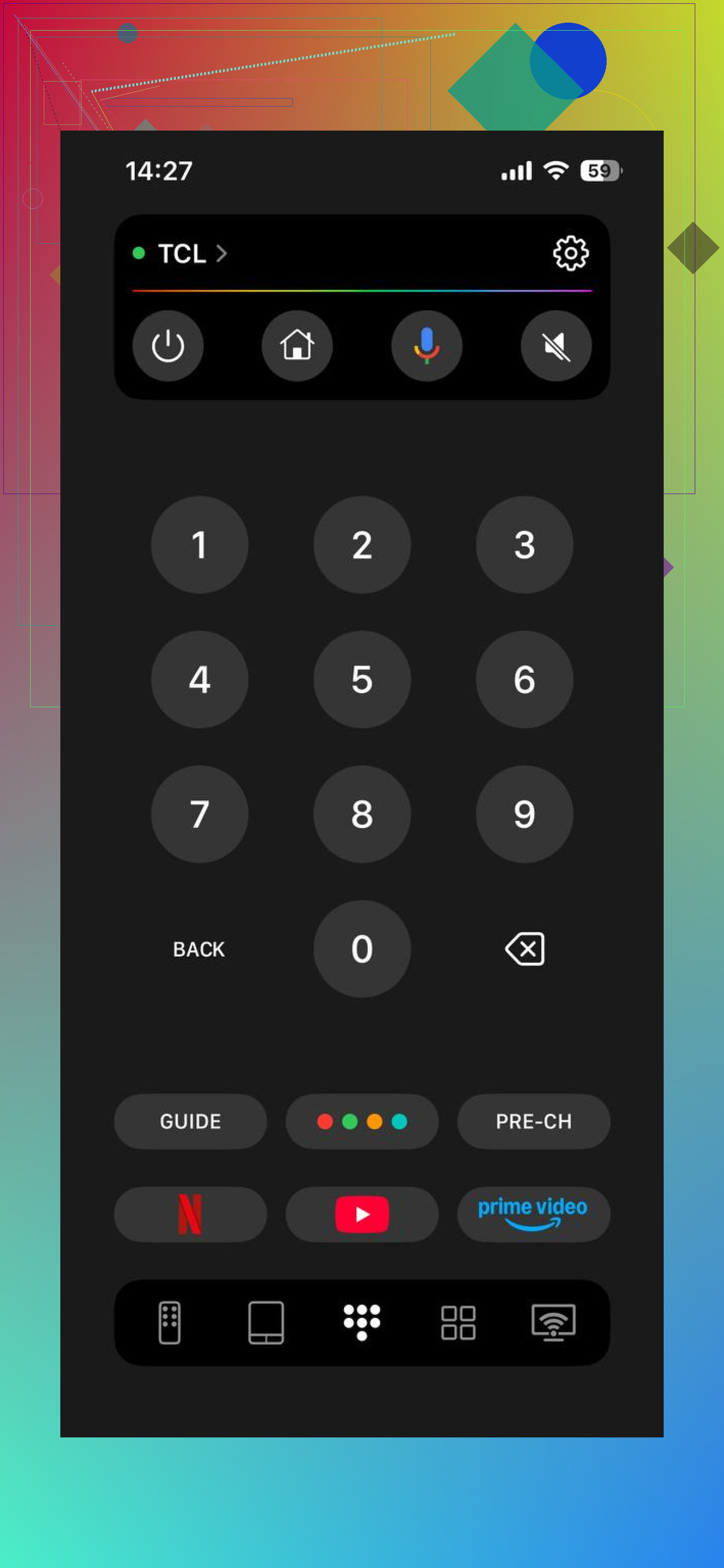
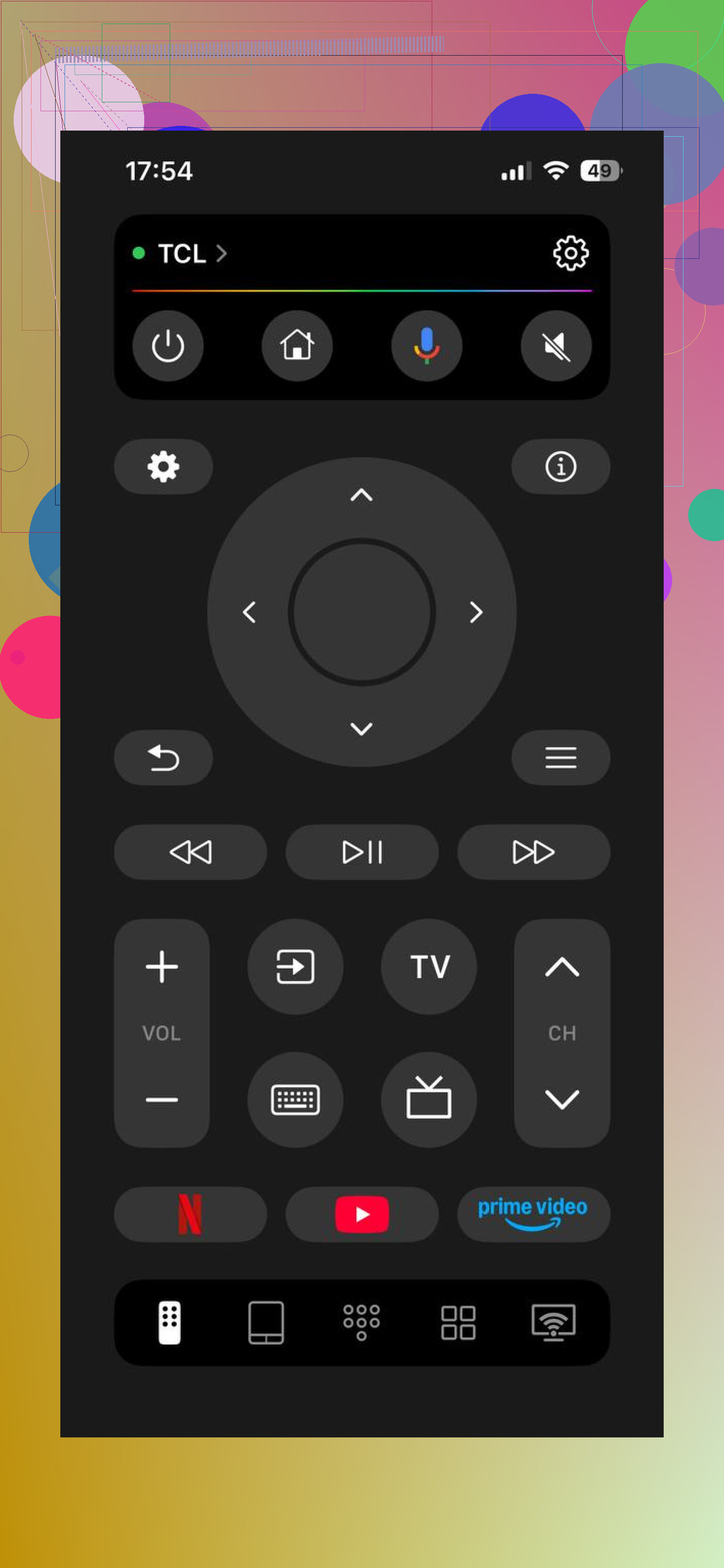
The basics are there, and those matter more than flashy UI stuff. You get directional controls, volume, keyboard input for apps like YouTube and Netflix, voice search, and quick access to streaming apps. I also liked one simple thing, it was usable for free. A lot of remote apps on iPhone hit you with paywalls fast, and this one didn’t do that to me.
I also tried TV Remote – Universal Remote.
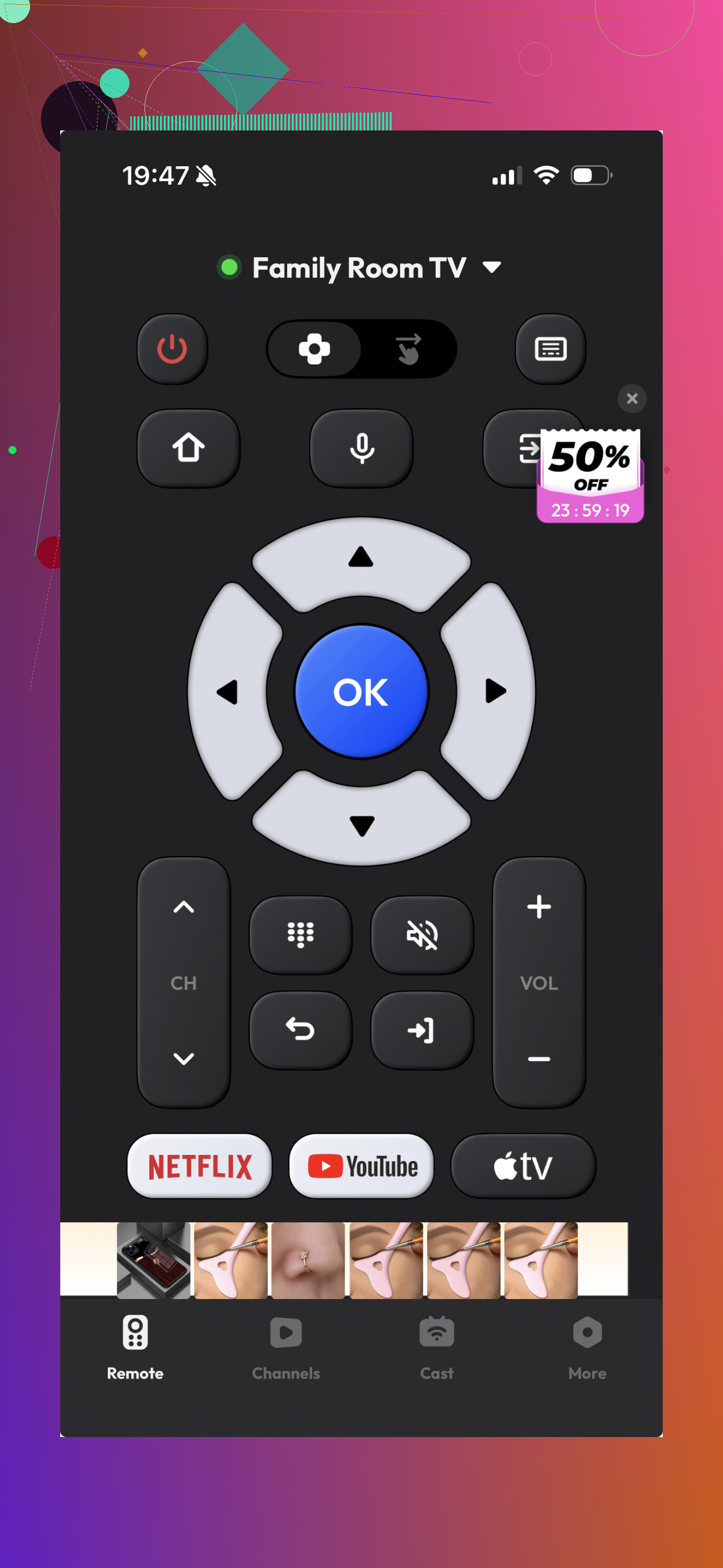
It worked for basic commands. No drama there. The layout is familiar, pairing is simple enough, but it felt older and a bit thinner on features. Typing and smart TV extras weren’t as good from what I saw.
If your TCL set is a Roku model, the official Roku app is still one of the safer picks.
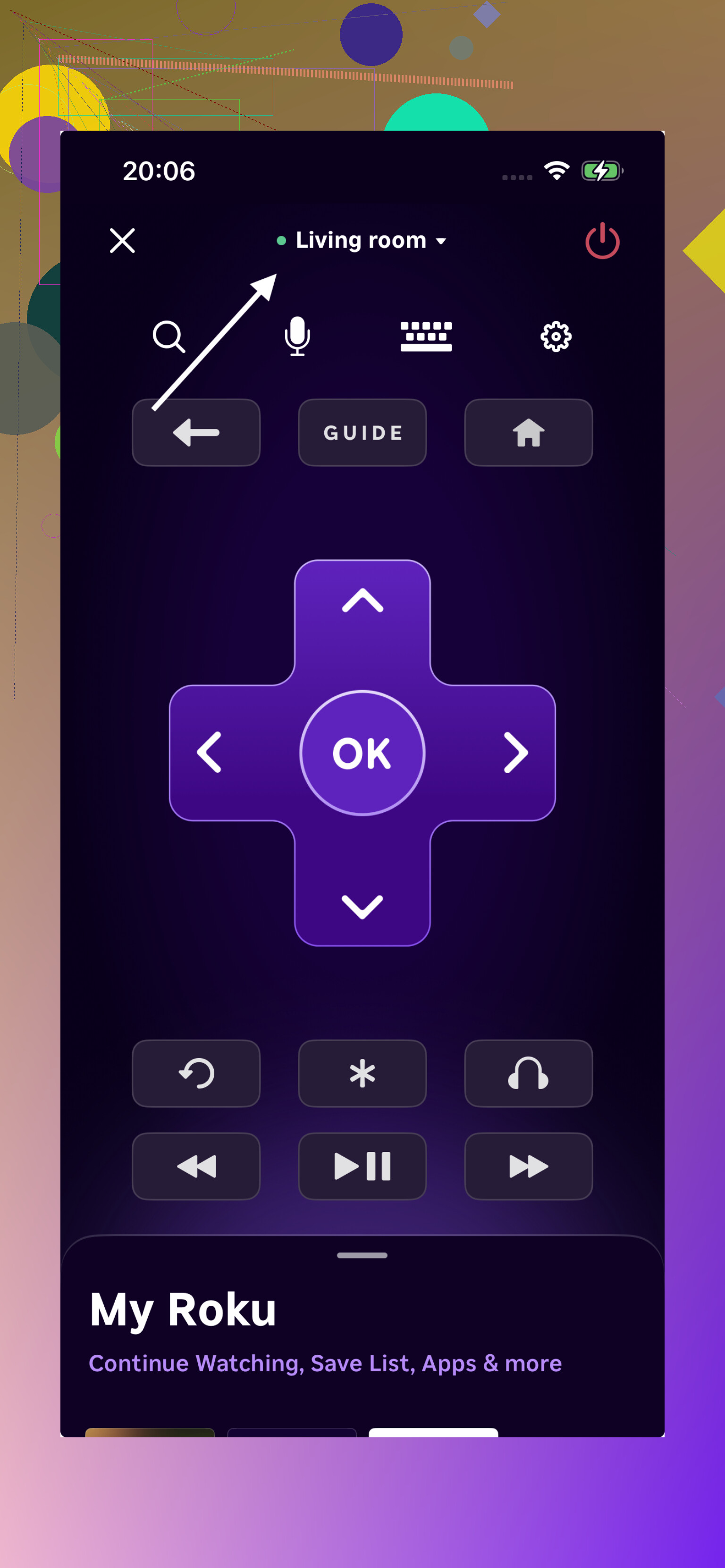
I had steadier connection with Roku’s own app on Roku-based TVs, which makes sense. Keyboard entry was smooth, voice search felt less finicky, and it behaved more like something built for the device instead of stretched across fifty brands.
If your TCL TV runs Google TV or Android TV, then the official Google TV app is worth using too.
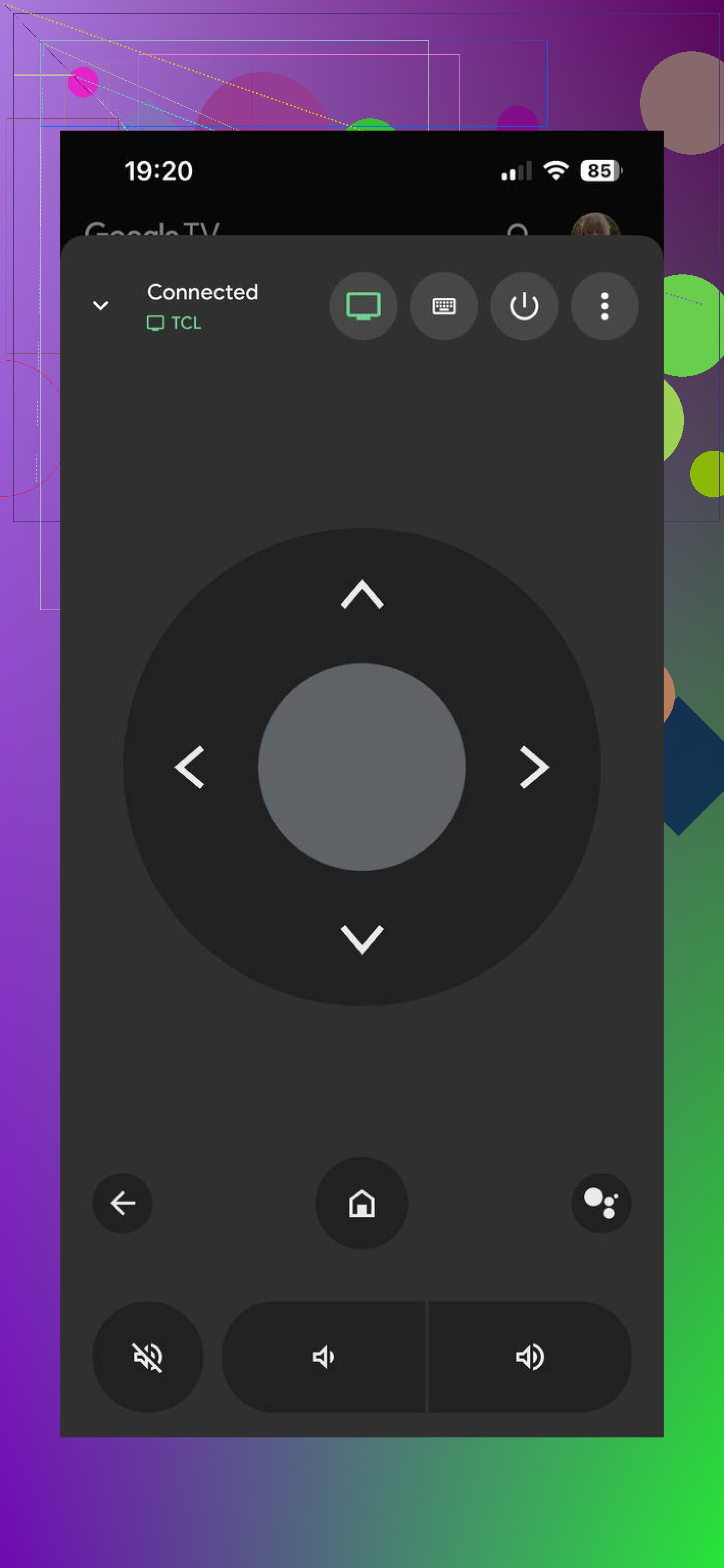
On Google-based TCL sets, its built-in remote feature is dependable and easy to live with. I had fewer weird misses with button presses there than with random third-party apps.
So if you want one app and don’t feel like checking whether your TCL is Roku, Fire TV, Android TV, or Google TV every time somebody asks, TVRem is the one I’d start with. It covers the most ground, costs nothing to use, and felt closer to a normal remote replacement than the other iPhone options I tested.
29 Likes
Check your TCL model first. Not the screen size, the TV system. TCL sells Roku TV, Google TV, Android TV, and Fire TV sets. The right app depends on that more than the TCL logo.
My take is a little different from @mikeappsreviewer. I would start with the official app for your TV system before a universal app.
Roku TV:
Use the Roku app on iPhone. It tends to pair faster and the keyboard works better for logins.
Google TV or Android TV:
Use Google TV on iPhone. The remote tool inside iOS Control Center is often more stable than third-party apps.
Fire TV:
Use the Amazon Fire TV app.
If none of those see your TV, check 3 things:
- iPhone and TV on the same Wi-Fi, same band if possible.
- TV setting for network remote control, some models ship with it off.
- VPN off on your phone.
If your physical remote is dead, also try a cheap IR remote from Walmart or Amazon. Some older TCL sets respond better to IR than app control, espescially after a router change. If you post your exact TCL model number, people here can narrow it down fast.
I’d actually split this into two different problems: app compatibility and TV wake-up.
A lot of TCL sets won’t respond to iPhone remote apps if the TV is fully off instead of just sleeping. That’s the part people skip. So even if @mikeappsreviewer and @reveurdenuit are right about matching the app to Roku, Google TV, Android TV, or Fire TV, the app can still look “broken” if the television isn’t already awake enough to accept network control.
What I’d try:
- Turn the TV on manually using the button on the TV itself.
- Then test the app while the TV is already on.
- In TV settings, look for stuff like Fast Start, Quick Start+, Network Standby, TV On From Mobile, or Control by Mobile Apps.
- If available, enable those.
That setting is weirdly important on TCL.
Also, not every “TCL remote” app in the App Store is truly model-aware. Some are just generic wrappers. I’d avoid anything that asks for a sub right away before even scanning. That’s usuallly a bad sign.
One more thing people miss: if your router has AP isolation or guest Wi-Fi enabled, the iPhone can’t see the TV even though both are “on Wi-Fi.” Seen that happen more than once.
If you post the exact TCL model number, people can tell you way faster whether you need Roku, Google TV, Fire TV, or a universal app that actually fits.
The replies already cover apps, Wi-Fi, and standby settings. I’d try reviving your existing remote beofre installing anything else.
Replace both batteries with fresh ones and check the + and − markings. If yours is a standard infrared remote, remove the batteries, press several buttons, then install the fresh pair. Clear anything blocking the TV’s remote sensor and test again. TCL includes these steps in its remote troubleshooting guide.
It’s a seperate approach worth trying before paying for an app or another remote.
Something nobody has flagged yet: if your TCL is an older IR-only set, no iPhone app is ever going to control it, period. iPhones have no IR blaster, so the whole app route only works on the network-based TVs (Roku, Google, Android, Fire). So before you download anything, confirm your TV actually accepts network control, otherwise @joe39’s battery-and-IR angle is literally your only path and the cheap replacement remote is the fix.
For the newer networked sets, I’d skip the universal apps as a first move. @reveurdenuit is right that the official app pairs cleaner, and the quiet reason is that third-party remotes ride the same network API but lose the connection the moment your TV firmware updates or the IP changes. Official apps tend to recover from that better. Keep the universal one around as a backup, just don’t lean on it as the main controller if you want it to still work in six months.