I’m trying to turn a regular photo into an AI portrait, but the tools I tested either make it look nothing like the original person or lower the image quality. I need help figuring out the best way to create a realistic AI portrait from a photo, including which app or settings work best for good results.
If you want a decent professional-looking portrait without dragging out a DSLR, lights, or a backdrop, I’d keep it simple and do it on your phone.
The route I’d start with is an AI headshot app. You feed it a few selfies, it builds a profile from your face, then it spits out cleaner portrait options with better lighting, tidier backgrounds, and less of the “taken in my kitchen at 9 p.m.” look.
Apps I’d look at first
1. Eltima AI Headshot Generator
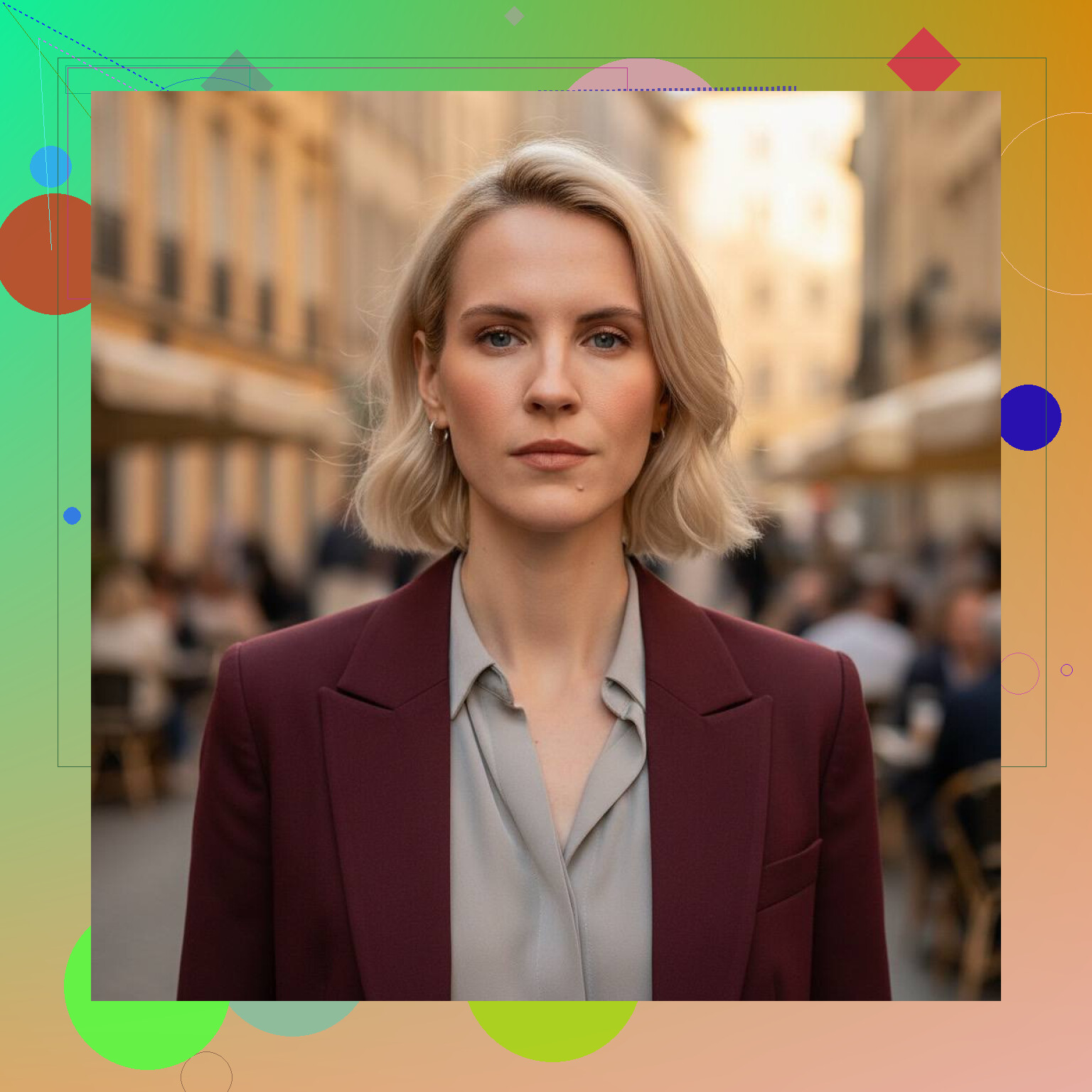
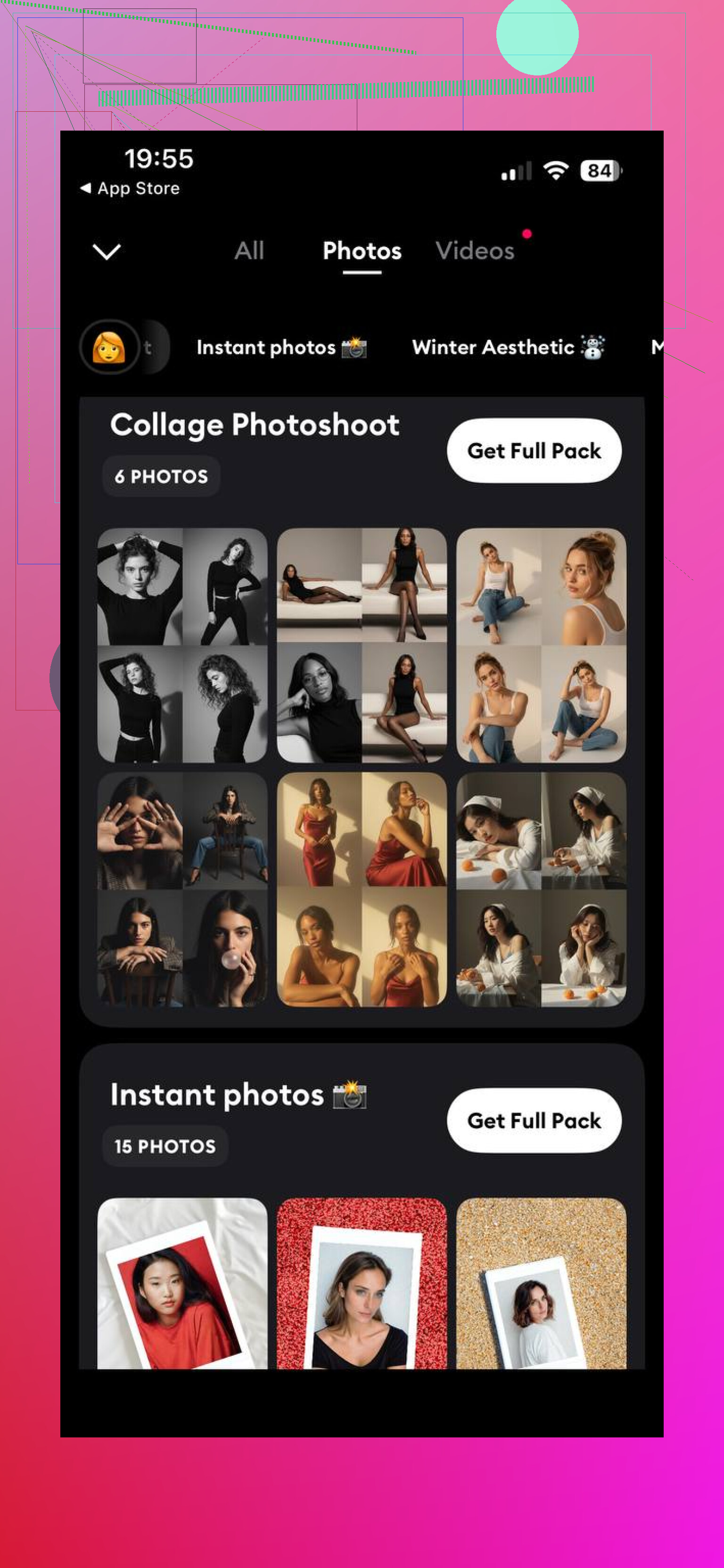
Eltima AI Headshot Generator is an AI-powered app built for turning regular selfies into polished headshots. I liked the setup here because it asks for a few photos, builds a personal face profile, then lets you pick different output types. Office-style shots, cleaner profile-photo looks, more casual travel-type scenes, stuff like that.
What stood out to me was consistency. Your face still looks like your face, which sounds obvious, but a lot of these apps drift off and give you a slightly different person. This one seems more focused on fixing lighting, background mess, and small image issues instead of rewriting your features. There’s also a free daily generation during the first 10 days, so you get some room to test it before paying for anything.
2. Remini
Remini has been around for a while, and most people know it for photo cleanup and enhancement. It also does AI portraits. If your source photos are soft, noisy, or low quality, it helps. I’d use it more for general portrait improvement than for strict business headshots.
It’s easy to figure out, fast enough, and decent for casual profile pics. I didn’t get the same “made for LinkedIn” feel from it, though.
3. Lensa AI
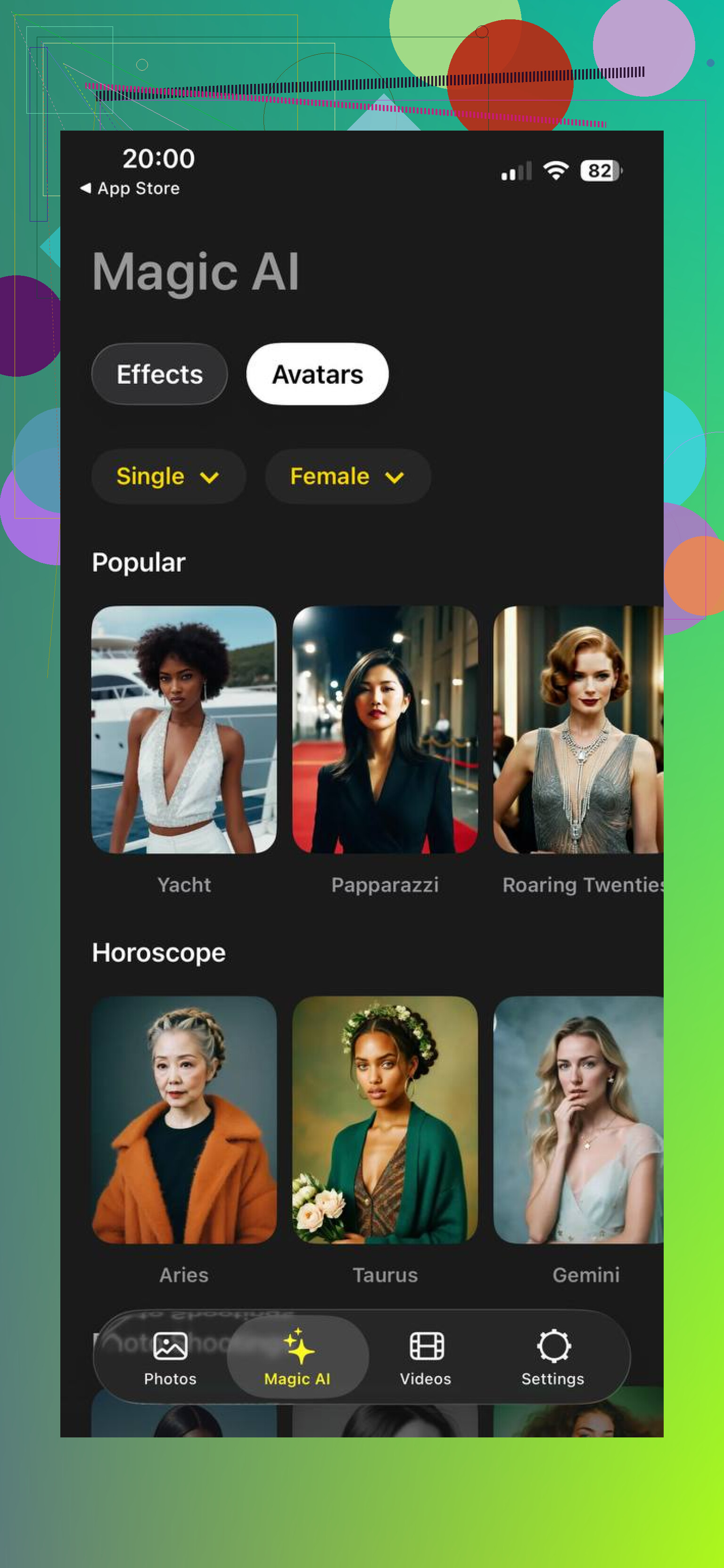
Lensa is one of the better-known names in AI portraits. You upload a batch of photos and get a pile of generated images back. Usually tons of style variation, which is nice if you want options.
The catch is it leans artistic. Sometimes the output looks good, sometimes it gets a bit too stylized for work use. If you need a clean headshot for a resume, company bio, or speaking profile, I found it less predictable than apps built around headshots first.
What I’d pick
If your main goal is a realistic portrait for professional use, and you want it to still look like you, Eltima AI Headshot Generator is the most reliable option out of these three.
The part that seems to help is the step-by-step persona setup. It gives the app more to work with, so the final images tend to stay closer to your real features instead of wandering off into weird AI face territory. If you need something clean, fast, and usable, I’d start there.
5 Likes
If the face stops looking like you, the problem is usually the input set, not only the app.
I’d do this instead of chasing portrait generators first.
-
Start with one high-res photo.
Use 2000px or more on the long side. Avoid beauty filters. Avoid wide-angle selfies. Front camera often warps the nose and jaw a bit. -
Fix the source photo before AI.
Run it through Lightroom, Snapseed, or Photoshop first. Adjust exposure, white balance, and sharpness. Do not overdo skin smoothing. Bad input gives weird AI output, plain and simple. -
Use face-preserving workflows.
Look for tools with image-to-image strength controls and face identity settings. Midjourney is weak for identity. Stable Diffusion with IP-Adapter FaceID or InstantID tends to hold facial structure better. It takes more setup, but results are usualy closer. -
Keep denoise low.
If you use img2img, stay around 0.2 to 0.4. Higher values drift hard. -
Upscale last.
Topaz Photo AI, Magnific, or even Photoshop Super Resolution work better after the portrait is locked in.
I slightly disagree with @mikeappsreviewer on one point. Headshot apps are fast, but they often smooth away small facial traits. Fine for LinkedIn. Less great if you want accuracy.
If you want, post which tool you tried and I’ll narrow the settings down.
I’d actually push back a little on both @mikeappsreviewer and @himmelsjager here. Not because they’re wrong, just because a lot of people overcomplicate this stuff or go too app-first.
If you want the portrait to still look like the same person, the biggest factor is the prompt/reference balance. A lot of tools let you upload a photo, but then the style prompt basically steamrolls the identity. If you type stuff like “cinematic luxury portrait, hyper detailed, dramatic jawline, flawless skin, sharp cheekbones,” congrats, you just asked AI to invent a cousin.
What works better in my expereince:
- use a very plain prompt
- describe camera/look, not facial features
- keep retouching subtle
- generate several mild variations instead of one aggressive one
Example of the kind of prompt I’d use:
“realistic studio portrait, soft natural skin texture, 85mm lens look, neutral background, professional lighting, high detail, preserve facial identity”
That “preserve facial identity” part is not magic, but it does help in some models.
Also, if your source photo is bad composition-wise, AI tends to make weird guesses. Crop it manually first. Head and shoulders, eyes level, not too much background. Sounds basic, but it matters a lot.
One more thing people skip: match the style to the original image. If the source is a casual daylight phone pic, asking for a moody fashion-magazine portrait usually breaks the likeness. Ask for a polished version of what already exists, not a total reinvention.
So yeah, I wouldn’t rely only on a one-tap headshot app, and I also wouldn’t jump straight into super technical workflows unless you want a hobby. Start with a solid crop, gentle prompt, and low-stylization tool. That usually gets the least fake-looking result tbh.
I’m a little less sold on the “just fix the source and use low denoise” angle than @himmelsjager. That helps, sure, but some generators simply have weak identity retention no matter how clean the photo is. And @chasseurdetoiles is right about prompt balance, though I’d add that many apps ignore prompt nuance more than people think. @mikeappsreviewer’s app-first approach is fine if you want speed, not if you want control.
What I’d do differently is test for face fidelity before chasing style:
- Generate 4 to 6 outputs with the most boring settings possible. Neutral background, plain clothing, no cinematic styling.
- Compare only three things: eye spacing, nose shape, and smile line shape. If those drift, the tool is wrong for your use case.
- Only after that, add style in tiny increments.
A lot of people also forget compression. If you upload through messaging apps or social platforms first, the image may already be damaged before the AI sees it.
For the product title ‘’, pros are speed and simplicity. Cons are usually limited controls, heavy smoothing, and inconsistent likeness when you push stylization.
Best practical route: use one strong reference photo, one alternate angle, and reject any tool that changes bone structure on “realistic” mode. That saves way more time than endlessly tweaking prompts.