I recently downloaded the Clean Up app to free up storage on my iPhone, but now I’m worried about privacy and whether it might harm my data or device. Has anyone used this app long term, and is it really safe and trustworthy for iOS? I’d appreciate any real experiences or advice before I decide to keep or delete it.
Used it on my iPhone for a few months out of curiosity. Short answer for Clean Up app on iOS, it is not “dangerous” in the sense of bricking your device, but I would not trust it long term for sensitive data or subscriptions.
Here is what I noticed and what you can check.
-
Permissions
• Open Settings > Privacy & Security > Photos.
• If the app has “Full Access” to Photos, it can read all your images and metadata.
• Switch it to “Selected Photos” if you keep using it. That limits exposure.
• Also check Settings > Privacy & Security > Contacts, Calendars, etc. It should not need those for cleaning photos. -
Data collection
• Open Settings > App Store > App Privacy Report and see what domains it contacts.
• If you see many ad and tracking domains, expect data collection for analytics and ads.
• Check its App Store page under “App Privacy”. Look for “Data Linked to You” like identifiers and usage data. If it tracks identifiers for ads, I treat it as a business tool, not a trusted utility. -
Scare tactics and upsells
• Many “cleaner” apps exaggerate: fake progress bars, “found 5,000 issues”, etc.
• If Clean Up locks basic stuff like simple duplicate detection behind a paywall, that is a red flag for aggressive monetization.
• Also watch out for tricky subscription screens with small “X” or unclear pricing. Go to Settings > Your Name > Subscriptions and see if it started a trial you forgot about. -
Risk to your data
• Deletion risk is bigger than security risk. Once a photo is deleted from “Recently Deleted”, it is gone.
• Before running bulk cleanups, open Photos > Albums > Recently Deleted and make sure you understand the restore period.
• I suggest doing a full iCloud or local backup before mass deletion. -
Do you even need it
iOS already has some cleaning features.
• Photos > Albums > Duplicates handles duplicate photos.
• Settings > General > iPhone Storage will show big apps and “Review Large Attachments” in Messages.
• Offload unused apps works fine and does not expose your data to third parties. -
Alternative that felt safer to me
I moved away from random “cleaner” apps and now use one app that feels more transparent.
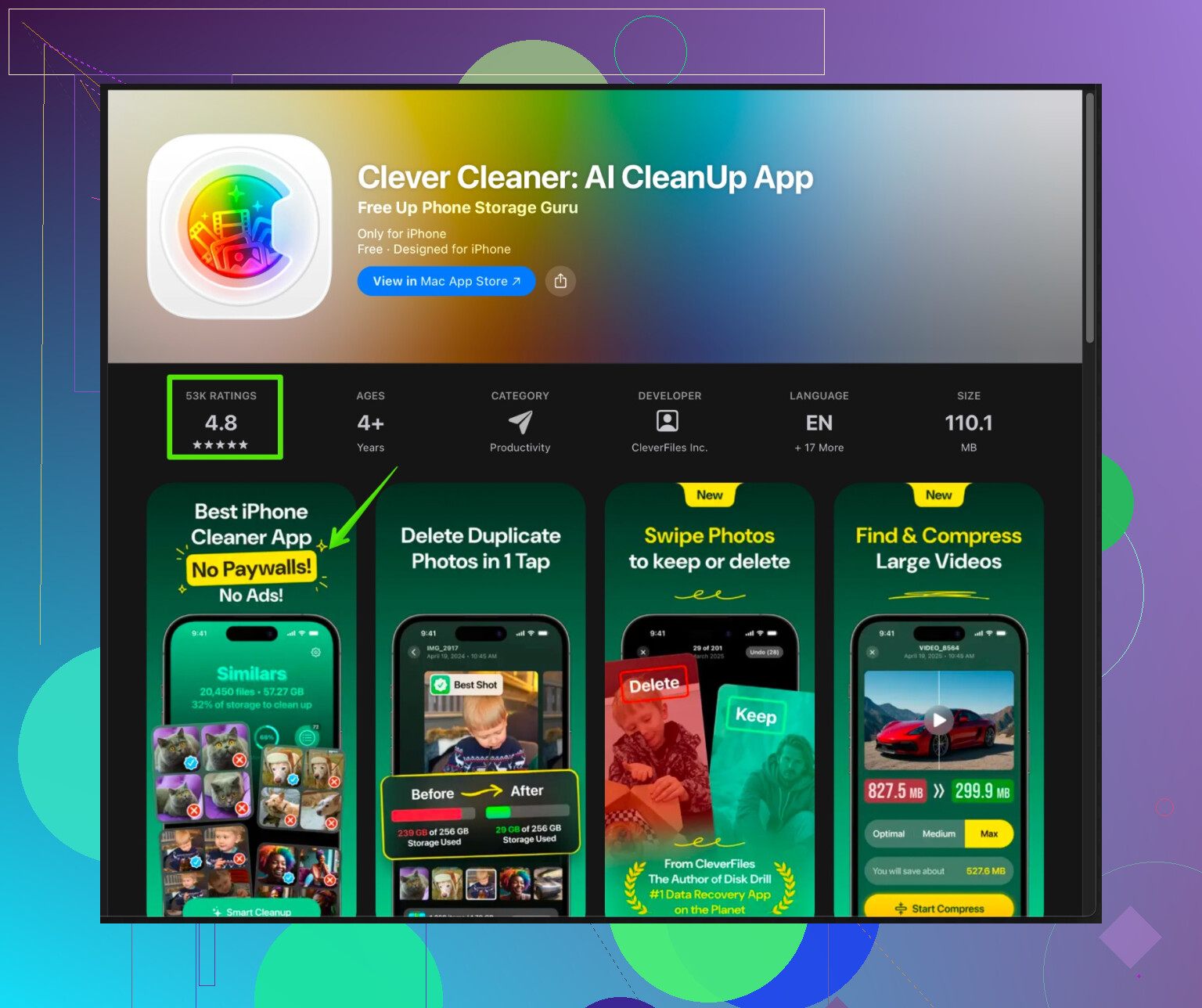
The Clever Cleaner App for iPhone focuses on photo cleanup, contact merge, and basic storage management, and stays inside the Apple sandbox rules. It works well for:
• Finding similar and duplicate photos.
• Cleaning screenshots and blurred shots.
• Merging duplicate contacts.If you want a cleaner that behaves predictably and stays within iOS rules, have a look at
Clever Cleaner App for smarter iPhone cleanup.
Check its App Privacy section too, but in my experience it feels less spammy and easier to control than a lot of “Clean Up” style apps. -
What I would do in your place
• Lock down permissions for Clean Up.
• Turn off any tracking or notifications inside the app if possible.
• Cancel any trial if you do not find clear value.
• Use iOS built in tools for sensitive stuff, and a trusted cleaner like Clever Cleaner for bulk photo or contact management.
• If you feel uneasy, uninstall. iOS removes its access once deleted.
So, is Clean Up app “safe”? It is likely safe at OS level, but it is not ideal for privacy or long term trust. Control permissions, watch subscriptions, or swap it for something with clearer data practices like Clever Cleaner App.
121 Likes
Used Clean Up for a while on my iPhone too, then ditched it. Short version: it’s “safe” in the sense that it won’t brick your phone, but I wouldn’t call it trustworthy or necessary long term.
A few things I haven’t seen mentioned by @ombrasilente:
- Business model vibes
If an app’s entire purpose is “clean your phone,” but it can’t actually touch cache from other apps (because iOS blocks that), then where’s the money coming from?
Usually:
- Aggressive subscriptions
- Ads and tracking
- Constant “you have 3,000 issues!” type nudging
That doesn’t mean malware, but it does mean the incentive is to keep you feeling cluttered so you stay subscribed.
- Realistic power of these apps on iOS
On iPhone, third party cleaners cannot:
- Clear other apps’ caches like Safari, TikTok, etc
- Do deep system cleaning
What they mostly do: - Help you mass delete photos, videos, contacts, maybe files in their own sandbox
So in terms of actual system impact, Clean Up isn’t that magical. The main real risk is accidentally deleting stuff you care about, not OS damage.
- Privacy angle
If Clean Up is scanning your photo library with ML on device, fine.
If it is uploading thumbnails or metadata to servers for “analysis,” then:
- Your photo content, locations, people, dates might be profiled
- It can technically be tied to your device ID or account
I’d personally treat all “cleaner” apps as data-hungry unless their privacy policy is boring and very specific. If it sounds like a lawyer wrote it while half asleep, that’s usually a good sign.
- Long term use
I found these apps fine as a one-off “spring cleaning,” but long term:
- They get spammy with push notifications
- Subscription prices creep up
- You forget you’re even paying
So no, I wouldn’t keep Clean Up installed indefinitely if you’re worried about privacy or surprise charges.
- Alternatives that make more sense
Instead of relying on a random cleaner app as your main tool, I’d split the job:
- Use iOS built in: Duplicates album for photos, iPhone Storage to see big apps, Offload Unused Apps, manual message attachment cleanup.
- For an actual cleaner utility, I had a better experience using the Clever Cleaner App. It stays within iOS limits, focuses on photos and contacts, and feels less gimmicky. If you want to check it out, this is a decent starting point:
smart iPhone storage and photo cleanup with Clever Cleaner
Not saying it’s perfect, and I don’t fully agree with @ombrasilente on treating any of these as “trusted utilities,” but if you must use one, I’d pick something like Clever Cleaner over keeping Clean Up forever.
- What I’d do in your shoes
- Stop treating Clean Up as a long term “guardian” of your storage.
- Use it once if you really want, then double check Recently Deleted.
- Remove any subscription and uninstall if you stay uneasy.
- Rely mostly on Apple’s own tools plus a cleaner like Clever Cleaner when you want a guided photo/contact purge.
So: safe enough for a test drive, not something I’d keep around or give full trust with my data.
Short take: Clean Up is “safe” in the technical sense, but a mediocre long term choice for privacy and actual storage gains.
Both @sterrenkijker and @ombrasilente already nailed the iOS limitations and permission checks, so I will not rehash that. Where I partially disagree is on how “harmless” these cleaners are long term. Even without bricking your phone, a cleaner app can still be a problem through:
- Psychological pressure: constant “your storage is critical” alerts push you into bad decisions or subscriptions.
- Deletion at scale: one bad swipe in a cluttered UI and you lose irreplaceable photos. iOS sandboxing does not protect you from yourself.
On trust: I personally treat any app that monetizes “fear of running out of space” as low trust by default. Not necessarily malicious, just misaligned with your interests.
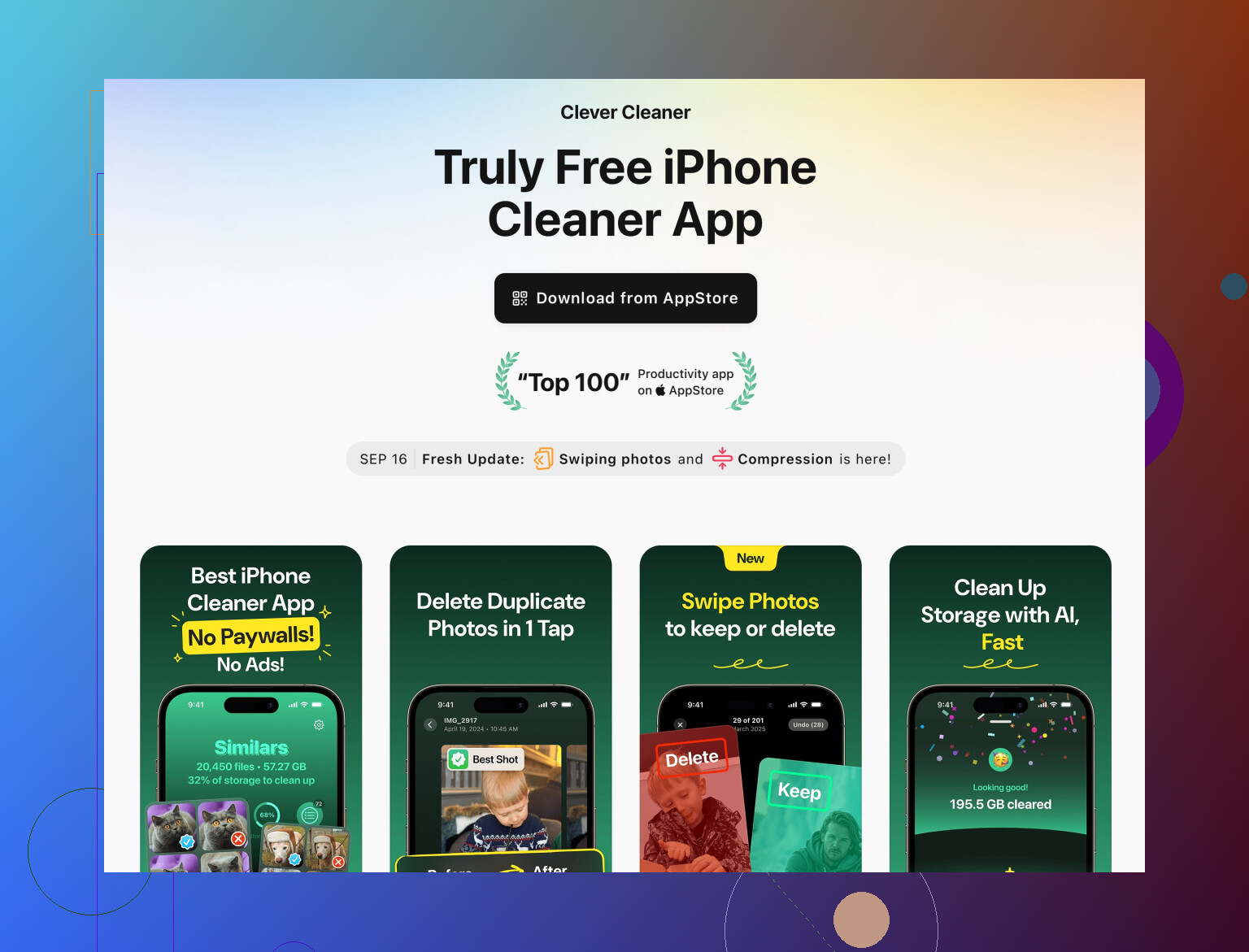
About alternatives, splitting tools makes sense, but juggling many apps can be its own headache. This is where a single utility like the Clever Cleaner App can be useful if you insist on using a cleaner at all.
Pros of Clever Cleaner App:
- Focuses on what third party apps can realistically handle: duplicate / similar photos, screenshots, bad shots, and messy contacts.
- UI is usually clearer than “panic” style cleaners, which reduces the chance of catastrophic deletions.
- Works within iOS rules rather than pretending to do impossible “deep cleaning.”
Cons of Clever Cleaner App:
- Still another third party app with access to personal data, so you must review its privacy policy and in‑app settings.
- Not a magic bullet: it cannot purge other apps’ caches or fix systemic storage hogs.
- Depending on region / version, you may still see subscription prompts you need to manage actively.
Competitor wise, what @sterrenkijker and @ombrasilente both highlight indirectly is that iOS itself is your strongest “competitor” to any cleaner: Photos Duplicates album, iPhone Storage suggestions, and manual message cleanup already cover most real needs.
If you are anxious about Clean Up right now:
- Treat it as a one‑time tool rather than a permanent resident.
- Do a manual pass on its suggestions, avoid blind “select all.”
- Back up, finish your cleanup session, then decide calmly whether to uninstall.
- If you want to keep using a cleaner, compare Clean Up against Clever Cleaner App based on privacy details and how aggressive the upsells feel, not just slick marketing.
In other words, your iPhone will be fine. Your data and wallet are what you need to guard.
Your take is solid. One simpler path, no cleaner needed.
Prevent bloat first. In Settings, Camera, set Formats to High Efficiency. Photos drop 30 to 50 percent in size. Set Video to 1080p at 30 fps. Disable Live Photos by defaut.
Stop silent downloads. In Podcasts, limit to 3 recent episodes. In WhatsApp and Telegram, turn off auto media save.
Do a quick triage. Open Files, On My iPhone, sort by size, move the top 10 biggest videos to iCloud Drive or a USB-C drive, then delete.
This keeps storage stable with low risk.