I need advice on the best way to clean my iPhone because it’s gotten pretty grimy from daily use, including fingerprints, dust around the speakers, and some sticky residue on the back. I’m worried about using the wrong products or letting liquid get into the ports or speakers. What safe methods and cleaning materials should I use to properly disinfect and clean my iPhone without causing any damage?
Short version so you do not wreck your phone:
- Power it down
- Use a slightly damp microfiber for the body and screen
- Use 70% isopropyl alcohol on the cloth for sticky stuff
- Use dry soft brush for ports and speakers
- No sprays directly on the phone, no metal tools, no bleach
More detail below.
Screen cleaning
• Turn the iPhone off and unplug everything.
• Use a clean microfiber cloth, not paper towels. Paper scratches glass over time.
• Lightly dampen a corner of the cloth with water or 70% isopropyl alcohol. Do not soak it.
• Wipe the screen in straight lines, not circles, with gentle pressure.
• Use the dry side of the cloth to buff out streaks.
Sticky residue on the back
• Use 70% isopropyl alcohol on a microfiber cloth.
• Press on the sticky area for a few seconds, then wipe.
• For stubborn sticker gunk, repeat instead of scrubbing hard.
• Avoid acetone, glass cleaner, vinegar, or household solvents. Those mess with coatings and rubber seals.
Ports and speakers
• Use a soft, dry brush, like a small clean paintbrush or a soft toothbrush.
• Brush the speaker grilles at an angle so dust falls out, not deeper in.
• For the charging port, use a wooden or plastic toothpick, not metal.
Gently scrape lint from the bottom of the port. Stop if you feel resistance.
• Do not blow compressed air into ports. It can push moisture or debris inside.
• No liquids in the ports at all.
What to avoid
• No direct spraying on the phone. Always spray on the cloth first.
• No cleaning wipes with bleach or strong chemicals.
• No rough cloths, tissues, or kitchen towels.
• Do not soak the phone in water, even if it has water resistance.
Quick routine for daily use
• Wipe screen and back once a day with a dry microfiber.
• Do a deeper clean with alcohol once a week.
• Clean ports once a month if you pocket the phone a lot.
Digital cleaning too
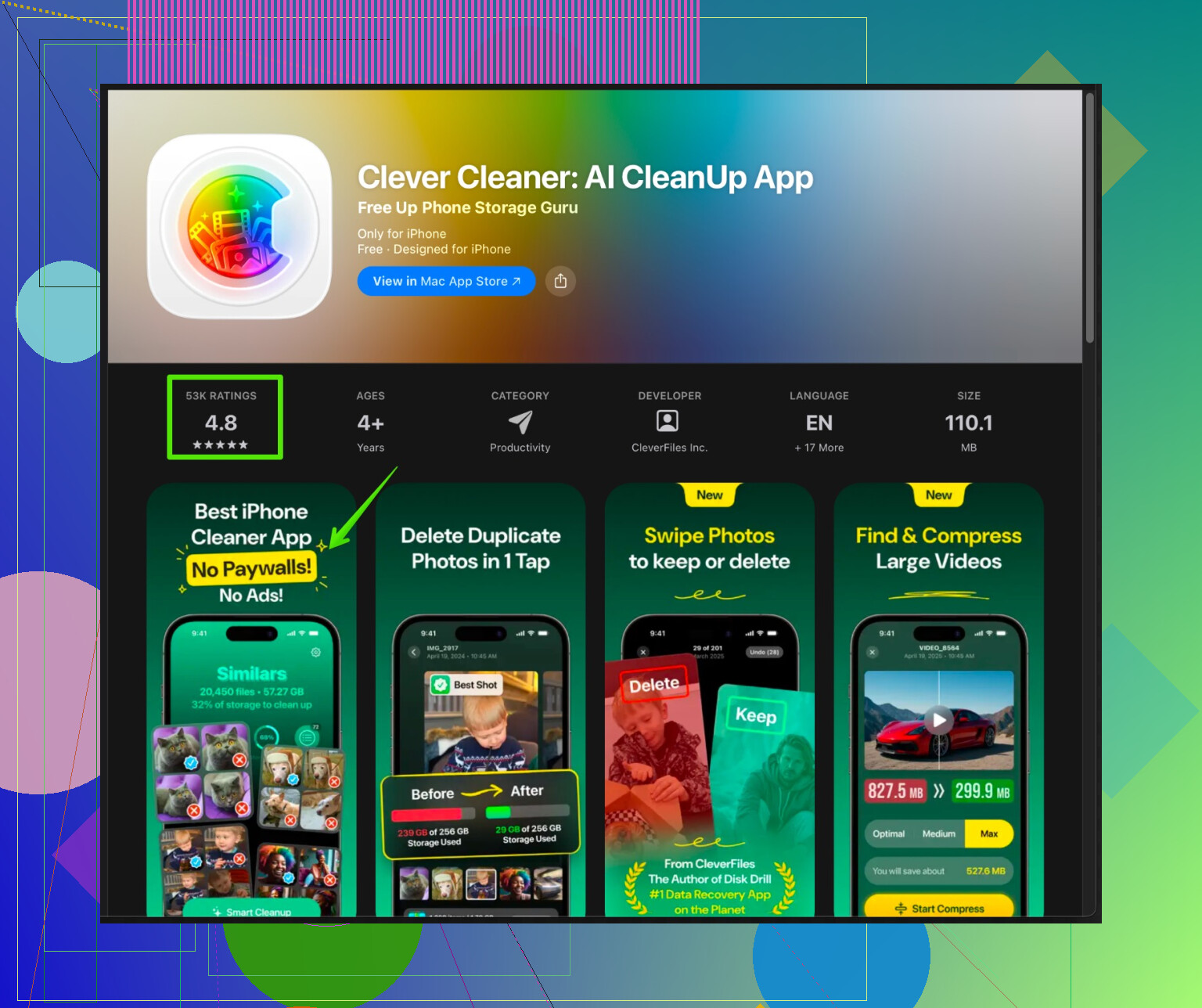
If by “grimy from daily use” you also mean slow, full storage, and random lag, you might want to clean the inside of your iPhone in software. There is an app called Clever Cleaner App for iPhone that focuses on deleting junk photos, duplicate contacts, and big files that clutter storage.
You can check it here:
Smart iPhone cleanup with Clever Cleaner App
That combo of physical cleaning plus storage cleanup keeps the phone looking and working a lot better.
62 Likes
You’re right to be nervous, it is pretty easy to mess up coatings or shove junk deeper into the phone if you go at it the wrong way.
@shizuka already covered the “basic safe routine” really well, so I’ll just add some extra angles and a couple places where I’d tweak what they said.
1. Protect the screen before you obsess about cleaning it
If you don’t already have a screen protector, I’d honestly slap one on after your first careful clean.
Reason: the oleophobic coating on iPhone screens wears off over time, and aggressive cleaning speeds that up.
So:
- Do a gentle clean now
- Put a decent glass protector on
- From then on, you’re really just cleaning a $10 piece of glass, not the actual screen
This also means if you do get a micro-scratch from a dusty cloth, it’s the protector that takes the hit.
2. For fingerprints and smears, you don’t always need alcohol
I slightly disagree with heavy alcohol use for daily cleaning. Apple actually recommends 70% isopropyl, but using it every day can wear the coating faster.
For everyday grime:
- Use a dry microfiber first
- If that isn’t enough, very lightly fog the screen with your breath and wipe in straight lines
- Keep alcohol for “this is actually sticky or nasty” situations
Think of alcohol as “spot treatment,” not your main cleaner.
3. Sticky residue on the back: use time, not force
If it’s sticker residue on glass or metal:
- Put a tiny bit of 70% isopropyl on a cloth
- Press and hold on the area 10–20 seconds so it softens the gunk
- Then wipe gently
- Repeat instead of scrubbing like crazy
The mistake people make is pressure instead of patience. More rubbing = more micro-scratches.
If you have a case:
- Take it off and clean that properly too
- Some TPU or silicone cases can safely handle a little dish soap + water, then fully dry before putting back on
- Just don’t put the wet case back on the phone and assume “eh, it’ll dry”
4. Ports and speakers: be more paranoid than you think
I 100% agree with avoiding compressed air, but I’m even more conservative than @shizuka on the toothpick thing.
Wood toothpicks can splinter in the port if you’re not careful. What works well:
- A soft camera lens blower (the hand-squeeze kind, not a canned air blast) from a few inches away
- A super soft, clean paintbrush for speaker grills
- If you do use a toothpick, use almost no pressure and only scrape the bottom of the port, not the sides
If you feel resistance, stop, don’t “dig” deeper. People absolutely rip off port pins like this.
5. Water resistance is not a cleaning feature
Even though iPhones are “water resistant,” they’re not “let me run this under the tap and hope” resistant.
Avoid:
- Running it under water
- Submerging it “just for a second”
- Soaking corners and seams (those gaskets age and they’re not immortal)
If you did get it damp accidentally, dry everything with a microfiber and let it sit a bit before plugging it back in.
6. Gloves and anti-static: overkill, but useful if you’re picky
If you’re very particular about streaks:
- Nitrile gloves keep skin oils off while you’re cleaning
- Anti-static microfiber (the kind used for camera lenses) helps attract dust better and leaves fewer streaks
Not required, just makes the process a bit more “clean-room” and less “shirt corner and vibes.”
7. Don’t forget the inside: storage & “digital grime”
Physical grime is annoying, but iPhones also get “digitally dirty” with:
- Duplicate photos
- Blurry screenshots
- Old videos and downloads
- Random cached junk that slows things down
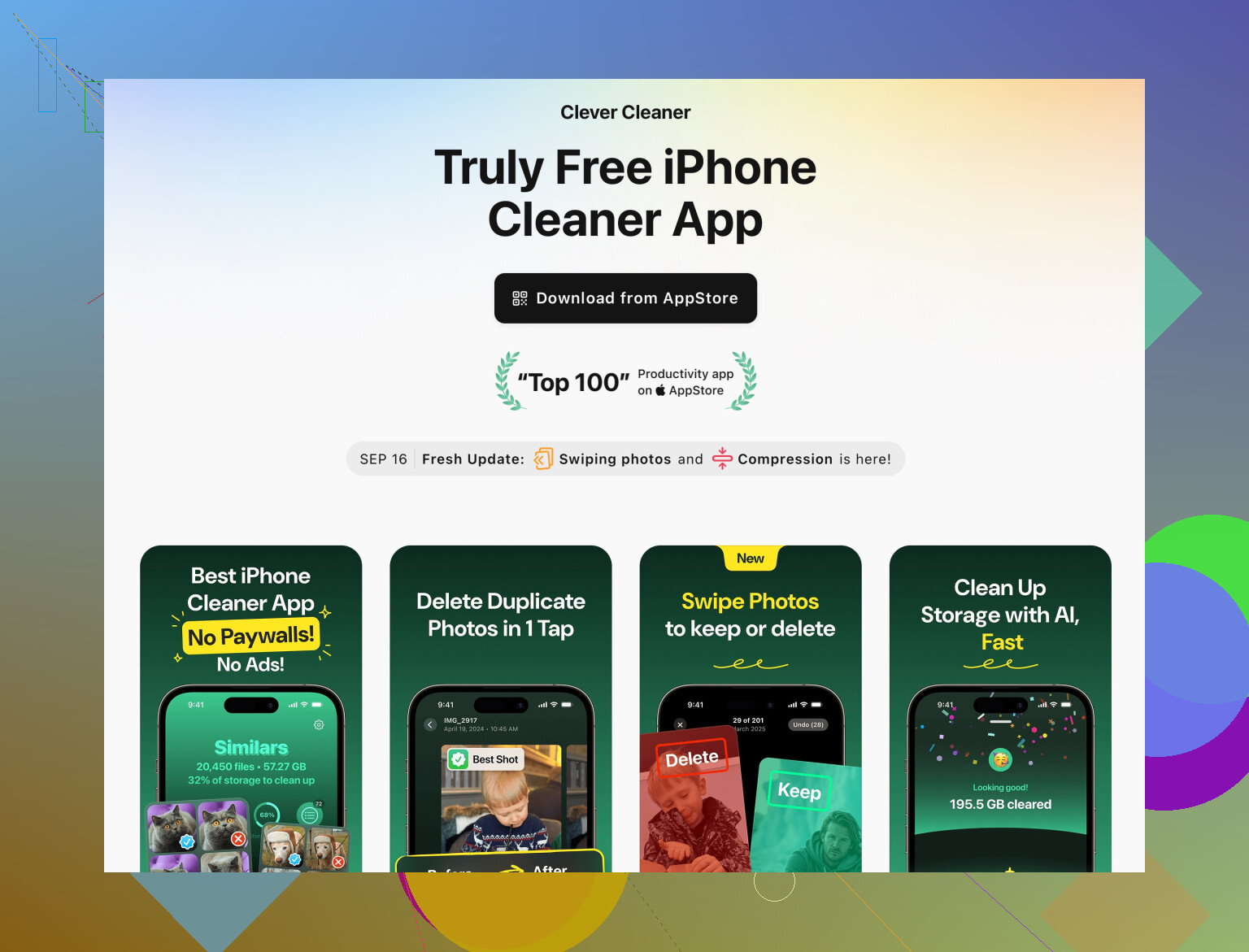
If your phone feels sluggish or storage is yelling at you, this is where something like Clever Cleaner App is actually useful. Instead of manually hunting through thousands of photos and files, it automates a lot of that cleanup.
You can check out a more detailed tool for tidying up your iPhone’s storage here:
smart iPhone cleanup and storage optimization
That won’t help sticky residue on the back, obviously, but it will make the phone feel less “gross” overall, especially if you’re low on space.
8. Simple routine going forward
To keep it from getting nasty again:
-
Daily or every couple of days
- Quick dry wipe with a microfiber on screen and back
-
Weekly
- Slightly damp cloth for screen and body
- Alcohol only on actual sticky spots
-
Monthly
- Gentle speaker / port brush
- Quick storage cleanup session with something like Clever Cleaner App so you’re not living at 98% storage
Stick to that and you won’t need to do those full “oh wow this is gross” deep cleans nearly as often.
If you’re unsure about anything, the safest rule:
If it sounds like it belongs in a garage (acetone, bleach, WD-40, glass cleaner), it probably doesn’t belong on an iPhone.
If you follow what @jeff and @shizuka laid out, you’re already 90% covered, so I’ll just hit angles they did not focus on and push back in a couple of spots.
1. Screen & body: less product, more cloth
They’re right about microfiber and no paper towels. Where I’d tweak it:
- Before reaching for alcohol, try two dry microfibers: one for the first pass, one for buffing. Fresh, clean cloths matter more than what liquid you use.
- I would avoid using alcohol every week on the screen if you care about the oleophobic coating lasting. Reserve 70% isopropyl for visible grime or sticky spots, not for routine “it has fingerprints again.”
2. What to do if you already scratched the screen
One thing neither mentioned: if you already see micro-scratches, stop obsessively “polishing” that area. Polishing with any abrasive “glass polishes” or toothpaste is a bad idea on iPhone glass. You will not remove the scratch, you will just haze the coating. At that point:
- Clean carefully once
- Put a glass screen protector on
- Accept the protector as the sacrificial layer
3. Ports & speakers: when brushing is not enough
@shizuka’s soft brush idea is solid, and @jeff’s caution about toothpicks is also fair. If dust is caked on:
- A very slightly tacky “putty” (like camera sensor cleaning putty, not random sticky tack) dabbed on the speaker grille can lift dust without pushing it in. Do not mash it into the holes.
- If sound is still muffled after you clean, test with wired headphones or Bluetooth. If audio is clean there, the speakers are still fine and it is just mechanical blockage, not a blown speaker.
I personally skip toothpicks unless charging is failing, and even then I treat it as a last resort.
4. Cleaning cases & avoiding “mystery hazing”
Where people quietly mess up:
- They clean the case with harsher chemicals, put it back on slightly damp, and that stuff sits trapped against the phone edges.
- Silicone and leather in particular can off-gas or leave films that look like screen haze.
Safer approach:
- Hard plastic or TPU case: mild soap and water, rinse well, dry fully before reinstalling.
- Leather case: dedicated leather cleaner or just a slightly damp cloth, then air dry. Do not go at it with alcohol like you would the phone glass.
5. Water & steam: the sneaky risk
One thing not mentioned: avoid cleaning your iPhone in a steamy bathroom. High humidity while hot can encourage condensation inside, especially around the camera modules. So:
- No “I’ll wipe it right after a shower under the hot lights.”
- Let the room cool and dry a bit first.
6. “Digital dirt” & Clever Cleaner App
Both @jeff and @shizuka touched on “digital grime.” That is actually worth treating like regular maintenance, same as physical cleaning.
A tool like the Clever Cleaner App can help with:
Pros:
- Automates finding duplicate photos and near-duplicates, which you will never realistically do manually if you have thousands of shots.
- Identifies huge videos and old files hogging storage.
- Can tidy duplicate contacts and random junk faster than digging through every app’s settings.
Cons:
- You still need to review what it wants to delete. Any “one-tap clean everything” feature can remove stuff you did not mean to lose if you are careless.
- Some people may not want to grant photo or contact access to yet another app, which is a valid privacy concern. It is only as trustworthy as you are comfortable with.
- It will not fix performance issues caused by a dying battery or major iOS bugs, so expectations should stay realistic.
I see it more as a regular “spring cleaning” assistant, not a magic speed booster. Use it once in a while instead of every day, the same way you are not deep cleaning the ports weekly.
7. Simple combo routine that avoids over-cleaning
If you want the least-risk plan:
- Daily: quick dry microfiber only.
- Weekly: slightly damp microfiber for screen and back, alcohol only where there is actual residue.
- Monthly: soft brush on speakers and a very light inspection of the charging port, plus a storage pass using Clever Cleaner App to catch bloat before your phone screams about space.
That keeps you from overusing chemicals, reduces wear on coatings, and still tackles the grime that actually matters.
Try a wipe and air kit.
Use phone-safe premoistened electronics wipes, 70% IPA.
One wipe for the whole phone, one pass, once a week.
No spray.
Keep a small rocket air blower for ports. Two short puffs per port. No contact.
Lift speaker dust with blue painter’s tape. Gentel dabs.
For sticky residue on the back, use a single disinfecting wipe, then dry with a clean T shirt.
Total time, under 2 min. I see fewer smudges after 48 hours vs microfiber.
Cheap, repeatable, low risk.