I lost my Roku TV remote and now I can’t figure out how to change channels. The TV is on, but I need a quick way to switch channels without buying a new remote right away. Looking for easy steps using the TV buttons, Roku app, or any other workaround.
If the Roku remote is missing, dead, or wedged in the couch forever, I’d do one of these two things.
Option 1
Use the official Roku app on iPhone or Android.
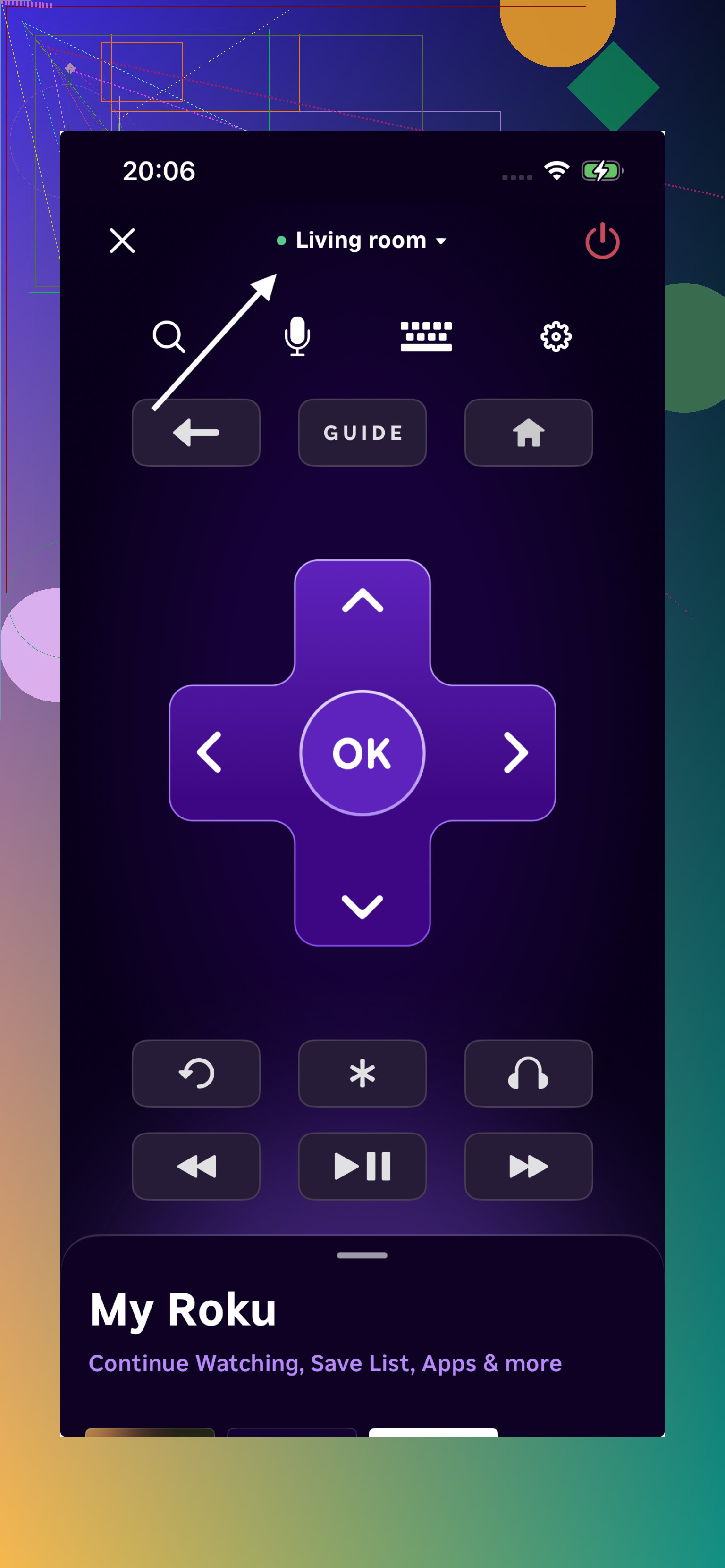
I used this first when my remote stopped pairing. Setup was easy. I put my phone on the same Wi-Fi as the TV, opened the app, and the Roku showed up on its own. No weird steps.
You get the full remote layout on your phone, including the directional pad, so moving through the guide or Live TV menu feels normal enough. It also has private listening, which helped me once when I was watching late and didn’t want the TV speakers on.
If your setup is simple and you only need control for one Roku, this works fine.
Option 2
Use Free Universal Remote Control TVRem on iPhone.
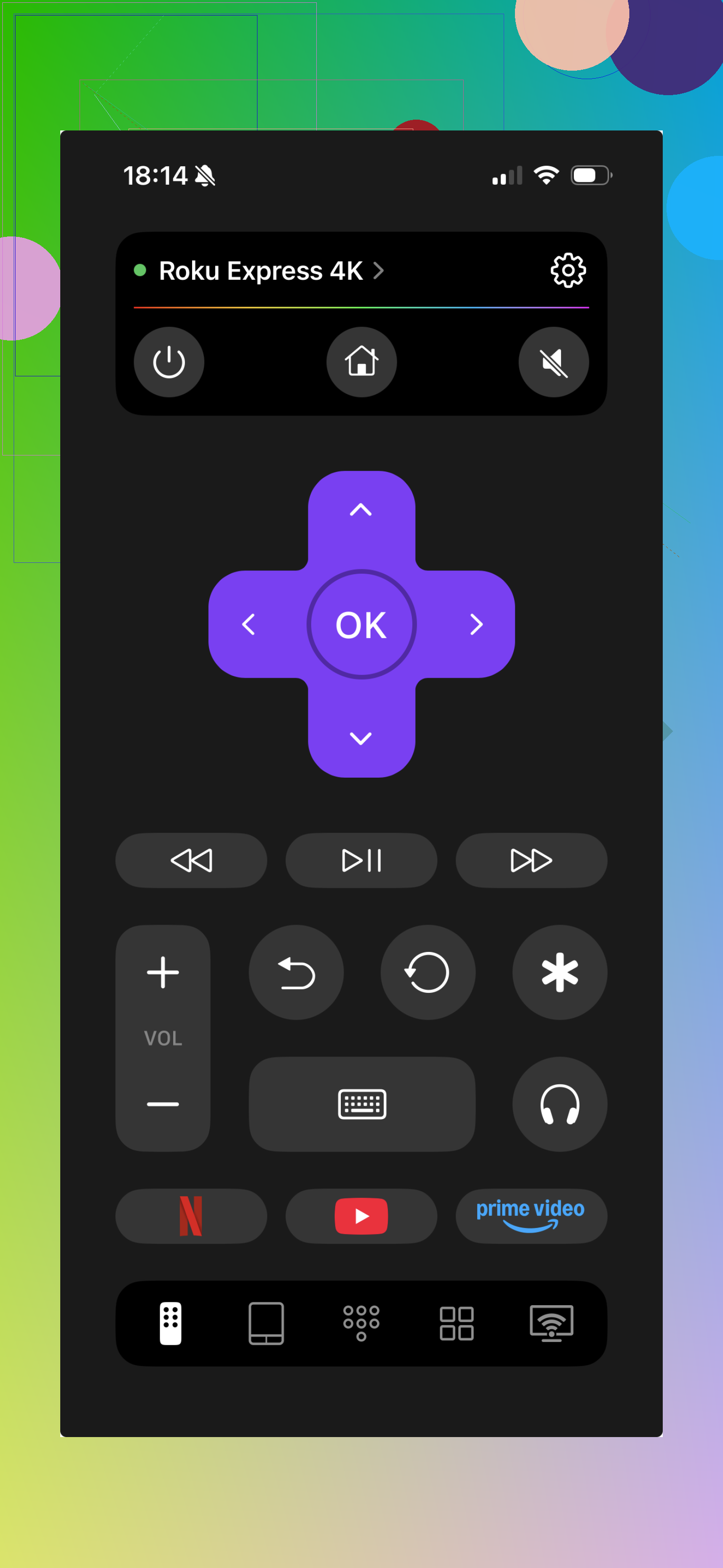
I tried this route too. Same core setup, your phone and TV connect over Wi-Fi, then the remote shows up on screen. You still get the main controls, including channel switching and guide access. The difference is simple. This app isn’t stuck to Roku only.
The part people miss
Your phone and the TV need to be on the same Wi-Fi network. I’ve seen this fail for one dumb reason, the phone was on cellular or on a guest network while the TV was on the home network. If it won’t connect, check this first.
If you want a physical remote
You can buy a replacement Roku remote or a cheap universal IR remote for less than $15 in most cases.
What I’d pick
If you use one Roku and nothing else, the official Roku app does the job.
If your place has mixed gear, I’d lean toward TVRem. I liked it for a few plain reasons. One app handles Roku, Samsung, LG, Fire TV, Android or Google TV, and Apple TV. That cuts down the pile of remotes fast. It’s free, without the usual locked buttons or subscription popups. It also includes stuff I missed in simpler apps, like typing with your phone keyboard and voice search, which saves you from peckng through the TV alphabet screen one letter at a time.
Last I saw, it was sitting at 4.8 stars from around 2,400 reviews, so it doesn’t look like some random throwaway app.
63 Likes
If you need a fast fix and the TV is already on, check the physical buttons on the Roku TV itself first. A lot of Roku TVs still have one button under the center logo, or a small button cluster on the back right or back left side.
What you do:
- Find the TV button.
- Press it once to open the on-screen menu.
- Press again to move through options.
- Hold it to select.
On many models, this lets you get to Inputs, Live TV, and volume. If you’re already on Live TV, some sets let the button cycle channels too, but not all. This part depends on the brand, TCL, Hisense, Onn, Sharp, etc.
I kinda disagree with @mikeappsreviewer on one point. I’d try the TV buttons before messing with apps, becuase if your Roku lost Wi-Fi or got stuck on the wrong input, the phone route won’t help much at first.
Other no-remote options:
- Plug in a USB keyboard, some Roku TVs respond to arrow keys in menus
- Use a cheap universal IR remote if your Roku TV model supports IR
- If you have cable, use your cable box remote and switch channels there instead of on the Roku TV
If you tell the TV brand, I can narrow down where the button is.
If the TV is already on, I’d actually try one thing neither @mikeappsreviewer nor @cacadordeestrelas really leaned on much: use the channel list / recent input behavior that some Roku TVs keep even without the remote.
A lot of Roku TVs will do this:
- Press the Input/Source button on the TV itself
- Go to Live TV
- Once Live TV opens, press the physical button again and see if it brings up the mini channel banner or jumps to the last channel
- On some brands, volume buttons double as channel up/down when Live TV is active. Weird, but it happens
Also, if you have an antenna or cable box hooked up, the channel changing may not even be happening on the Roku side. That trips people up. If the coax goes into a cable box, you need the box remote, not the TV remote. If the coax goes straight into the TV, then Roku Live TV is handling it.
One more shortcut people forget: if your Roku TV has HDMI-CEC enabled and you’ve got a streaming stick, console, or cable box connected, try that device’s remote. Sometimes the directional pad and home controls will move around the Roku menus enough to get back to Live TV. Not always, but worth 30 seconds before you start tearing apart the couch again.
If none of that works, then yeah, app or replacement remote is probly the fastest fix. But I woudn’t assume you need one right away. The TV buttons can do more than Roku makes obvious.
If your Roku TV is already linked to Alexa or Google Home, use voice control.
Say, “Alexa, tune Roku TV to channel 7,” or “Hey Google, switch Roku TV to Live TV.”
Use the TV name shown in your smart-home setup. For example, say “Living Room Roku.”
This works best with antenna channels. Channel support varies by Roku TV brand. If the command fails, say “open Live TV on Roku” first, then request the channel. It’s quick, hands-free, and worth tring before buying anything.
Half the Roku TVs I’ve seen only have a single power button, not a clickable menu button, so the ‘press once, press again, hold to select’ trick @cacadordeestrelas mentioned really depends on the model. Worth checking, but don’t count on it. The app route is the safer bet, with one catch nobody flagged: if the TV ever drops off Wi-Fi, you can’t rejoin the network without a working remote or on-screen navigation, and the phone app won’t see the TV at all. So before you rely on the app, confirm the TV is actually still connected. If it is, either the official app or the TVRem one gets you channel controls fine. If it isn’t, a cheap replacement remote is the faster fix than fighting the setup screens.