I accidentally deleted photos from my SD card before backing them up, and some of them are really important family pictures. I’m looking for the best SD card recovery software for deleted photos that is safe, easy to use, and actually works. If anyone has experience recovering deleted images from an SD card, I’d really appreciate the help.
I know the panic. I did the same thing once with an SD card full of trip photos, and the worst part was staring at the screen while the camera acted like the card was empty. If the card itself is not cracked, bent, or flat-out dead, recovery software is usually your best shot.
First thing, stop writing anything to the card. No more photos. No video clips. Don’t move files onto it. Every new write raises the odds of old data getting overwritten. Second, if your camera or computer pops up a format message, do not approve it. Leave the card alone for now. When you’re ready, pull it out, set it aside, and use a proper card reader on your computer instead of messing with recovery through the camera.
These are the tools I’d look at first:
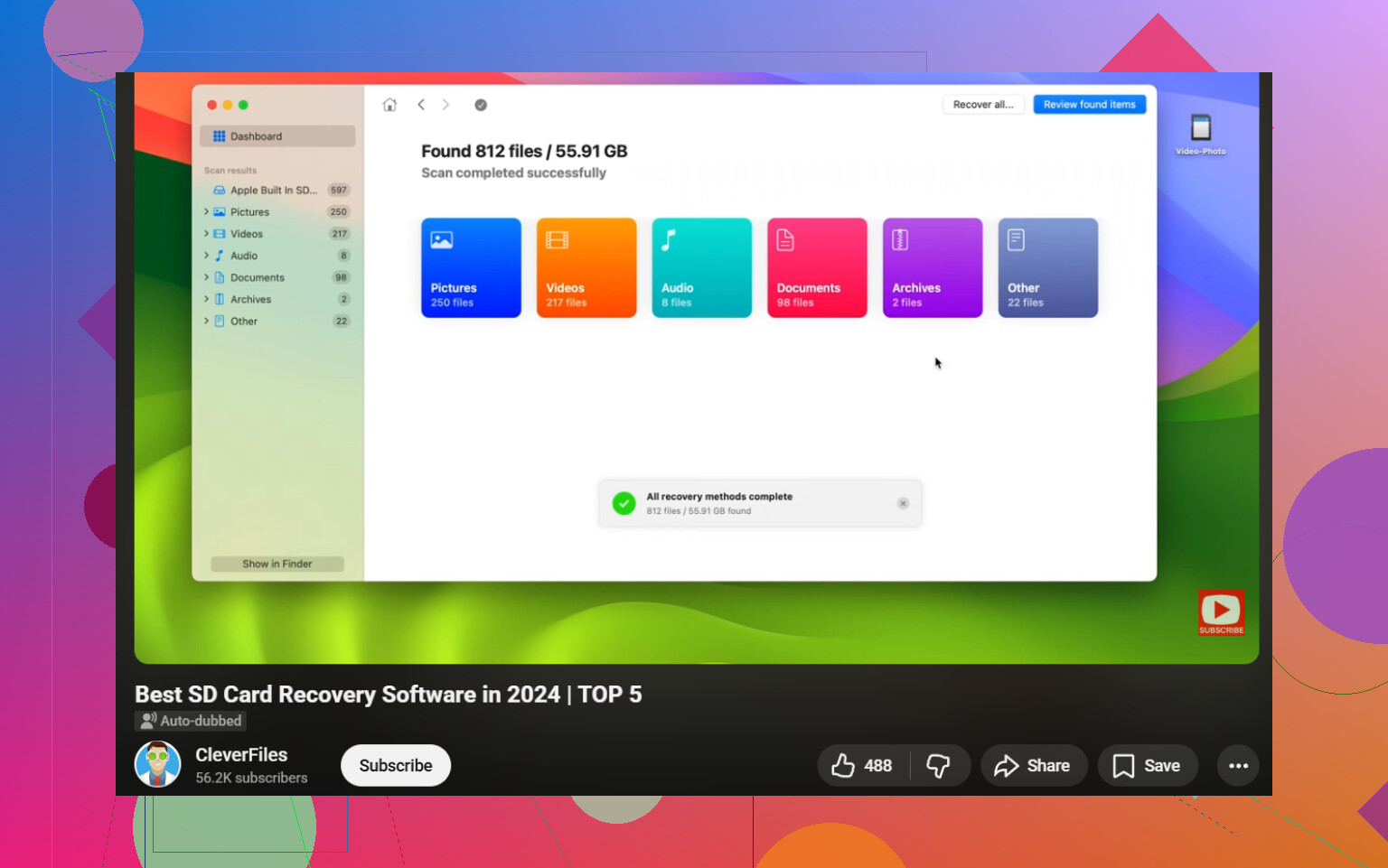
- Disk Drill. This is the one I’d hand to most people, mostly for photos and video. The layout is easy to follow, you get file preview before paying, and it handles RAW formats like CR2, NEF, and ARW. The part I liked most was the Advanced Camera Recovery feature. It helps with broken-up video files from GoPro, DJI drones, mirrorless cameras, and similar gear. On Windows, it also gives you up to 100 MB free for recovery, which is enough for a quick test run.
- PhotoRec. No cost, open source, no recovery cap. I used it once when I didn’t feel like spending money, and it pulled a lot back. The catch is the interface feels old and a bit rough. Also, you usually lose the original file names and folders, so you end up sorting through a heap of renamed files. If you’ve got thousands of shots, that part gets annoyng fast.
- R-Studio and UFS Explorer. These are serious tools. Plenty of recovery people swear by them. I tried one of them on a damaged card image and it found stuff other apps missed. Still, for a regular person, the menus and options feel like a lot.
If you want the easiest middle ground, I’d start with Disk Drill. The big reason is video recovery. Cameras, drones, and action cams often scatter video data across the card. Some apps find pieces of those files but spit out clips that won’t open or only play halfway. Rebuilding those files into something usable matters more than people think, and this is where SD card recovery with Disk Drill tends to make more sense.
One rule people ignore, don’t recover files back onto the same SD card. Save them to your computer’s internal drive or another external drive. If you write recovered data onto the same card, you risk wiping out other stuff you haven’t pulled off yet. If the card keeps disconnecting, acts weird, or looks unstable, make a full image of it first and scan the copy instead. I learned this one late.
So yeah, breathe for a second. Put the card in a reader, run the scan, preview what turns up, and recover everything to a different drive. That’s the path I’d take.
For deleted photos, I’d put ease of use above raw scan depth. @mikeappsreviewer covered some of the usual picks, but I’d split them by situation.
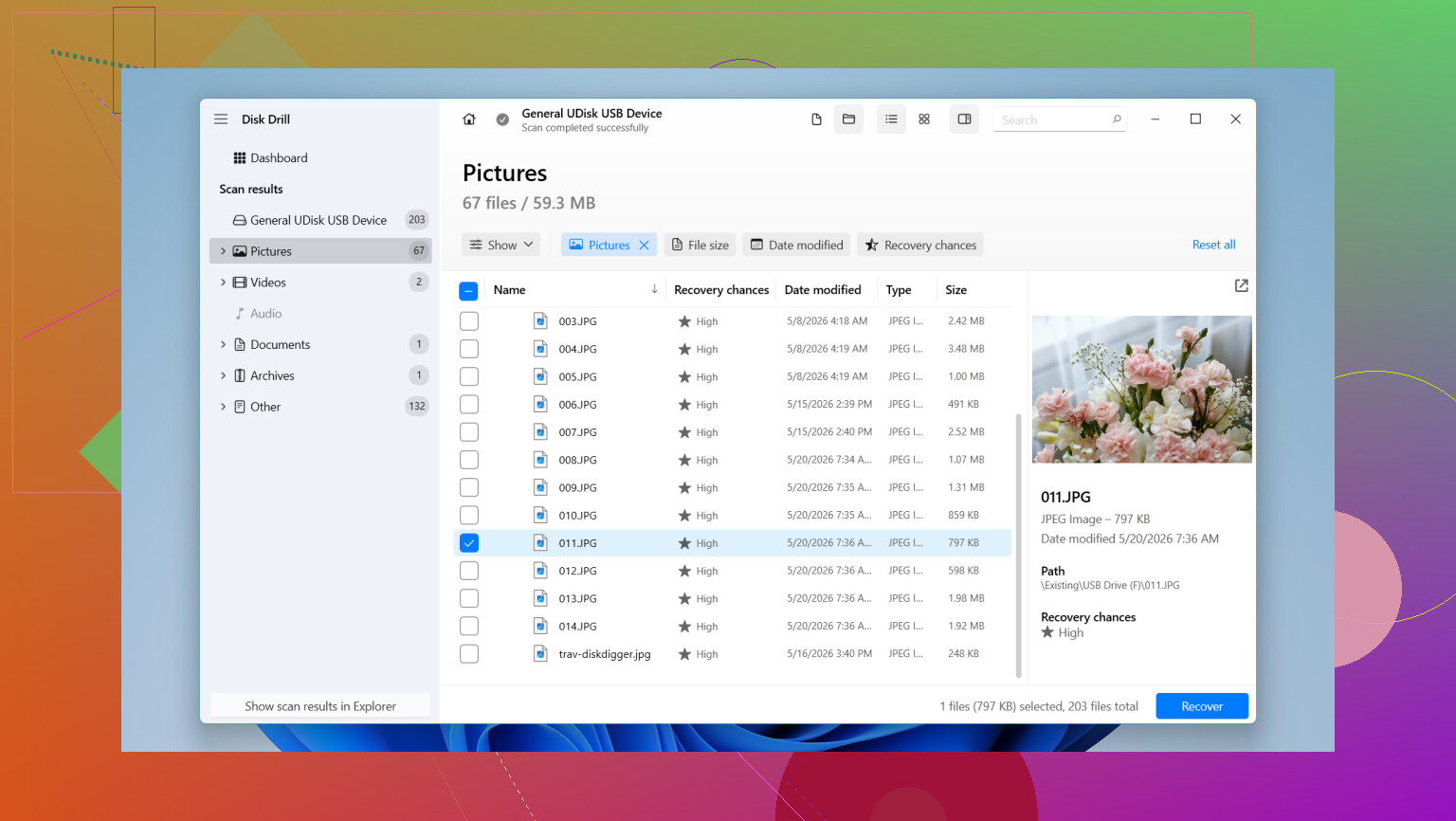
If you want the safest, simplest option, Disk Drill is a solid first try. It previews photos well, supports SD, microSD, SDHC, SDXC, and most camera RAW formats. For family pics, preview matters. You want to see the shot before you recover it. The interface is clean, which helps when you’re stressed and trying not to make a dumb mistake. I’ve seen it do well on accidental delete jobs where the card was still healthy.
If you want a second opinion scan, try Recuva on Windows. It’s older, less polished, and I would not use it first for large RAW libraries, but for straight deleted JPGs it still works surprsingly often. It’s fast too.
One place I kind of disagree with @mikeappsreviewer, I would not jump straight to heavy forensic tools unless the easy scan misses stuff. Those apps are great, but they’re overkill for a normal delete case and easy to misread if you’re new.
My order:
- Disk Drill
- Recuva
- PhotoRec if you’re patient
Recover to your computer, not the SD card. If photos are critical, scan the card once with Disk Drill first before trying multiple apps. Also, this helps: best SD card recovery software for deleted photos video guide.
If the card asks to format, stop. If the card drops connection, stop too. At taht point, image the card first.
I’d actually add one option neither @mikeappsreviewer nor @voyageurdubois really leaned on much: EaseUS Data Recovery Wizard. Not saying it beats Disk Drill across the board, because for photo preview and overall simplicity, Disk Drill is still probly the easiest first pick for most people. But EaseUS is pretty beginner-friendly too, and sometimes it’s better at presenting deleted files in a way that makes more sense if you just want to grab family JPGs fast without digging through a million RAW fragments.
My honest take:
-
Disk Drill
Best balance of easy UI, photo preview, SD card support, and not feeling like forensic software from 2009. If you want safe and simple, this is the one I’d try first. -
EaseUS Data Recovery Wizard
Good fallback if Disk Drill doesn’t show everything you expect. A little pushy on pricing, yeah, but usable. -
PhotoRec
Powerful, free, ugly. Works, but sorting recovered files can be a total pain in the ass.
One small disagreement with the earlier replies: I would not bother with Recuva unless the deleted pics were just basic JPGs and the card was used in a very simple way. Once cameras start mixing RAW, burst shots, or video clips, Recuva feels kinda dated.
Also, if these are truly important photos, make an image of the SD card first if you can. That gives you one clean shot at recovery without stressing the original card more than needed. A lot of people skip that step and then regret it later. Tiny mistake, huge headache.
For more real-world tips, this thread on SD card photo recovery advice from the community is worth a look too.
Short version: start with Disk Drill for SD card photo recovery, preview the deleted photos, and recover them to your computer, not back to the card. If Disk Drill misses stuff, then try a second scan with EaseUS. That’s the least messy route imo.
I’m a little less sold on “try every app one after another” than @voyageurdubois, @byteguru, and @mikeappsreviewer seem to be. Multiple scans are fine, but the more important move is to treat the card gently and avoid turning a simple delete into a card-health problem.
My take:
Best first try: Disk Drill
Pros
- Very easy to navigate
- Strong photo preview, which matters a lot for family pics
- Good support for SD, microSD, and camera RAW formats
- Less intimidating than forensic-style tools
Cons
- Free recovery is limited on some platforms
- Deep scans can return lots of clutter
- Not the cheapest option if you only need a one-time recovery
What I’d do differently from some of the suggestions above:
- If the card is still detected normally, do one careful scan first, not five different experiments
- Sort by image type and preview results before recovering everything
- If deleted photos show up with good previews, recover those first and stop there
I do agree with the general ranking that Disk Drill is the easiest starting point. Recuva can work, but I think it’s more of a “worth a shot if the card only had ordinary JPGs” tool now. PhotoRec is powerful, but for family photos it can become a giant mess fast. EaseUS is okay, just not usually my first pick.
One more practical point people skip: if the recovered photos preview as half-gray, corrupted, or with broken thumbnails, that usually means overwrite damage, not “wrong software.” At that point, changing apps may not magically fix it.
So yeah, I’d start with Disk Drill, recover only to your computer, and judge by preview quality before doing anything else.