I deleted some photos from the Hidden album on my iPhone and then cleared Recently Deleted. I’m trying to understand whether iOS keeps any record, log, thumbnail, or iCloud Photos trace of those deleted hidden photos anywhere. I need help knowing what might still be visible or recoverable.
The first thing to check is whether the Hidden album is actually turned on. A lot of people think their hidden photos vanished, but iOS may just be hiding the album itself.
Go to Settings > Photos and look for Show Hidden Album. If that switch is off, the Hidden album will not appear in Photos at all. Turn it back on, then open Photos and go to Albums. It should show up near the bottom under Utilities. The photos were not deleted, they were just not visible from the app.
If the Hidden album is empty
If the album opens but shows nothing, check Recently Deleted before doing anything else. If the photos are there, you can recover them.
If Recently Deleted is empty and your iCloud storage still looks about the same as before, it may just be a Photos indexing problem. In that case, turning iCloud Photos off and back on in Settings can force the library to re-index, which often brings the missing items back into view.
Deleting hidden photos
The Hidden album should ask for Face ID, Touch ID, or your passcode before opening. If that prompt does not appear, restart the iPhone and try again.
After you are inside the Hidden album:
- Tap Select in the top right
- Use Select All, or pick the photos one by one
- Tap the trash icon
That does not permanently remove them yet. Deleted photos go to Recently Deleted for 30 days, and they still take up storage during that time. If you want them gone right away, open Recently Deleted, tap Select, then Delete All.
iCloud and other devices
The Hidden album is not a separate private storage folder. It is still part of your main photo library, just filtered out of normal view. So if iCloud Photos is turned on, deleting something from the Hidden album on your iPhone also deletes it from your iPad, Mac, and any other device using the same iCloud Photos library.
The bigger storage issue
A huge Hidden album is usually only one piece of the problem. If there are hundreds of hidden screenshots or saved duplicates, the main library often has even more clutter: repeated shots, old screen recordings, big videos, and random junk that has built up over time.
When photo storage gets close to full, the whole phone can start feeling slower because iOS needs free space for background tasks.
Cleaning up the rest of Photos
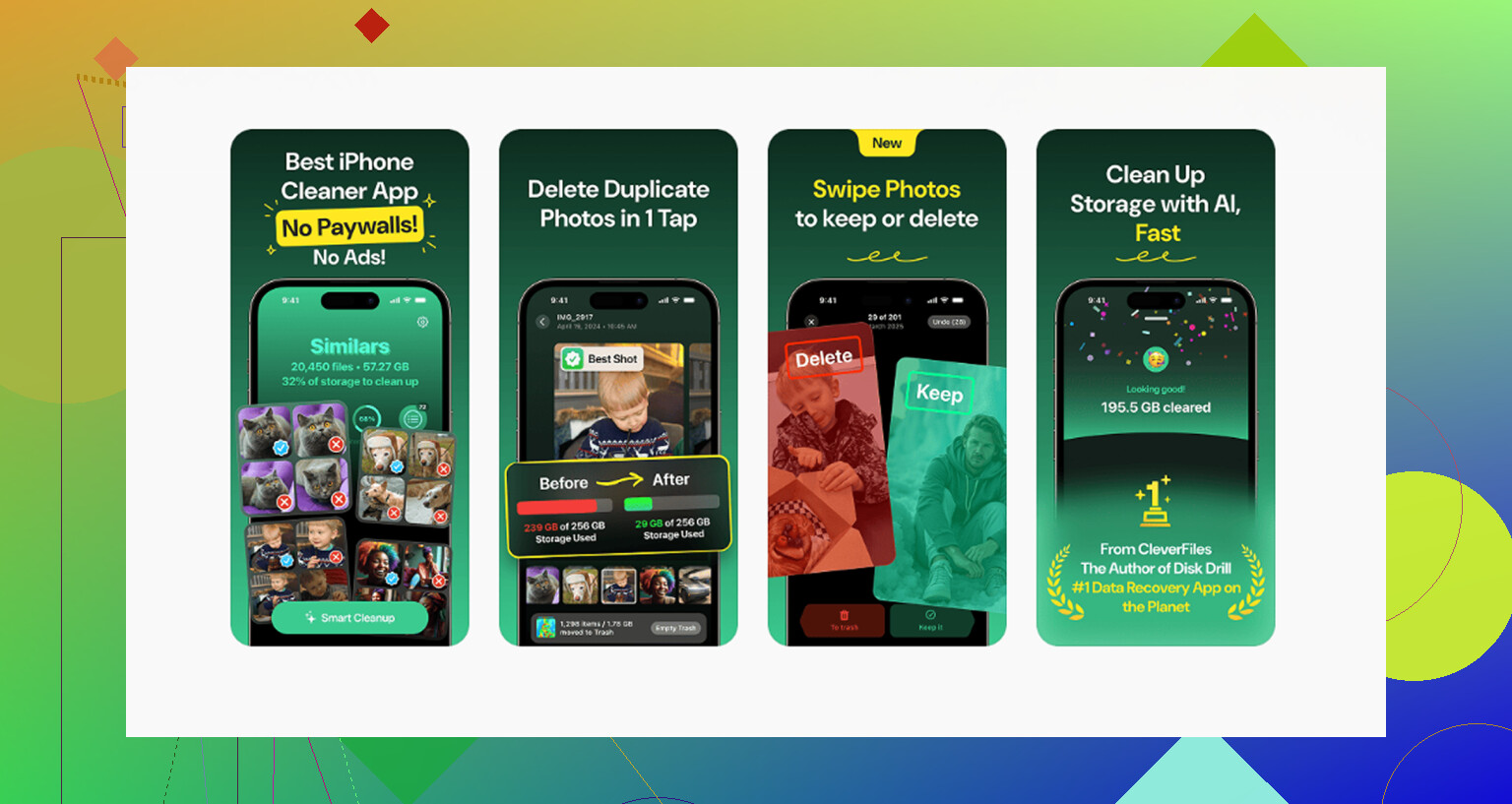
Clever Cleaner cannot clean the Hidden album because Apple blocks third-party apps from accessing it. That part has to be handled manually with the steps above. For the regular photo library, though, it is free, with no ads and no subscription.
The Similars tab groups near-duplicate photos and chooses a Best Shot from each set. That helps with burst photos, repeated vacation shots, and all the slightly different versions of the same picture.
The Heavies tab sorts files by size, largest first, so big 4K videos and screen recordings are easy to find. Screenshot file sizes are also shown before deletion, which makes cleanup less of a guessing game.
Everything is processed on the iPhone, with nothing uploaded to an external server.
Clear the Hidden album manually first, then use Clever Cleaner for the main library. After both steps, empty Recently Deleted or the storage space will not actually be freed yet.
3 Likes
Don’t start toggling iCloud Photos on and off if your goal is to make sure deleted items stay gone. That can cause a resync, and if another device still has the library in a weird state, you may create more confusion instead of less.
If you deleted the photos from Hidden and then cleared Recently Deleted, iOS does not give you a normal user-facing “photo deletion log” where the images, thumbnails, or filenames sit around for you to view later. Hidden is just an album flag inside the Photos library, not a separate vault. Once the item is deleted and Recently Deleted is emptied, it should be removed from the Photos library and, if iCloud Photos is on, that deletion should sync to iCloud and your other devices.
The caveat is that “gone from Photos” is not the same as “no trace ever existed anywhere.” Possible leftovers depend on your setup: an iPhone or Mac that was offline before the delete, an old iCloud or computer backup, a photo previously sent in Messages, saved in Files, imported into another app, included in a shared album, or cached by some app that had access before. Apple may also have internal service logs, but those are not a recoverable album of your hidden pictures.
So for normal use, clearing Recently Deleted is the right final step. For absolute certainty, check other signed-in devices, old backups, shared albums, Messages attachments, and any third-party cloud/photo apps you used. That’s where people usually find “deleted” photos again, not in some visible Hidden album log.
Do not run a bunch of “iPhone recovery” apps or backup extractors just to check. That is the fastest way to make this more confusing, because some of those tools will show stale database entries, cached thumbnails, or backup contents and make it look like the phone is still keeping the photos in Photos when it may not be.
I mostly agree with @nachtdromer here: Hidden is not a secure separate container. It is still the same Photos library with a hidden flag. Deleting from Hidden is basically deleting that photo from the library, and clearing Recently Deleted is the user-facing permanent delete step.
Where I would be a little more careful is with the phrase “does iOS keep a record.” There are different kinds of “record”:
A visible album log? No.
A list in Photos where the deleted hidden pictures can be browsed later? No.
A recoverable copy sitting in Hidden after Recently Deleted is emptied? Normally no.
Some low-level database trace, file system remnant, diagnostic event, or backup history? Possibly, depending on timing and setup, but that is not the same thing as Photos keeping your deleted pictures available.
For a normal user, once Recently Deleted is empty, you should treat the photos as gone from the Photos app. If iCloud Photos was enabled, the deletion should propagate to iCloud Photos and other devices signed into that same library. The places I would check are boring but important: iCloud.com Photos, any iPad or Mac that was offline, shared albums, Messages, Files, Notes, third-party photo apps, Google Photos/Dropbox/OneDrive, and computer backups.
The iCloud point from the second reply is the part I would not casually mess with. Turning iCloud Photos off and on can be useful when you are trying to fix missing photos, but it is not what I would do when your goal is making sure deleted photos stay deleted. If another device has not synced yet, or if you restore an older backup, you can reintroduce things you meant to remove.
Another detail people forget: backups are snapshots. If you made an iCloud backup or a Finder/iTunes backup before deleting the photos, that backup might contain them or contain library data from when they existed. Clearing Recently Deleted today does not rewrite every old backup you ever made. Newer backups should eventually replace older iCloud backups, but a manual computer backup can sit around forever unless you delete it.
There may be thumbnails or cache-like leftovers in some technical sense, especially if you had edited, shared, imported, or viewed the photos in other apps. But there is no normal iPhone screen you can open that says “here are the deleted Hidden photos.” If someone is using forensic tools, restored backups, or another synced device, that is a different level of access than normal Photos use.
So the practical answer is: you did the right two steps. Delete from Hidden, then empty Recently Deleted. After that, check other devices and old backups if you care about traces outside the current Photos library. I would not keep toggling settings or installing cleaners to “verify” deletion, because that can create more copies and more doubt than it solves.
