I need help creating professional team headshots after our original photo session fell through at the last minute. We still need polished staff photos for our company website, LinkedIn profiles, and marketing materials, and I’m trying to find the best way to get consistent, high-quality results quickly.
Team photos live or die on consistency. I learned this the hard way after updating a company team page with a mix of old LinkedIn crops, phone selfies, and one photo that looked like it came from a wedding. Same people, same company, messy result. When someone lands on your site, they notice the mismatch fast. Different lighting, weird framing, random backgrounds, sharp photo next to a blurry one. It makes the whole page feel off.
If you need headshots for a site, staff directory, or company profile, AI felt like the fastest path for me. I used Eltima AI Headshot Generator after getting tired of chasing everyone for a proper photoshoot. We started with basic selfies from coworkers. The app cleaned things up into business-style portraits with matching lighting, similar framing, and backgrounds that didn’t fight each other. The end result looked a lot more uniform than what we had before, and it took minutes instead of scheduling half a day for one photographer.
Learn more about Eltima AI Headshot Generator here:
I made a batch for my colleagues and, ngl, they came out better than I expected. Clean, consistent, no awkward office wall in the background. Check this out below:
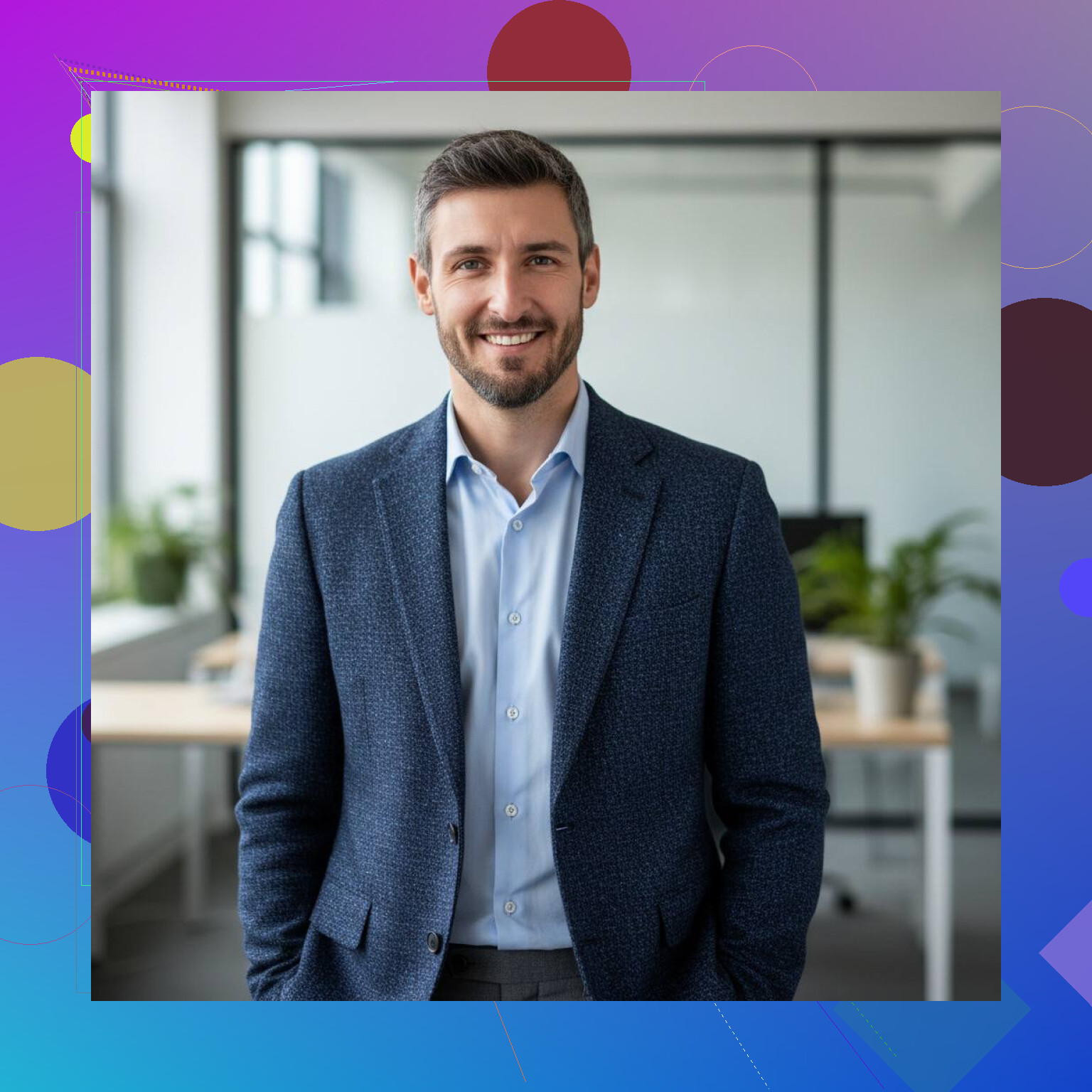
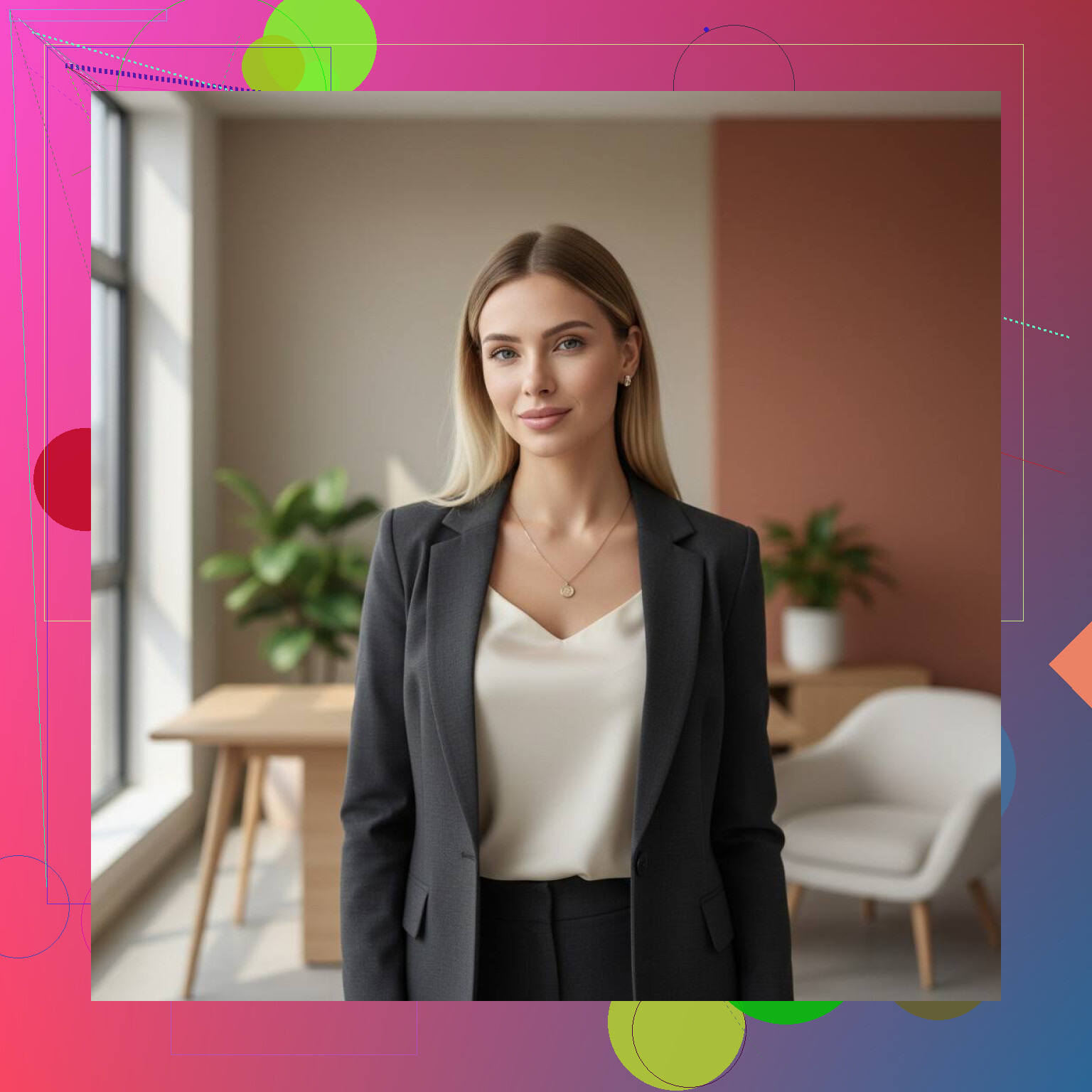
17 Likes
I’d split this into two tracks.
First, if you need the photos fast for web and LinkedIn, use a standardized remote workflow. Ask every team member for 3 to 5 photos taken near a window, plain wall, phone at eye level, no wide-angle lens, no hats, no heavy filters. Give them one outfit rule, like solid dark top or business casual. Consistency matters more than fancy gear. On a team page, mismatched wardrobe sticks out fast.
Second, hire a retoucher, not a full photographer. This is where I differ a bit from @mikeappsreviewer. AI headshots are fine for speed, but for marketing materials I’d be careful. Faces sometimes look a little off, glasses get weird, hairlines change, hands vanish, all the usual AI stuff. A human retoucher can fix color, crop, background, and skin cleanup while keeping people looking like themselves.
Simple spec sheet helps a ton:
Head and shoulders crop.
Same background color.
Same aspect ratio.
Same export size, like 2000 x 2400.
Same light direction.
Same file naming.
If your budget is tight, book a local photographer for 2 hours and run people through in 10 minute slots next week. That often costs less than fixing bad photos later. I learned this the annoyng way.
I’d actually add a third option neither @mikeappsreviewer nor @codecrafter really leaned on: use one person in-house as the “photo wrangler” and create a mini pop-up studio at the office. Not a full photoshoot, not pure AI, not fully remote chaos either.
You only need a decent phone, one window or cheap softbox, a plain backdrop, and literally 15 minutes per person. Have the same person shoot everyone from the same spot, same distance, same pose range. That alone solves like 80% of the inconsistency problem. People overcomplicate this stuff.
My hot take: LinkedIn can survive with lightly polished photos, but marketing materials usually need a little more control than “send me your best selfie pls.” That method always sounds easy until one person submits a car selfie and another sends a pic from 2019 cropped out of a wedding photo. Been there, looked terrible lol.
What helped us:
- one background only
- one wardrobe color palette
- one shooter
- one editing preset
- one deadline, no exceptions
Then send the whole batch to a designer/editor for final crops and cleanup. Faster than rebooking a full agency shoot, and less risky than going too hard on AI face generation. It’s kinda the middle lane, and honestly, probly the safest one if you need these to look real and uniform fast.