I lost my Samsung TV remote after rearranging my living room, and now I can’t access some settings or apps on the TV. I’ve checked the couch, drawers, and everywhere nearby with no luck. I need help figuring out the best replacement remote or another way to control my Samsung TV.
I lost my remote in the middle of a series once, and yeah, it turned into a full couch excavation. Before you start flipping cushions again, check the usual junk-trap spots. I found mine wedged deep by the sofa frame one time, and another time it had slid under the TV stand after I moved stuff around to clean.
If your Samsung set uses a newer Smart Remote, take a look in SmartThings on your phone. Some models let you trigger a sound to help track it down. Worth trying before you waste 20 minutes crawling on the floor.
While the remote is missing, you still have a backup. On most Samsung TVs, there’s a small Jog Controller button hidden under the front logo or tucked around the back right side. I used it before. It works like a tiny joystick. You press or tilt it to switch channels, adjust volume, and move through basic menus. Not fun, but it gets the job done.
If the remote is gone for good, I wouldn’t rush to order a replacement. Your phone does the same job faster. For a simple fix, TVRem is the one I’d use first.
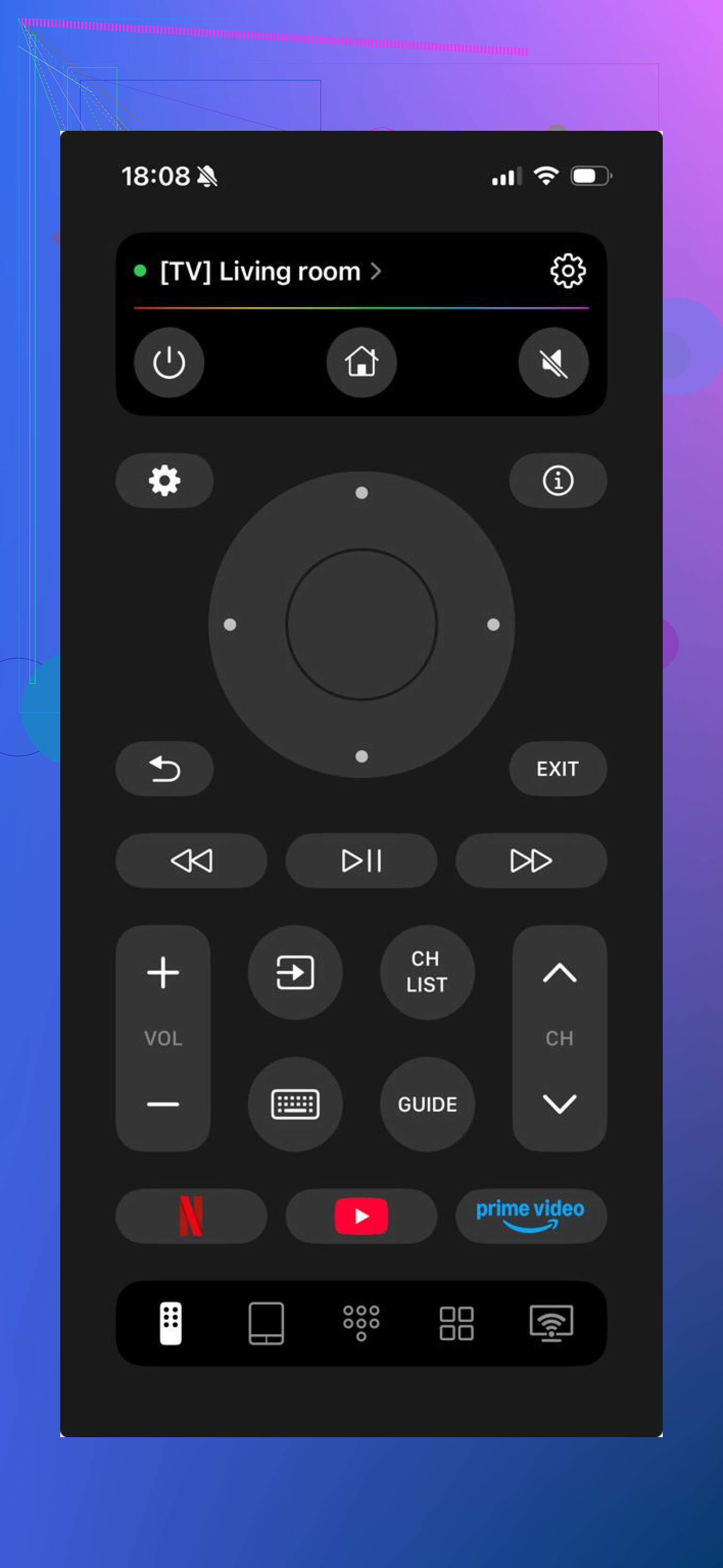
I liked it because setup was quick and it didn’t lock me into one TV brand. If you swap TVs later, you’re still covered. It runs over Wi-Fi, and the built-in trackpad and keyboard save a lot of time when you need to type in a show title or password. I noticed search feels less annoying on a phone than on a standard remote.
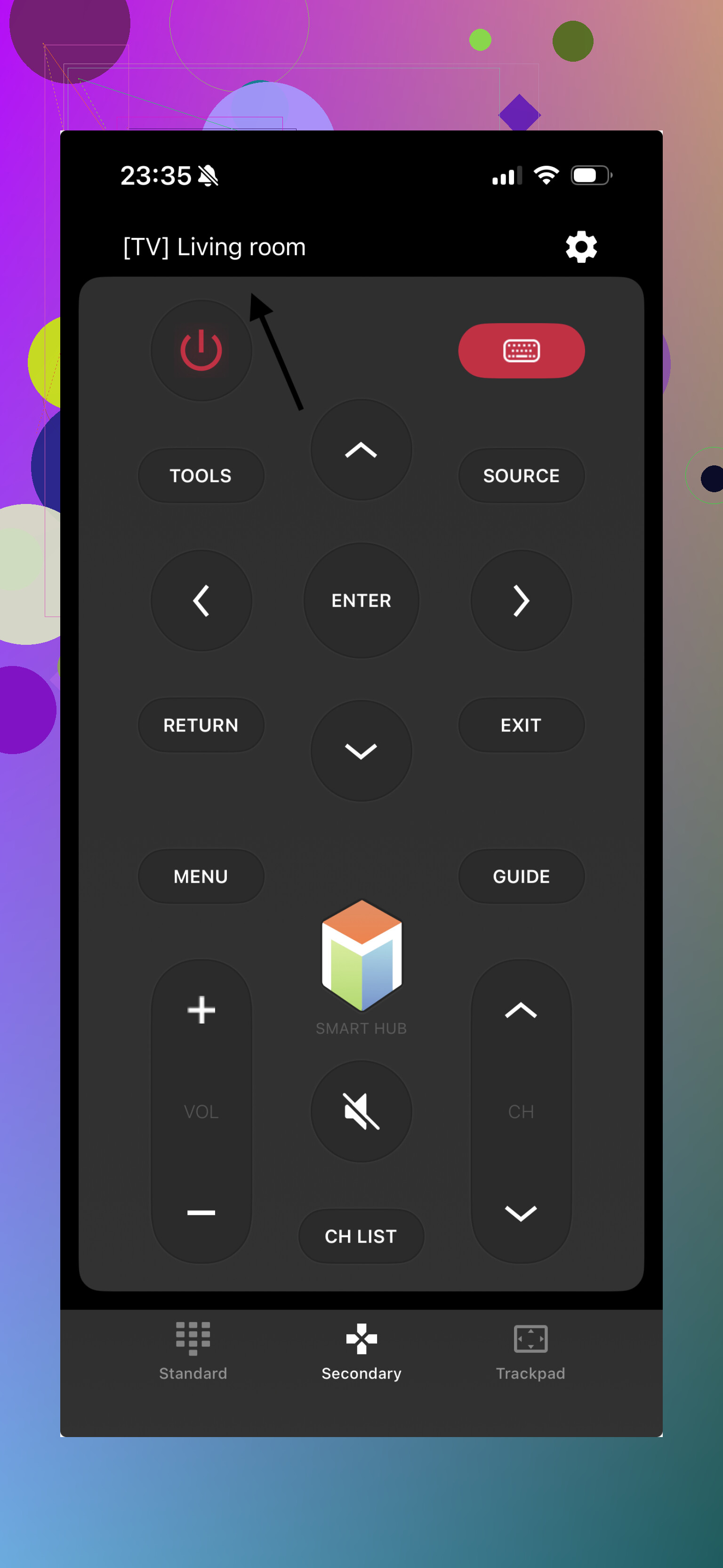
If you want something closer to the old button-heavy layout, Smart TV Remote Plus is another option. It’s built for Samsung and sticks closer to the layout people already know, so there’s less fumbling around the first time you open it.
Still, if you want one app you can keep using across different TVs, a free universal tool like TVRem makes more sense to me. I’d rather fix the problem in two minutes with my phone than wait around for a replacement remote to show up.
30 Likes
If you want a physical replacement, skip the cheap no-name remotes first. Get one of these:
-
Official Samsung remote from Samsung Parts or Encompass.
Best match. Full support for voice, settings, app shortcuts, and pairing.
Price is often around $20 to $60, depending on model. -
Replacement remote with your exact model number.
Look on the sticker on the back of your TV. Search the TV model plus “replacement remote”.
This matters. Samsung remotes are not all interchangable. -
Universal remote with Samsung support.
Sofabaton and Logitech used to be solid picks. Sofabaton still makes sense if you want one remote for soundbar, TV, and streamer.
I’d push back a bit on @mikeappsreviewer here. Phone apps are fine as a stopgap, but I would not treat them as the best long-term fix for most people. If your Wi-Fi drops, or the TV is off-network, or you need first-time setup, the app route gets annoyng fast.
One more thing people miss. Many Samsung TVs support USB keyboard and mouse. Plugging in a cheap USB keyboard often lets you move through menus and sign into apps way faster than the tiny TV button. It looks dumb, but it works.
Check your battery bin too. I “lost” a remote once and found it sitting next to loose AA battteries in a drawer.
I’d split this into two tracks: replace it now, and stop the same headache next time.
For the actual replacement, the safest move is to pull the exact TV model code off the sticker on the back of the set, then match the remote by part number, not just “Samsung remote.” Samsung has a bunch that look similar but don’t all support the same shortcuts, voice features, or pairing behavior. That’s where people waste money.
Small disagree with @mikeappsreviewer a bit: phone remotes are handy, but not always the cleanest answer if you just want somthing that always works when Wi-Fi is acting up. And compared with @viaggiatoresolare, I’d say even some off-brand replacements are fine if they specifically list your exact TV model and have decent reviews. You don’t always need the expensive official one.
What I’d do:
- Check the model number on the TV.
- Search for OEM remote first.
- If OEM is too pricey, get a model-specific replacement, not a generic “for all Samsung TVs.”
- If your TV used the solar Smart Remote, make sure the replacement supports Bluetooth pairing, not just infrared.
Also, if you have a Samsung soundbar or streaming box setup, this is a good excuse to buy a programmable remote instead of another single-purpose one. Less clutter, fewer remotes to lose in the couch void lol.
One more practical tip: stick an AirTag or Tile sleeve on the next remote. Sounds ridiculous till you lose it twice.