I’m looking for safe, legit free movie streaming apps for my Mac because my usual paid service got too expensive and I canceled it. I’d like ad-supported or free options that actually work on macOS, aren’t sketchy, and have decent movie selections. What apps or websites do you recommend, and are there any I should avoid for security or legal reasons?
Streaming without paying every month feels like a time tax. You trade your attention for the movie. Sometimes it works out, sometimes you sit through the same truck ad four times and regret everything.
I went through a ‘kill all subscriptions’ phase and tried to build a decent setup on my Mac with free stuff only. This is what stayed installed after a few weeks of use, not after a single test run. Lets run through free movie apps for Mac.
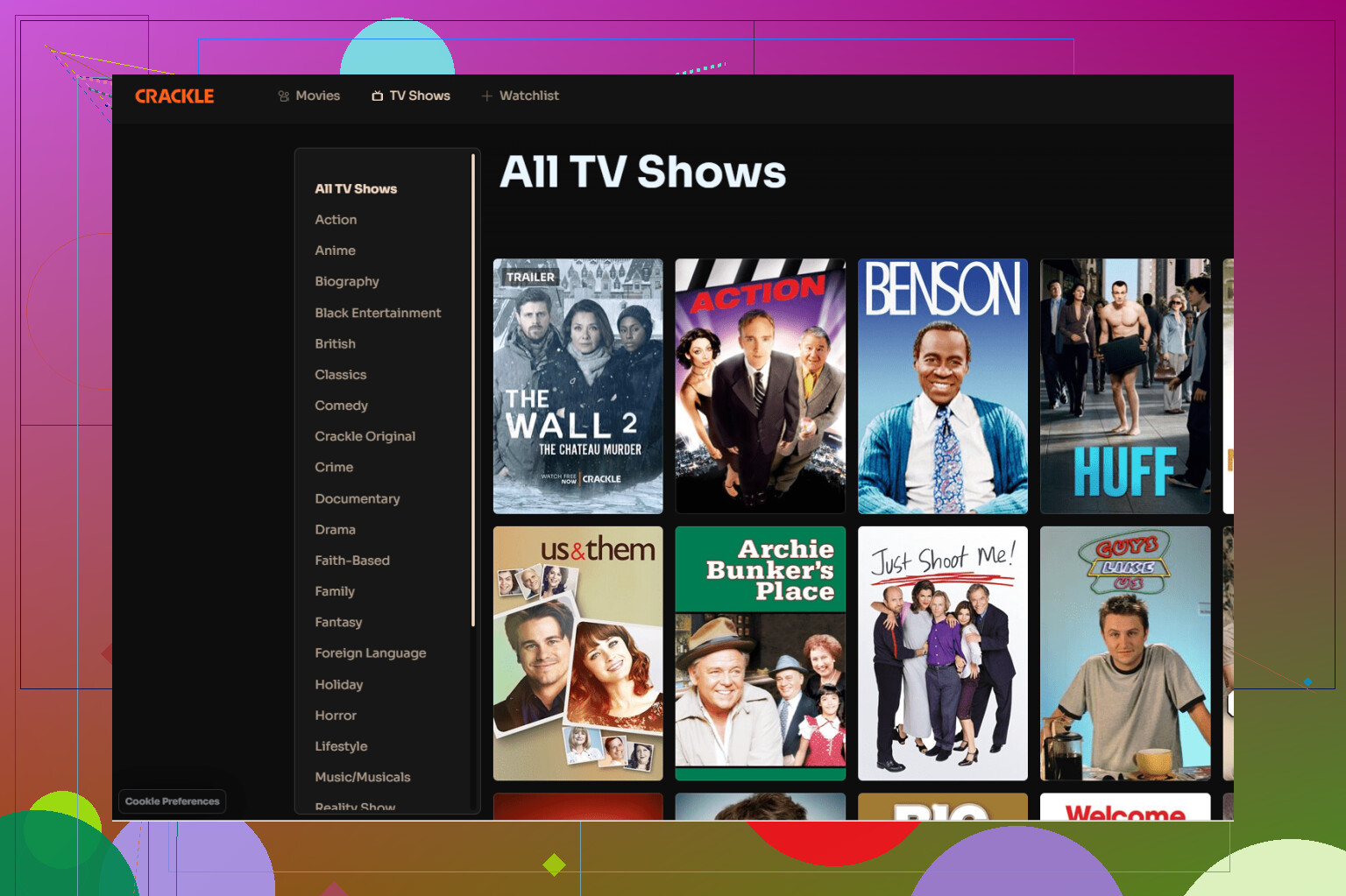
Tubi and Crackle
I ended up on Tubi first, here:
I wanted one very specific low-budget horror movie from the 80s. I expected the usual laggy, junky free app. It loaded faster than some paid services I used before. Menus scroll smooth on my 6‑year‑old MacBook, search works fine, and it did not crash on me.
The catalog feels random. One night you see Oscar stuff, the next night it looks like the bargain DVD bin from 2011. But I found:
• Older horror and thrillers that rotated off the mainstream platforms
• A few solid comedies from the 90s
• A couple of documentaries that looked like they cost $200 to make but were oddly watchable
Crackle feels like a cousin of Tubi. Same ‘mixed bag’ energy. I do not know if they plan their catalog or just license whatever is cheap that quarter, but I stumbled into a few movies I had not seen on any big service for years.
The tradeoff is ads. On a 90 minute movie, I usually hit:
• 4 to 6 breaks
• 2 to 4 ads each time
So you are looking at 8 to 20 ads on average. For me, it starts to feel annoying around the hour mark, but I remind myself I am not paying $15 a month for something I watch twice.
YouTube ‘Free with Ads’
I ignored the ‘Movies & TV’ section on YouTube for years. Then one night I clicked it out of boredom and realized there is a whole ‘Free with Ads’ category hiding there.
You do not need a special link. On desktop or TV app, go to Movies & TV, then look for the ‘Free with Ads’ row. I found:
• Some decent older studio movies
• A bunch of B‑tier action stuff
• Occasional big-name films that rotate in for a while
Ad behavior is rough though. I had scenes cut mid-sentence more than once. No fade down, no natural transition. One second someone is confessing a secret, the next second a car insurance mascot is yelling over them.
On an average 2 hour movie, I got:
• First ad pre-roll
• Then around 7 to 10 ad breaks
• Sometimes unskippable, sometimes you get a ‘skip’ after 5 seconds
If you are used to watching YouTube anyway, your brain might already be tuned to that pattern. If you are sensitive to interruptions, this setup will bother you more than Tubi or Crackle.
Plex for Local Stuff and Free Movies
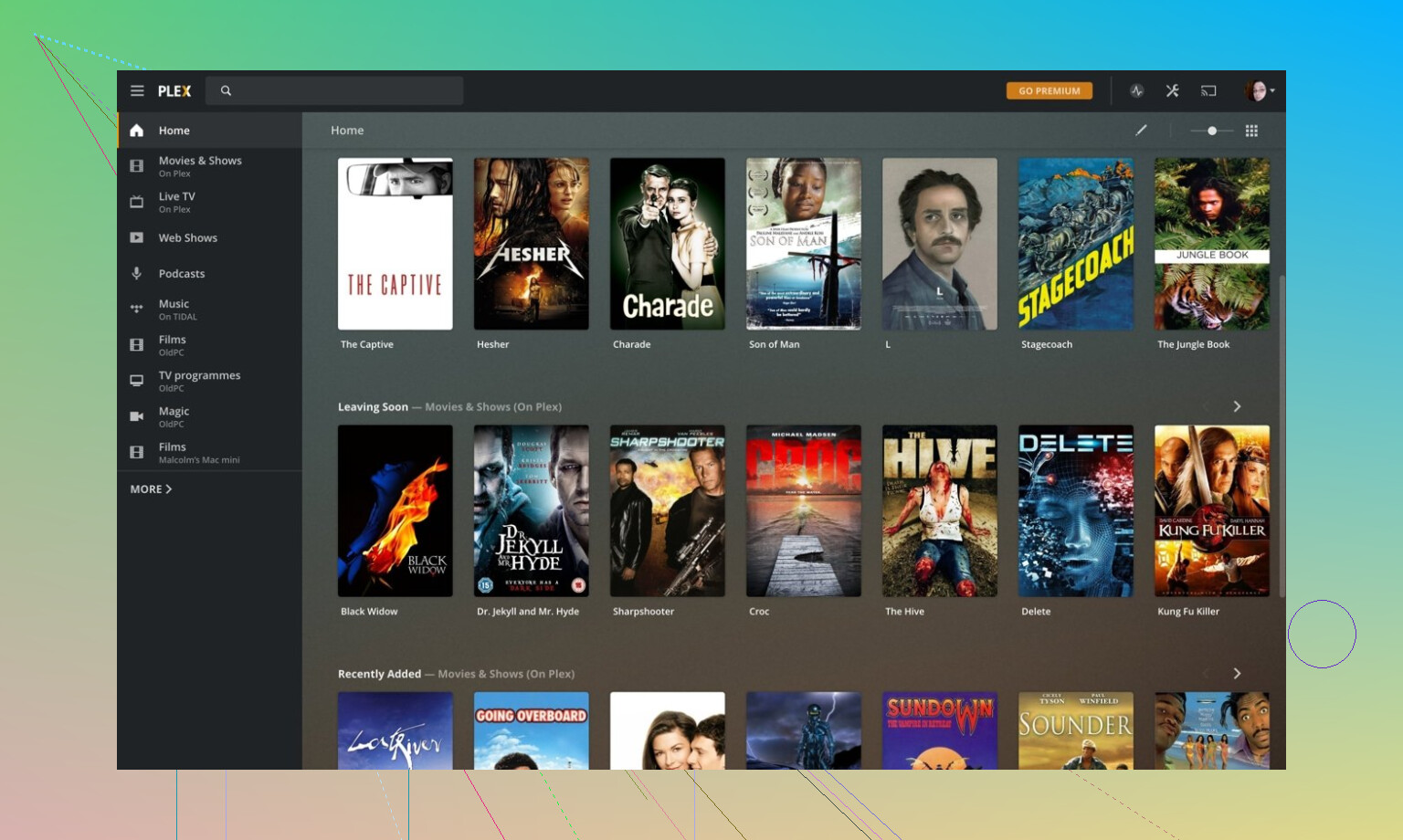
Next thing I did was clean up my external drives with Plex:
I had folders with names like ‘MOVIES_NEW_3’ and ‘random’ from three laptops ago. Plex took that mess and turned it into something that at least looks organized. Posters, synopses, year, cast, all pulled automatically if you name your files with a bit of care.
Rough pattern that worked for me:
• Put each movie file in a folder with the movie title and year
Example: /Movies/Heat (1995)/Heat (1995).mkv
• For TV shows, use /Shows/Show Name/Season 01/Show Name S01E01.mkv
Once I did that, Plex matched most stuff without any manual edits. The odd fringe anime or obscure rip needed some nudging, but not much.
Their free ‘Movies & TV’ tab is fine if you feel like channel surfing. It reminded me of low-tier cable. A lot of filler, some good background noise, and once in a while you get something you actually focus on.
Streaming performance from Mac to TV over wifi was stable for 1080p. 4K was hit or miss on my network, but that was more my router than Plex. If your Mac is wired to the router and your TV or box is on 5 GHz wifi, you have a better shot.
Elmedia Player for Casting and Weird Formats
This one surprised me the most:
I tried Elmedia because VLC choked on a random .wmv file someone sent me. Elmedia opened it. No complaining, no codec hunt.
The free version was enough at first. Local playback, basic controls, no nonsense. The part that pushed me to pay the $19.99 for Pro was casting.
My setup:
• MacBook on wifi
• Sony TV with built-in casting
• Chromecast on an older monitor in the bedroom
With VLC I kept hitting lag, audio drift, or random buffering when throwing high bitrate files to Chromecast. With Elmedia Pro, I had:
• 1080p files casting smoothly to the TV
• Most 4K content playing fine to Chromecast, as long as my wifi was behaving
• No need to re-encode files first
It also grabbed subtitles automatically. I tested it with a foreign film that had no subs in the file. In Elmedia, I opened the movie, hit the subtitles search, picked one of the online options, and it synced close enough that I did not need manual delay adjustments.
Protocol support felt better than VLC on my Mac for things like DLNA and AirPlay. VLC would sometimes see the device but fail to connect, or connect and then freeze. Elmedia did a better job maintaining the connection on my network.
One thing that helped:
• Use 5 GHz wifi for the Mac and TV
• Avoid streaming huge files while someone else in the house is gaming or backing up files
• Keep the Mac plugged in so it does not drop performance on battery
How I’d piece this together on a Mac
If you want a similar setup and you are on a Mac, this is roughly what I would do again:
- Install Tubi and Crackle from the App Store for ‘turn brain off and scroll’ nights.
- Use YouTube ‘Free with Ads’ when you want something familiar or mainstream that happens to be free at that moment.
- Install Plex, point it at your local library, and let it clean up your hoarded files.
- Install Elmedia Player Free first to test playback and device detection.
- If you do a lot of casting to Chromecast or smart TVs, consider the Pro upgrade once you confirm it sees your devices and handles your files.
You end up with
• Free streaming with ads for when you do not want to think about what to watch
• A proper library view for your own files
• A player on Mac that handles odd formats, subtitles, and casting without you fighting with codecs or weird settings
It is not as smooth as one paid app that does everything, but if you are trying to cut monthly bills, this mix has been good enough for me to stop re-subscribing every time I want to watch one movie.
27 Likes
I went through this a few months ago after killing Netflix, Hulu, the whole stack. On a 2018 MacBook Air, Sonoma.
I’ll skip what @mikeappsreviewer already covered and add what helped me on top of Tubi / Crackle / YouTube / Plex.
- Pluto TV (web + PWA style on Mac)
Pluto does not have a great Mac app, but the web version in Chrome or Edge works fine.
What you get:
- Live “channels” with themed movie blocks
- On demand section with older studio stuff, random catalog titles
Why it is worth adding:
- Feels like channel surfing, low effort
- Ads are frequent but not as chaotic as YouTube’s mid sentence cuts
Tip:
- In Chrome, install it as a “desktop app” via the “Install Pluto TV” option in the address bar. It behaves close to a regular app on macOS.
- Freevee (through Prime Video in browser)
Slight disagreement with the “kill all subscriptions” idea. I keep a bare Amazon account with no Prime. You still get Freevee titles in the Prime Video site.
What you get:
- Decent mix of mid tier movies
- Some bigger titles rotating in and out
How to use on Mac:
- Use Safari or Chrome, log in, filter by “Free with ads” or “Freevee”
No separate Mac app, but full screen in browser works fine.
- Kanopy and Hoopla (library linked)
If your library card supports them, these are the least annoying of the bunch.
Kanopy:
- Good for indie, foreign, older classics
- Fewer ads, sometimes none
Hoopla: - More mainstream, some junk, some solid catalog movies
Both work on Mac through the browser. Picture quality is usually solid 1080p on my line, no weird stutter.
Check:
- Your city or county library website, look for “digital media” or “streaming video”
- Roku Channel in browser
You do not need a Roku device.
- Go to their site in browser, create a free account
- Catalog is similar to Pluto and Tubi style, lots of filler, some solid older stuff
Ad load for me:
- About 4 to 7 breaks for a 2 hour movie, 2 to 3 ads in each break
- For local files and casting
Here I agree partly with @mikeappsreviewer but I would start with this differently.
- Install Elmedia Player on your Mac
Why: - Handles weird formats better than the default TV app
- Plays local files smoothly
- Casting to smart TVs and Chromecast works better for me than VLC on macOS
- Subtitles search built in
Even if you do not go Pro right away, Elmedia Player as a free Mac media player sorts out most playback issues and keeps you off sketchy codec packs.
- Quick safety checklist so you avoid junk
Since you asked for “not sketchy”:
Use:
- Mac App Store apps
- Official websites of big services
- Library linked services like Kanopy, Hoopla
Avoid:
- Random “free movies HD 4K no ads” sites
- Browser extensions that ask for full permissions to “edit data on all sites”
- APK sites pretending to have “Mac versions”
- How I would stack it on Mac right now
- Tubi, Crackle, Pluto, Roku Channel, Freevee in browser for ad supported stuff
- Kanopy or Hoopla if your library supports them
- Plex or plain folders for any local downloads
- Elmedia Player as your default Mac video player and casting app
You trade time for money here, same as @mikeappsreviewer said, but if you rotate between these, the ads feel less repetitive and you stay on the legal side.
If you stick to what @mikeappsreviewer and @nachtdromer already listed, you can get pretty far, but a couple of extra angles are worth adding, and I’d actually simplify some of what they’re doing.
First, on Mac specifically, I’d stop chasing “Mac apps” for every service. A lot of the official apps are just Electron wrappers around the website anyway, so you’re not missing much if you stay in the browser and create site-specific “apps”:
- In Chrome or Edge: open a site, three dots menu, “Save and launch as app” / “Install site as app”
- It then lives in your dock like a normal app, no sketchy 3rd‑party launchers
That keeps things lighter and safer than random .dmg downloads claiming “free HD movies.”
Stuff I’d actually add on top of what they said:
- JustWatch (to avoid wasting your time)
Not a streaming service, but a sanity tool.
- Use the JustWatch website to filter by “Free” and “Ads” and region
- It tells you if a title is on Tubi, Pluto, Freevee, Roku, YouTube Free with Ads, etc.
You avoid spending 20 minutes checking each app only to find the movie is nowhere.
- Classic cinema and niche sites
If you are even remotely ok with older movies, a few totally legal, low‑profile sites are shockingly decent on Mac in a browser:
- Internet Archive’s “Feature Films” section: public domain, no malware circus, but quality varies
- Public domain focused sites like Classic Cinema Online or similar: no login, click and play in Safari
These are more “film night with vibes” than “blockbuster fix” but zero sketchy apps involved.
- Use macOS’ built‑in features instead of more apps
Picture‑in‑picture in Safari / Chrome helps a lot with ad platforms:
- You can pop the player into PiP and mute during ads, scroll something else in another window
You’re still “paying” with attention technically, but at least you can half-ignore the 12th truck commercial.
- One app I would actually install: Elmedia Player
I’m 100% on the same page as both of them here, maybe even more extreme. If you’re on a Mac and touching local files at all, just make Elmedia Player your main video app.
- Plays weird formats without hunting codec packs
- Handles subtitles search inside the player
- Casting to TVs and Chromecast actually works without babysitting it every 5 minutes
That is honestly a bigger quality of life upgrade than adding yet another free streaming service. You can grab cheap or free legal downloads (promos, bundles, some indie sites) and actually enjoy them instead of arguing with VLC about audio sync.
I slightly disagree with the idea that you “need” the full Plex setup if your goal is just “watch movies cheaply on my Mac.” Plex is great, but it’s also a mini‑project: server, library structure, metadata. If you only have a modest pile of files, Elmedia + normal folders is enough and has less overhead.
- Hard safety lines I’d keep
Given you said “not sketchy,” I’d be pretty strict here:
- If it’s not from the Mac App Store or a very well known service’s OFFICIAL site, skip it
- No “all movies free 4k” sites, no extra browser extensions, no VPN‑bundled players
- If a site wants you to install a “video codec” or “player” outside of the browser, close tab immediately
If I were rebuilding a low‑cost Mac setup right now, I’d do:
- Browser “apps” for Tubi / Pluto / Roku Channel / Freevee / YouTube Free with Ads
- Library‑linked Kanopy / Hoopla if my card supports it
- JustWatch to find where stuff actually lives
- Elmedia Player as default player for any legit local or downloaded content
No shady apps, minimal clutter, you’re only sacrificing time to ads instead of money to subscriptions.
If you stick to what @nachtdromer, @vrijheidsvogel and @mikeappsreviewer already laid out (Tubi, Crackle, YouTube Free, Plex), you’re already 80 percent there. I’d tweak the setup a bit rather than add a ton of new services.
Where I’d actually double down is local playback on your Mac, because that’s the one piece that keeps working even when catalogs rotate or a title disappears from “free with ads.”
Elmedia Player as the Mac centerpiece
If you are on macOS a lot, Elmedia Player is honestly worth building around.
Pros:
- Plays almost any format without hunting codecs
- Handles big 1080p and many 4K files smoothly on mid‑range Macs
- Built in subtitle search is great for foreign movies
- Casting to smart TVs and Chromecast is significantly less flaky than with a lot of free players
- Interface is straightforward, not bloated with junk features
Cons:
- The really useful casting features live in the paid tier
- Library management is minimal compared to something like Plex
- No built in catalog of free movies, it is “bring your own content”
- Occasional minor sync tweak needed on odd encodes
So the way I’d mix all the advice in this thread:
- Use the browser for ad supported services instead of collecting 5 half baked Mac apps
- Keep Plex only if you actually like the whole “home server” vibe
- Use Elmedia Player as the default for any legal downloads, freebies, or ripped discs you already own
- Treat Tubi / Crackle / YouTube Free as “channel surf” options, not your main library
That way you are not constantly chasing new “free movie” apps, and you keep your Mac reasonably clean while still avoiding another monthly subscription.