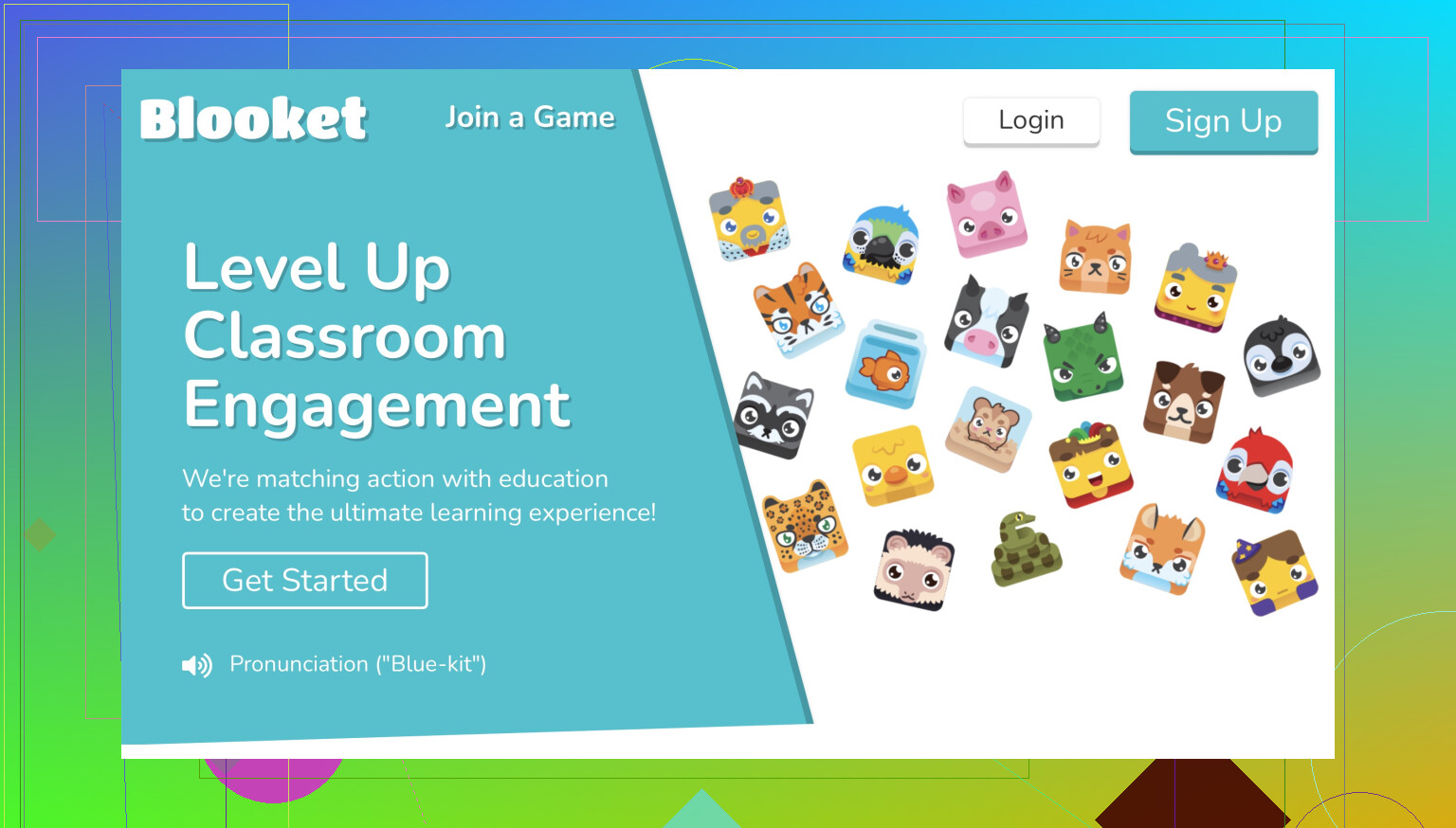
Hey there! Blooket can be a bit confusing at first, but once you get the hang of it, it’s really fun and educational. Let’s walk you through the basics of setting up and playing games on Blooket.
-
Create an Account: First things first, head over to the Blooket website and sign up for an account. You can either use your Google account or create one using your email.
-
Explore the Dashboard: Once you’re logged in, you’ll find yourself on the dashboard. This is where you can see game sets, create your own games, and join games hosted by others.
-
Joining a Game: If you want to join a game, you’ll need a Game ID from the host. Enter this code in the ‘Join a Game’ field on the dashboard, and you’ll be good to go.
-
Hosting a Game: To host a game, click on ‘Discover Sets’ to find pre-made game sets or ‘Create a Set’ to make your own. Follow the prompts to specify questions and answers. After creating or choosing a set, click ‘Host’ and set up game options like the game mode (e.g., Classic, Gold Quest). Share the Game ID with your players.
-
Playing the Game: Whether you’re joining or hosting, once the game starts, follow the on-screen instructions. Answer questions to earn points and try to outscore your competitors. Different game modes have unique twists, so try them all to see which one you like best!
That’s pretty much it! You can find more detailed instructions and insights in this guide on Medium.
Happy Blooketing! Let me know if you have more questions.